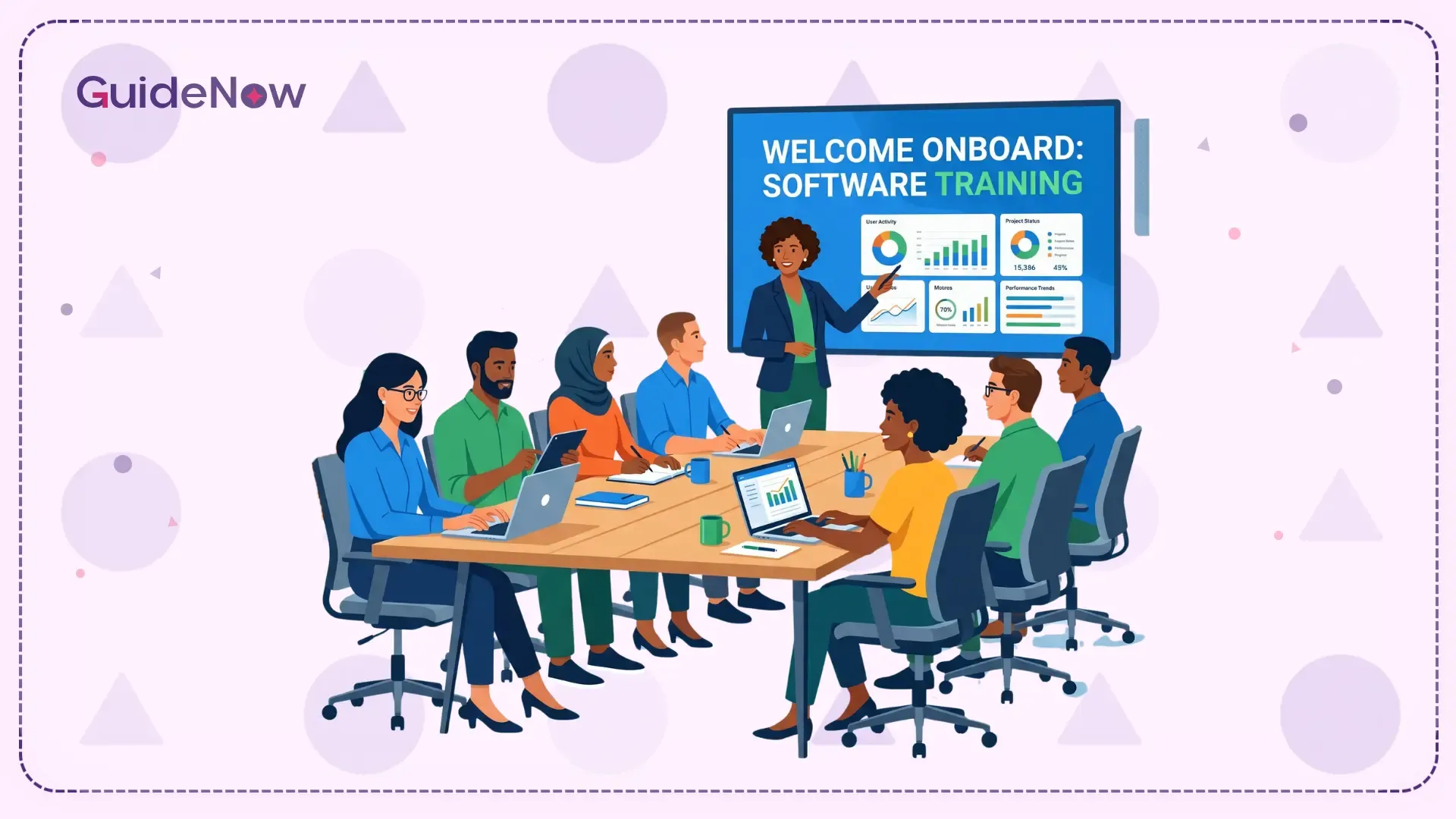
Employee software onboarding is the process of helping teams understand, navigate, and confidently use new digital tools in their daily workflows. When done well, it reduces ramp time, cuts support costs, and ensures organizations get real value from the SaaS platform they invest in.
Most organizations spend months selecting the right platform. They evaluate features, negotiate contracts, and plan deployments. Then the tool goes live, and within weeks, employees are confused, workarounds appear, and the productivity gains projected in the business case quietly disappear. The problem is rarely the platform. It is how people are brought onto it.
Employee software onboarding is one of the most under-leveraged levers in any digital transformation initiative. A well-designed onboarding experience also improves the overall digital employee experience (DEX) by helping employees work confidently across enterprise applications. This guide breaks down why it matters, where most organizations go wrong, and what a faster, more effective approach looks like in practice.
What Is Employee Software Onboarding?
Employee software onboarding is the structured process of helping employees learn and adopt new enterprise software as part of their everyday work. It goes beyond a one-day training session or a product walkthrough video; it covers everything from first exposure to full proficiency.
Strong software onboarding typically includes:
Role-specific guidance on how to use the tool for actual job tasks.
Step-by-step walkthroughs of core workflows inside the application.
Contextual support available at the moment of need, not just during training.
Progress tracking so managers and HR teams can see where employees are struggling.
Ongoing reinforcement as the SaaS platform evolves and new features are added.
The goal is not to teach employees everything about a tool up front. It is to help them reach competence on the tasks they need to complete, quickly, confidently, and without heavy reliance on IT or management.
Why Employee Software Onboarding Matters?
The gap between how organizations think their product enablement works and how employees actually experience it is significant. Most programs check boxes; they schedule sessions, distribute documentation, and mark training as complete. What they rarely do is ensure employees can actually use the tools they have been trained on.
Only 12% of employees strongly agree their company did a great job with software onboarding, a gap that directly impacts retention, productivity, and tool adoption. - Gallup
The cost of getting this wrong shows up across the organization:
Ramp time increases when employees cannot navigate new systems confidently.
Support tickets spike as employees ask the same questions repeatedly.
Managers lose time to informal hand-holding.
Workflows break as staff revert to familiar workarounds.
ROI on platform investments drops when tools are used at a fraction of their potential.
The Biggest Mistakes Organizations Make With Software Onboarding
Most software adoption programs fail for predictable reasons. Understanding where they break down is the first step to fixing them.
One-time training with no follow-up
A single launch-day training session treats onboarding as an event rather than a process. Teams forget most of what they learned before they have had a chance to practice it. Without reinforcement, even motivated staff fall back on old habits.
Generic content that ignores role differences
A warehouse manager and a finance analyst using the same ERP have entirely different workflows. When employee software adoption ignores role-specific needs, neither gets what they actually need. Role-specific guidance is not a luxury, it is the baseline for effective adoption.
A strong onboarding process improves new hire retention by 82% and productivity by over 70%. - Glassdoor.
Training outside the application
Showing teams how a tool works in a slideshow, then expecting them to transfer that knowledge into live software, creates a gap most staff cannot bridge alone. In-app learning for enterprise software is most effective when it happens inside the tool, during real tasks.
No visibility into where teams are struggling
Without tracking completion rates and drop-off points, organizations operate blind. They cannot tell which teams are thriving, which are stuck, and where employee software adoption needs to be updated.
Treating onboarding as HR's job alone
Effective software onboarding for enterprise teams requires coordination between HR, IT, department managers, and the teams rolling out the tool. When it sits with HR alone, the process loses the operational context that makes enablement relevant to actual job tasks.
What Faster Software Onboarding Actually Looks Like?
Organizations that cut ramp time without cutting quality share one approach: they bring guidance into the flow of work rather than pulling teams away from it.
In-app walkthroughs at the moment of need
Instead of pre-launch sessions, staff receive step-by-step in-app guidance for new software as they perform actual tasks. When a user opens a new module for the first time, a walkthrough appears. When they get stuck, a tooltip explains exactly what to do next.
Role-based onboarding paths
A sales team member navigating a CRM pipeline sees different walkthroughs than an operations manager running reports in the same system. Role-based employee onboarding software reduces noise, increases relevance, and builds confidence faster.
Microlearning instead of marathon training sessions
Short, focused guidance delivered at the right moment outperforms long sessions every time. Staff learn what they need, when they need it, and retain it because they apply it immediately. This is especially important as enterprise software onboarding evolves with continuous product updates.
Self-serve support that reduces IT dependency
When users can get answers inside the application through contextual help widgets or AI-powered assistants, they stop raising tickets for questions that could be answered in seconds. Self-serve in-app support for enterprise users lets IT teams focus on real problems instead of repeating the same explanations.
Progress tracking that surfaces gaps early
Analytics built into employee onboarding software platforms show which staff have completed walkthroughs, which workflows have high drop-off rates, and which teams are falling behind. Managers can intervene early rather than discovering adoption problems months into a deployment.
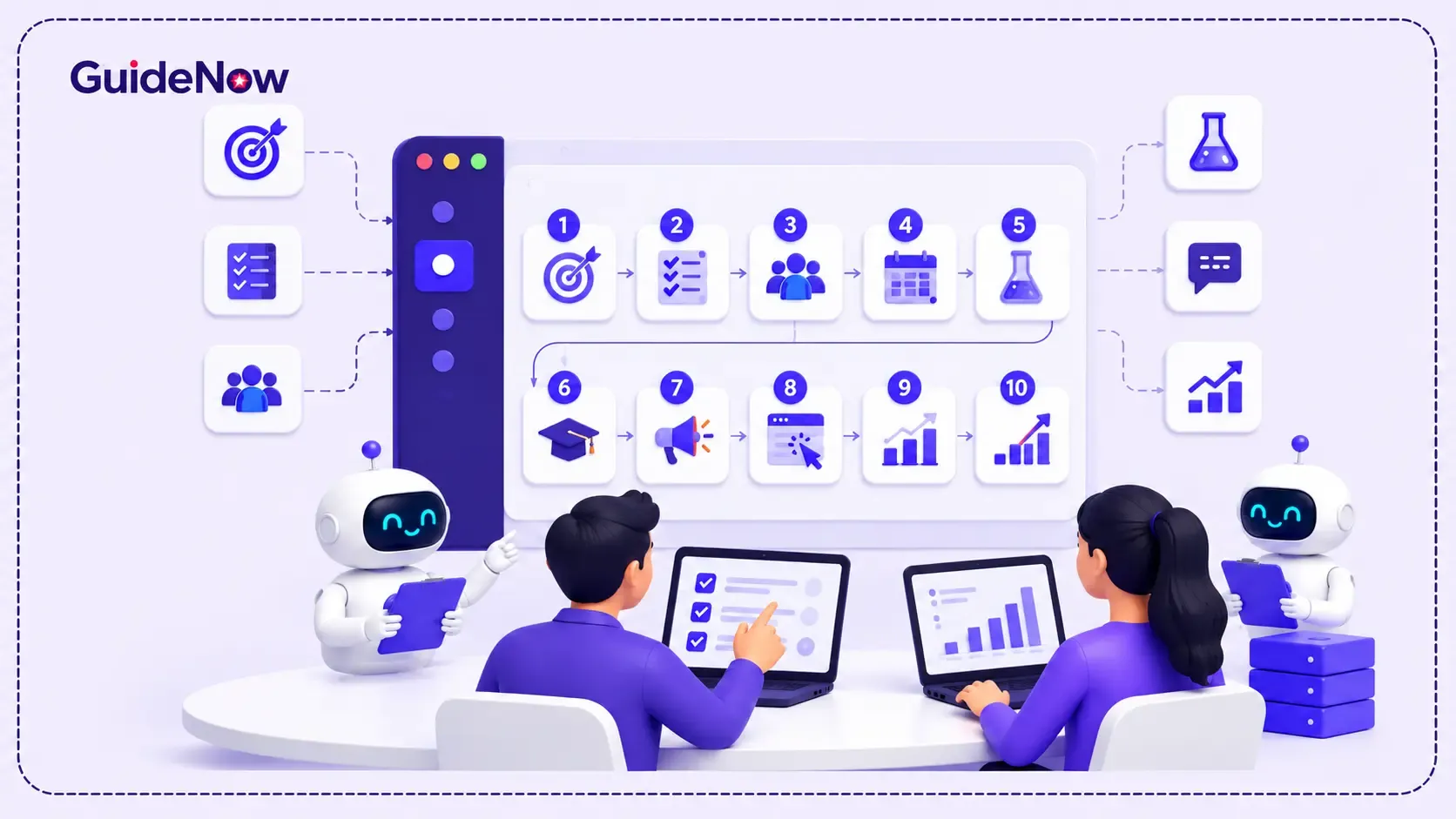
A 5-Step Framework For Faster Employee Software Onboarding
Organizations that consistently achieve faster ramp times follow a structured approach that combines preparation, in-app guidance, and continuous improvement.
Map roles to workflows: Before building any content, identify the specific tasks each role needs to complete in the new tool. What does a successful day look like for each user group? Digital enablement should be built around those workflows, not around the feature list.
Build in-app guidance before launch: Create walkthroughs, tooltips, and checklists that staff will encounter inside the application from day one. Guidance should cover the tasks most users will attempt first and the ones most likely to confuse.
Launch with contextual support in place: On go-live day, teams should have guidance exactly where they need it. In-app announcements explain what has changed, walkthroughs cover core workflows, and help widgets answer questions without leaving the application.
Track adoption and respond to drop-offs: Monitor which walkthroughs are completed, which workflows teams abandon, and where support requests cluster. Use this data to update guidance and flag teams needing additional support.
Update continuously as the product evolves: Platform changes, processes shift, and new features are released. Software adoption content must stay current, and the teams responsible for it need tools that make updating guides fast and easy, without depending on developers.
Employee Software Onboarding Across Industries
The principles of effective software adoption apply across sectors, but the stakes and challenges differ significantly by industry.
Healthcare
Clinical staff using EHR systems or patient management platforms need in-app onboarding for healthcare software that fits into shift-based work without disrupting care. Guidance that appears during actual workflows, not requiring time away from patients, is the only approach that scales across a distributed clinical workforce.
BFSI (Banking, Financial Services, and Insurance)
Accuracy in compliance and operations platforms is non-negotiable. Role-specific software onboarding for BFSI teams must build confident, consistent usage that reduces errors and maintains regulatory standards.
Retail and E-Commerce
High staff turnover means employee software onboarding in retail never truly ends. Lightweight, role-specific in-app guidance that requires no prior IT knowledge is what makes enablement scalable at this pace.
Government and Public Sector
Large-scale deployments with complex compliance requirements need structured, auditable employee onboarding software for government teams with clear tracking and role-based paths that do not overwhelm individual departments.
IT and SaaS
For organizations deploying a platform internally or onboarding customers onto their own product, guided software adoption directly affects feature adoption rates, support costs, and retention. The faster users reach their first value moment, the stronger the outcome for the organization and for the user. One of the most valuable indicators is the feature adoption rate, which reveals whether employees are actually using the capabilities that deliver business value after onboarding.
The Role Of Employee Onboarding Software
Employee onboarding software covers a wide range of tools, from HR platforms that manage paperwork to digital adoption platforms that deliver in-app guidance. Understanding the difference matters when selecting the right solution.
HR onboarding platforms
These tools manage the administrative and compliance side of user enablement document collection, e-signatures, task assignments, and system provisioning. They are essential for getting employees set up, but they operate outside the applications employees will actually use for their daily work.
Learning Management Systems (LMS)
LMS platforms deliver structured training through courses, modules, and assessments. They are well-suited for compliance training and foundational learning, but their content exists outside the workflow, meaning employees must context-switch to access learning and then switch back to apply it.
While LMS platforms are effective for structured learning, they often lack contextual in-app guidance. Understanding the differences between a Digital Adoption Platform (DAP) and a Learning Management System (LMS) can help organizations choose the right solution for continuous software adoption.
Digital Adoption Platforms (DAP)
DAPs address the gap HR tools and LMS platforms leave open. They sit directly on top of enterprise applications and deliver in-app walkthroughs, tooltips, and AI-powered onboarding assistance at the exact moment a team member needs support. For employee software onboarding specifically, this is where the most measurable impact on ramp time and adoption rates is achieved.
The strongest user enablement programs combine all three layers: HR tools for administration and provisioning, LMS for foundational training, and a digital adoption platform for continuous in-app onboarding support.
Evaluating And Measuring Employee Onboarding Software
When selecting a platform, these capabilities make the biggest difference in practice:
In-app guidance that delivers walkthroughs, tooltips, and checklists inside the applications employees actually use.
Role-based targeting so each employee sees training that is relevant to their specific workflows and responsibilities.
No-code content creation so HR, L&D, and operational teams can build and update onboarding content without involving developers.
AI-powered assistance that answers employee questions conversationally, inside the application, in real time.
Progress analytics that show completion rates, drop-off points, and adoption trends across teams and roles.
Once deployed, organizations should monitor key software adoption metrics such as time-to-productivity, feature adoption rate, walkthrough completion, support ticket reduction, and employee confidence scores to understand whether onboarding initiatives are delivering measurable business value.
The Future Of Employee Software Onboarding
Software onboarding is shifting from a structured event to a continuous, intelligent onboarding experience embedded in daily work.
AI is accelerating this shift in practical ways. Personalized onboarding journeys now adapt in real time based on how individual employees interact with a tool, surfacing guidance for the workflows they are actually attempting, not the ones training assumed they would attempt. Predictive analytics identify which employees are likely to struggle before they raise their hand. AI-powered assistants answer questions conversationally, inside the application, without the employee needing to stop what they are doing.
By 2026, 40% of enterprise applications will use AI agents to orchestrate work across systems, fundamentally changing how onboarding operates. — Gartner
The organizations that invest in this shift now will onboard faster, retain more knowledge across the workforce, and get more value from every tool they deploy.
Conclusion
Software onboarding is not a training problem. It is an adoption problem, and the two require different solutions. Enablement explains how a tool works for teams. Employee software onboarding ensures they can confidently use it in their daily work on the workflows that matter most to their role.
The gap between those two outcomes is where most platform investments lose their value. The organizations closing that gap fastest are the ones bringing guidance inside the application, making it role-specific, and treating onboarding as an ongoing process rather than a launch-day checkbox.
That’s where platforms digital adoption platforms come into the picture, making this shift practical by embedding in-app guidance, offering AI-powered support, and enabling ongoing learning experiences. The result? Employees get productive faster, and more importantly, stay that way.
Frequently Asked Questions (FAQs)
1. What is employee software onboarding?
Employee software onboarding is the process of helping employees learn and adopt new enterprise software through structured guidance, in-app walkthroughs, contextual support, and progress tracking, ensuring teams reach proficiency on the workflows that matter most to their roles.
2. How long does employee software onboarding take?
For straightforward tools, employees reach basic proficiency within a few weeks. For complex systems like ERPs or CRMs, full adoption typically takes three to six months. Role-specific in-app guidance significantly reduces this timeline.
3. What is the difference between onboarding and training?
Training delivers knowledge about how a tool works. Onboarding is the broader process of helping employees apply that knowledge to their actual workflows, with support available at the moment they need it, not just during a pre-launch session.
4. Why do employees struggle with new software?
The most common reasons are training that happens outside the application, generic content that ignores role differences, no in-the-moment support, and no reinforcement after the initial session. Employees cannot bridge the gap from training environment to a live SaaS platform without contextual support.
5. What is the role of AI in employee software onboarding?
AI powers personalized onboarding journeys that adapt to how individual employees actually use a tool, conversational in-app assistants that answer questions in real time, and predictive analytics that identify struggling employees before they raise a ticket.