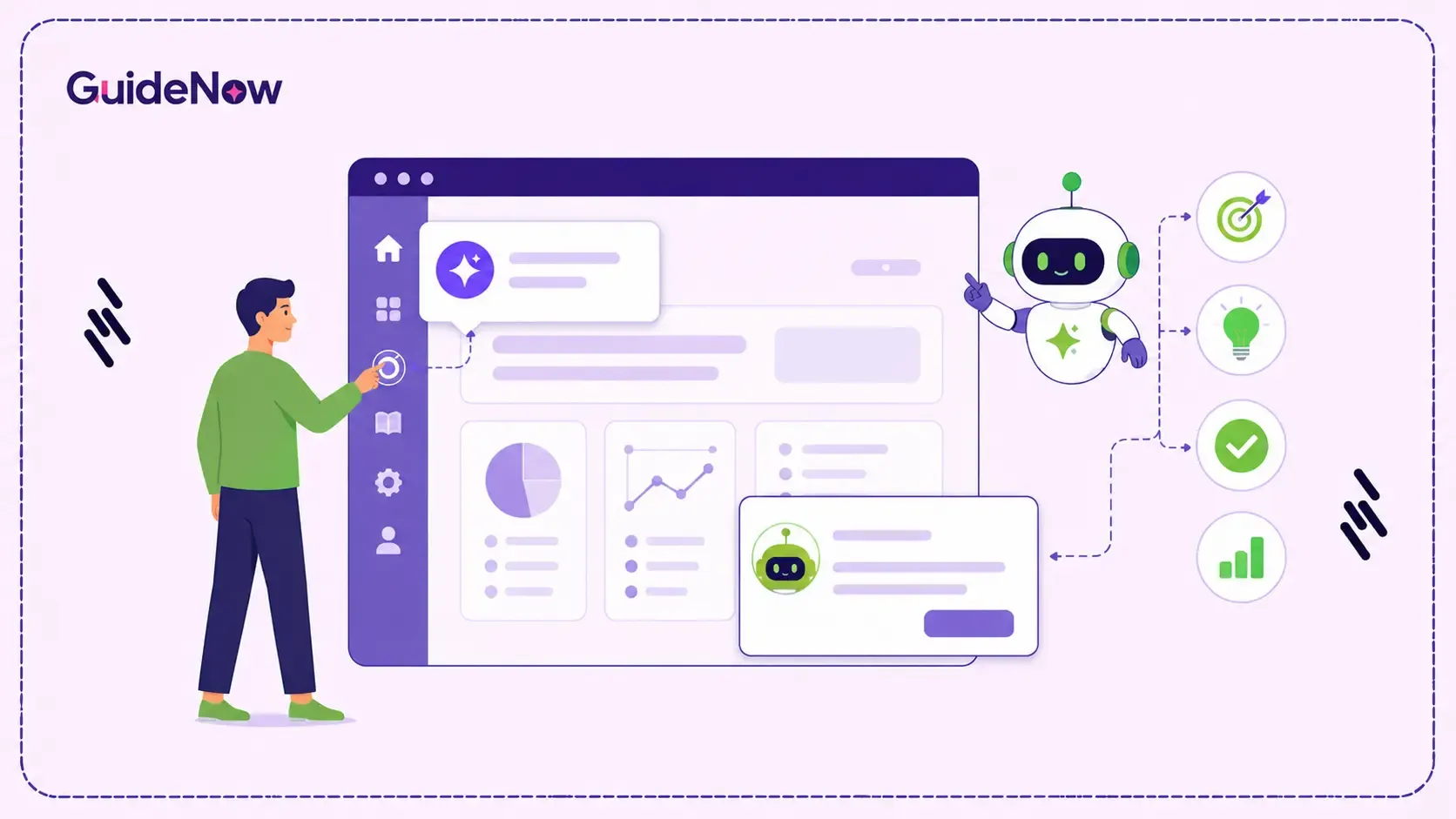
What if your software could tell you were about to make a mistake before you made it? That is exactly what AI-powered in-app guidance aims to achieve: it watches the behavior patterns that usually come before an error and steps in while there is still time to avoid it. Platforms like GuideNow use this kind of friction detection digital adoption approach through Donna, their end user AI, built to step in with context-aware guidance before someone gets stuck.
AI-powered in-app guidance works by continuously watching patterns in how you interact with software, hesitation, repeated corrections, abandoned fields, slow navigation, and comparing those patterns against what 'normal' use looks like for that screen. When your behavior starts to resemble the early signs of a mistake, the system can step in with help before the mistake happens, not after.
This blog explains how AI detects user friction works under the hood, what signals the system is watching, how it decides something is "friction" rather than just normal hesitation, and what happens once it makes that call.
Key Takeaways
Here is what this blog covers:
- What 'friction' looks like as a behavioral pattern, not just a feeling.
- The specific signals AI systems monitor to detect friction in real time.
- How proactive guidance differs from traditional reactive help.
- Why real-time error prevention UX depends on timing as much as accuracy.
- What makes AI-powered user assistance feel helpful instead of intrusive.
What Does Friction Actually Look Like In An AI System?
When people talk about user friction, they usually mean a feeling, the moment something feels harder than it should. But AI workflow guidance cannot detect a feeling. It can only detect behavior. So, the first step in understanding how this works is translating that feeling into things a system can observe.
Friction, from a system's perspective, tends to show up as a deviation from a typical pattern. Someone who usually completes a form in under a minute is now two minutes in and has not submitted. Someone has typed something into a field, deleted it, and typed something different three times in a row. Someone has navigated back to a previous screen they just came from. None of these things, on their own, prove that someone is struggling - but together, and compared against how that screen usually behaves, they start to look like AI detect user friction in action.
What Signals Does AI Monitor To Detect Friction In Real Time?
Many organizations use in-app guidance triggers to identify these moments and deliver contextual support exactly when users need it. Here are the categories that matter most:
Hesitation and dwell time
How long does someone spend on a screen, or on a specific field, relative to how long that screen or field usually takes. A field that most people fill in within five seconds, where this person has paused for thirty, is a signal, not proof of confusion, but a reasonable candidate for it.
Correction patterns
Entering a value, deleting it, and entering something else is normal. Doing it repeatedly on the same field, especially a field with a specific expected format (a date, a currency amount, a tax ID), suggests the person is not sure what the system wants, which is exactly the kind of moment proactive in-app guidance AI is designed to catch.
Navigation loops
Moving from screen A to screen B and back to screen A again, more than once, often means someone is looking for information on screen A that they need to complete something on screen B. This pattern is a strong candidate for AI-powered user assistance because it points to a specific, fixable gap - the information the person needs are not where they need it.
Abandonment points
If many different users tend to stop at the same step in a multi-step process (not finishing, not erroring, just stopping) that step is a recurring friction point. A single instance might be someone getting distracted. A repeated pattern across many users at the same step is a much stronger signal that something about that step itself is the problem. Repeated abandonment often indicates broader software adoption challenges rather than isolated user mistakes.
How Is Proactive Guidance Different From Traditional Reactive Help?
Reactive help waits for someone to ask for it or waits for an error to occur and then explains the error. Proactive in-app guidance AI works on a different timeline entirely; it tries to intervene during the window where someone is heading toward a problem but has not hit it yet.
The practical difference is significant. A reactive system might show 'Invalid format - please use MM/DD/YYYY' after someone submits a form with a date entered incorrectly. A proactive system, watching the same person type a date in the wrong format and pause, can offer the correct format example before they submit at all, turning a rejected submission and a frustrated retry into a single successful attempt. The outcome (a correctly filled field) is the same, but one path involves an error and a second try, and the other does not.
This is the core promise behind real-time error prevention UX. It's not that errors become impossible, but many of the errors that would have happened get intercepted at the behavior stage, before they become a logged error, a support ticket, or a piece of bad data that someone else has to clean up later.
How Does The System Decide When To Step In?
Detecting a signal and acting on it are two different things, and the gap between them is where most of the design difficulty in AI user behavior analytics lives. If the system intervenes too early or too often, it interrupts people who are already progressing successfully. If it waits too long, the opportunity for prevention has already passed.
One of the biggest challenges in proactive guidance is not detecting friction but determining whether intervention will genuinely help or simply create another distraction. The most effective systems are designed to balance assistance with user autonomy, stepping in only when the likelihood of helping outweighs the risk of interrupting.
Well-designed systems handle this by requiring multiple signals to align before acting. Rarely a single hesitation, but hesitation plus a correction pattern, or a navigation loop plus an abandonment point that many other users also hit. This combination approach is what allows friction detection digital adoption to stay quiet for the majority of interactions, where things are going fine, and only surface when several independent signals are pointing in the same direction at once.
The other part of the decision is relevance. It's not just whether someone is struggling, but whether the system has something useful to offer for this specific struggle. Detecting friction without having a relevant response to give is not very different from detecting nothing at all. This is why AI-powered user assistance tends to work best when it is connected to a library of contextual responses tied to specific screens, fields, and workflows, not a generic 'need help?' prompt that could apply to anything. These intervention strategies are a core capability of modern digital adoption platforms designed to improve software usability at scale.
Why Is AI-Powered Friction Detection Becoming More Important?
As more enterprise processes start to involve AI-generated suggestions, automated steps, and outputs that a person needs to review or correct, the points where someone can get confused are multiplying. McKinsey's 2025 State of AI survey found that 88% of organizations now regularly use AI in at least one business function, up from 78% the year before, which means more workflows now include a step where a person must interpret, confirm, or adjust something an AI system produced.
As AI becomes part of more business workflows, new points of user confusion are emerging. Employees are increasingly asked to review, validate, or modify AI-generated recommendations before completing a task. When users repeatedly edit an AI suggestion, hesitate before approving it, or leave the screen to verify information elsewhere, these behaviors often indicate uncertainty or friction. This is where AI-powered friction detection becomes valuable. By identifying these signals in real time, guidance systems can provide contextual assistance during moments that traditional documentation and training materials were never designed to support.
What Makes AI-Powered Guidance Feel Helpful Instead of Watched?
There is a real risk with any system built around behavior monitoring. If it feels like surveillance rather than support, people stop trusting it or actively work around it. There are a few differences between user assistance that feels helpful and guidance that feels invasive:
It responds to patterns, not single actions
One pause or one correction should not trigger anything. The system should be looking for combinations that repeat the kind of pattern that usually precedes a problem.
It offers help without forcing a path
A suggestion that someone can dismiss and continue at their own pace feels different from a popup that blocks the screen until they respond.
It does not store or expose what it observed in a way that feels personal
Behavioral signals used to trigger guidance should stay focused on improving the experience, not become a record someone feels judged by.
It gets quieter over time for people who do not need it
If someone consistently completes a task without friction, the system should stop offering help for that task. Guidance that never adapts starts to feel like it is not really 'watching' anything at all.
Who Should Care About How This Works?
Understanding how intelligent in-app assistance makes these decisions is useful for:
Product and UX teams trying to understand why certain screens trigger more guidance than others, and whether that points to a design problem worth fixing directly.
IT and digital adoption lead evaluating platforms and trying to distinguish genuinely proactive systems from ones that are reactive with extra steps.
Compliance and operations teams interested in how friction detection can reduce data entry errors in regulated workflows.
Anyone curious about why a piece of software seems to 'know' when they are stuck, and whether that is a good thing.
Conclusion
The shift from reactive to proactive support is really a shift in timing. AI-powered in-app guidance tries to act during the window where a mistake is still avoidable, rather than after it has already happened. That requires watching behavior patterns, not single actions, and only stepping in when several signals line up in a way that genuinely suggests someone could use help.
If you are evaluating tools in this space, the question worth asking is not just ‘does it detect friction?' but 'what does it actually do once it detects it, and how often does it get that timing right?’ Donna, GuideNow's End User AI, is built around exactly this kind of friction detection digital adoption loop: watching for the behavior patterns that typically precede a mistake and stepping in with contextual guidance before that mistake becomes a support ticket or a data error someone else has to fix later. AI-powered guidance is especially valuable during employee software onboarding, where users are still learning workflows and are more likely to encounter friction.