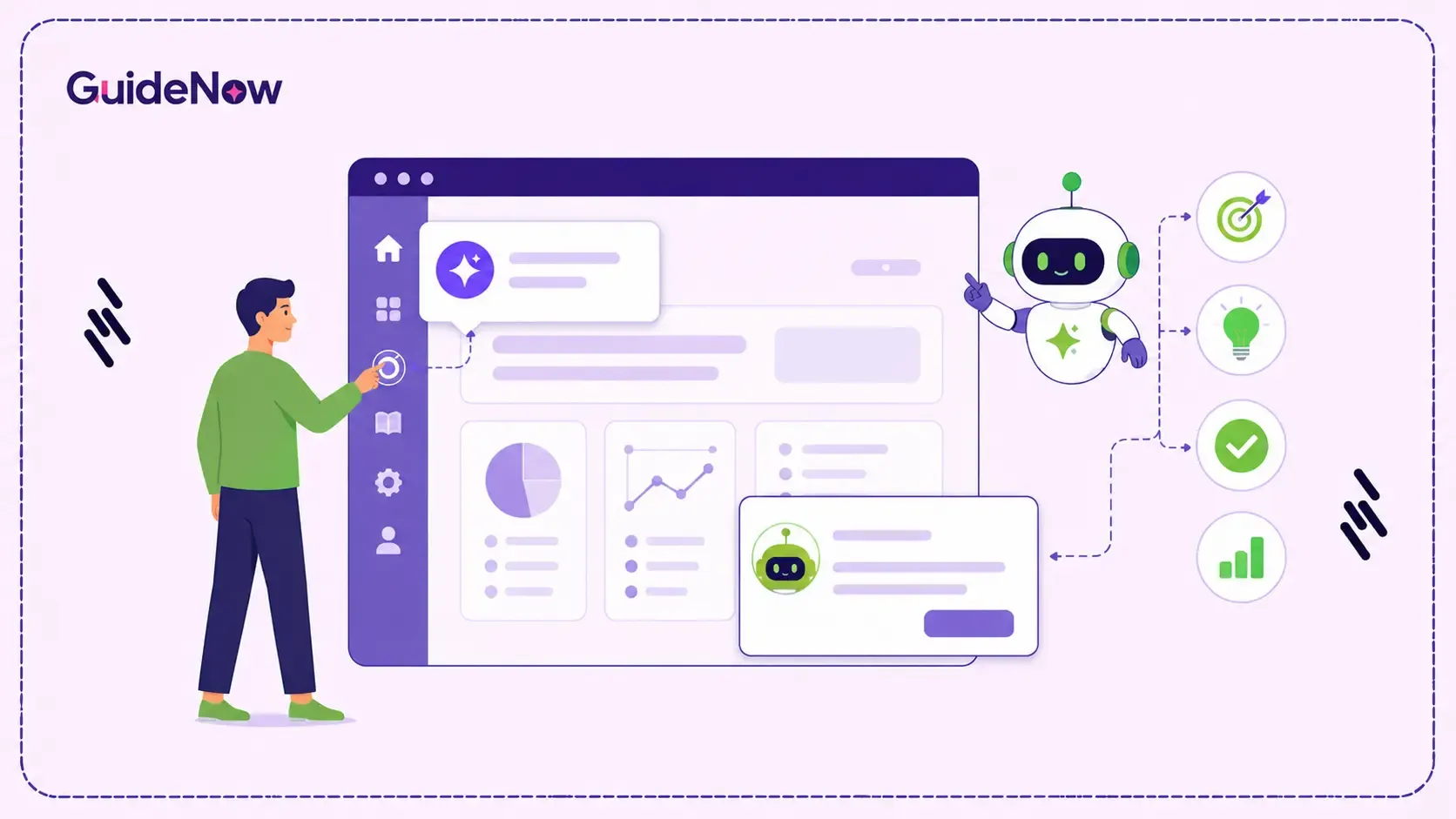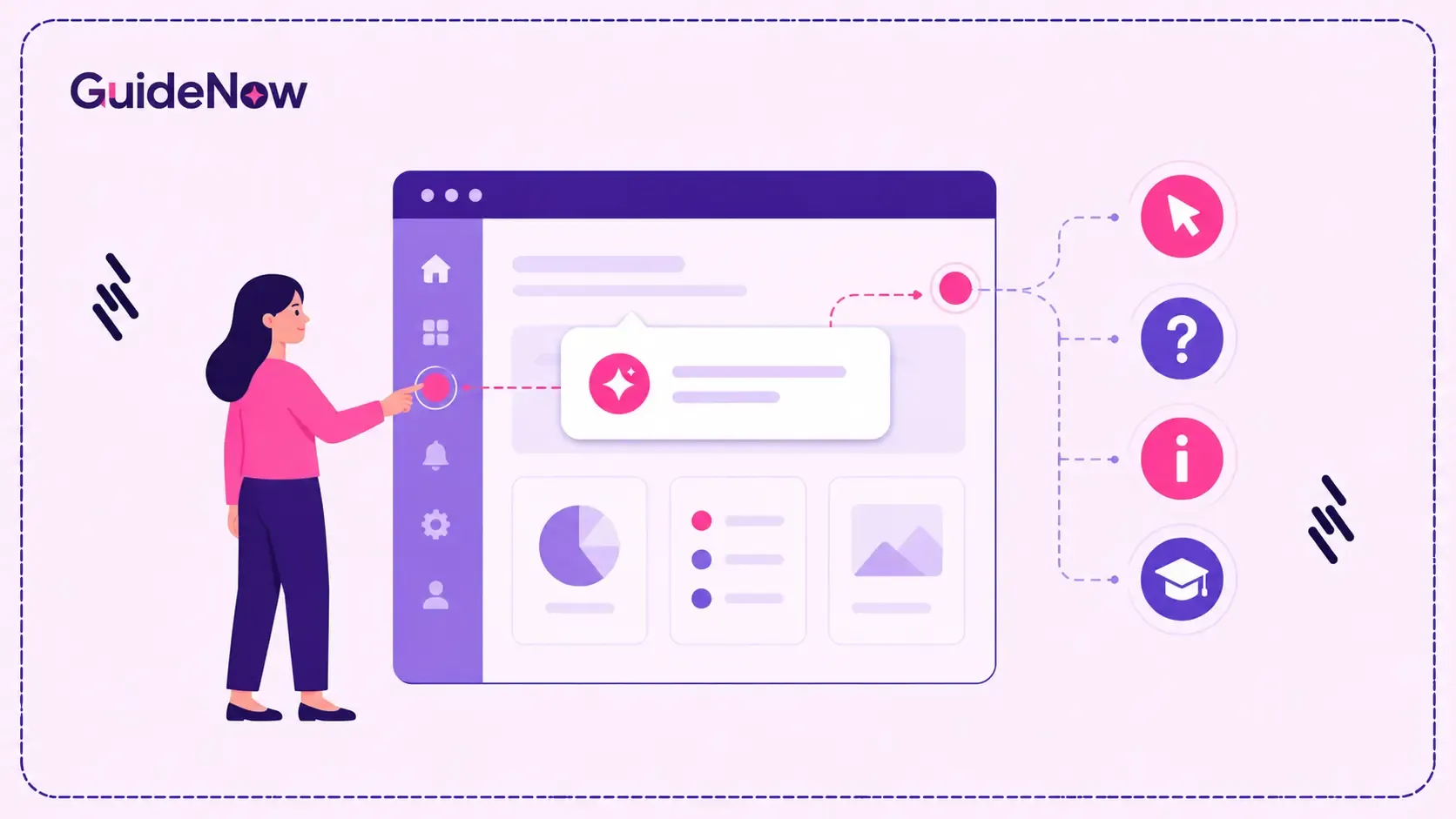
In-app guidance software works by watching what users do inside an application - which screens they visit, what they click, how long they pause, and where they encounter friction. It then uses those signals to decide, in real time, whether to show a tooltip, a walkthrough, a banner, or nothing at all.
At the center of this process is the trigger. A trigger is a predefined condition that determines when a guidance element should appear. These triggers can be based on user actions, timing, behavior patterns, roles, or account conditions. In many ways, the trigger is the decision point; everything else is simply the content being delivered.
If you have ever opened a new tool and had a tooltip appear at exactly the moment you got stuck, that was not luck. That was contextual in-app guidance doing its job - observing your behavior and responding to it in real time. GuideNow is built around this exact mechanism and helps organizations accelerate digital adoption through contextual, real-time guidance.
This blog explores how that decision-making process works, including the triggers, behavior signals, and real-time logic that power modern in-app guidance software. By the end, you will have a clearer understanding of what happens behind the scenes before you evaluate, implement, or build a guidance solution of your own.
Key Takeaways
Here is what this blog covers:
What a "trigger" actually is in in-app guidance software, and the main types you will encounter
How user behavior gets translated into a decision to show (or hide) a guidance element
The difference between time-based, action-based, and condition-based triggers
Why real-time decisioning matters more than the content of the guidance itself
Common mistakes that make in-app guidance feel intrusive instead of helpful
What Is a Trigger in In-App Guidance Software?
A trigger is the condition that tells the software: show this now. Without a trigger, in-app guidance software is just a library of content sitting unused. The trigger is what turns a stored tooltip, walkthrough, or banner into something a user actually sees - at a moment that (ideally) matches what they need.
Think of it like a smoke detector. The detector does not do anything on its own - it is built to respond to a specific condition (smoke in the air) and take action (sound an alarm) the moment that condition is met. Digital adoption triggers work the same way. The system is constantly watching for specific conditions in your behavior, and the moment one is met, it decides whether to act.
What Types of Triggers Does Contextual In-App Guidance Use?
Most contextual in-app guidance systems rely on a combination of trigger types working together. Here are the three you will see most often:
Action-based triggers
These triggers are activated by specific user actions, such as clicking a button, opening a screen for the first time, or completing (or abandoning) a step in a workflow. If you click "Export Report" for the first time, an action-based trigger might surface a quick tooltip showing you the scheduling option you have not discovered yet. This is the most common form of user behavior triggered popups because it ties guidance directly to intent - you are already trying to do something, and the system responds to that attempt.
Time-based and sequence triggers
These triggers are based on timing and user progression, such as how long a user stays on a screen, how many times they have visited it, or where a particular step falls within a workflow. For example, if a user remains on a configuration screen for 45 seconds without taking any action, that inactivity can signal uncertainty or hesitation. A time-based trigger can interpret that as hesitation and offer help before you even ask for it.
Condition-based triggers
These triggers are based on the state of your account, role, or data - not just what you click on. A condition-based trigger might check whether you are a new user, whether your role is "finance" versus "sales," or whether a required field is still empty. This is what allows real-time user guidance software to show different things to different people on the same screen, based on who they are and the state of their account.
How Does the System Decide What to Show in Real Time?
Here is where it gets interesting. Most modern in-app guidance software does not simply check a single trigger and activate guidance. Instead, it evaluates multiple signals together in real time and makes a decision based on the combination.
Suppose a user belongs to the finance team (condition-based), has opened the reporting module several times this week (action-based), and consistently downloads reports manually instead of using the scheduled export feature (behavior pattern). Individually, these signals may not be enough to trigger guidance. Together, however, they suggest that the user may be unaware of a more efficient workflow available within the application.
Rather than reacting to a single event, the system evaluates user behavior, context, and intent simultaneously before deciding whether guidance should appear. That combination of signals is exactly what contextual in-app guidance is designed to detect.
The "real-time" part matters because this evaluation happens continuously, not on a schedule. The system is not checking in every hour - it is watching as you move through the application and making decisions within milliseconds of a condition being met. This is what separates real-time user guidance software from older approaches like scheduled email tips or static help documentation that exists regardless of what you are actually doing. For many organizations, this shift is critical to overcoming persistent enterprise software adoption challenges that traditional training alone cannot solve.
Why Trigger Logic Is Critical for Effective In-App Guidance
It is tempting to think the value of in-app guidance software comes primarily from the quality of its tooltips, walkthroughs, and onboarding content. In reality, trigger logic often matters more because even the most well-written guidance can fail if it appears at the wrong moment.
A clear tooltip that pops up the instant someone opens a screen can feel like an interruption. The same tooltip, delivered when the system detects a genuine need for assistance, feels relevant and helpful. This is one reason why many organizations struggle with feature adoption in enterprise software, even when users have already completed formal onboarding and training programs. The content has not changed only the timing and context have. This is why digital adoption triggers play such an important role in determining whether guidance improves the user experience or becomes a distraction.
The impact of timing extends beyond individual tooltips. It also plays an important role in broader change management efforts, where users must adapt to new systems and processes without disrupting productivity. According to the Gartner Digital Worker Survey 2025, digital worker productivity has declined by 9-12 percentage points over the past two years, largely due to information overload and disconnected digital experiences.
This reflects a reality many organizations face today: employees are expected to navigate an increasing number of applications, workflows, and updates without additional support. Well-designed trigger logic helps address this issue by delivering contextual assistance at the exact moment it is needed. The goal is not to provide more guidance-it is to provide the right guidance, surfaced at the right time, based on what the system can observe about a user's behavior, context, and intent.
What Makes In-App Tooltips and Triggers Feel Intrusive?
Most frustration with in-app tooltips triggers comes down to a small number of design mistakes. Here is what tends to go wrong:
Triggering on every visit, not just the first.
If a tooltip keeps appearing after you have clearly already learned the feature, it stops being guidance and starts being noise.
Triggering on page load instead of on hesitation.
Showing help before someone has even had a chance to try something on their own assumes they need it - which is often wrong.
H3: Ignoring role and context.
A trigger that fires the same way for a new user and a three-year veteran is not "contextual" - it is just a popup with a delay.
Stacking too many triggers at once.
If three different conditions all fire in the same session, the experience feels chaotic rather than helpful, even if each trigger made sense on its own.
Good contextual in-app guidance feels almost invisible when it is working well - you barely notice it because it shows exactly when you need it and stays out of the way otherwise.
Who Should Care About How These Triggers Work?
Understanding trigger logic - even at a conceptual level - is useful for:
Product and UX teams designing onboarding flows who need to know why a tooltip is firing too often, too late, or not at all
IT and digital adoption leads evaluating in-app guidance software and trying to compare how "smart" different platforms actually are often view these capabilities as part of a broader technology adoption strategy across the organization.
L&D and enablement teams building guidance content who need to understand what triggers their content can realistically attach to
Anyone troubleshooting why a guidance tool feels helpful in some places and intrusive in others
Conclusion
The difference between guidance that helps and guidance that annoys rarely comes down to the words on the tooltip. It comes down to the trigger - the combination of action, timing, and context that decides whether something appears at all. In-app guidance software that gets this right feels like it is reading your mind. Software that gets it wrong feels like it is reading a script.
If you are evaluating tools in this space, ask less about what the guidance says and more about how the system decides when to show it. Guidenow Platform is built around this real-time decisioning layer, combining behavioral signals, user roles, and contextual conditions to determine when guidance should appear. Unlike traditional training approaches, modern digital adoption platforms help users learn directly within the application.
For organizations evaluating Digital Adoption Platforms, understanding trigger logic is often more important than comparing tooltip designs or walkthrough templates. The sophistication of the decision-making layer ultimately determines whether guidance feels helpful, relevant, and timely.