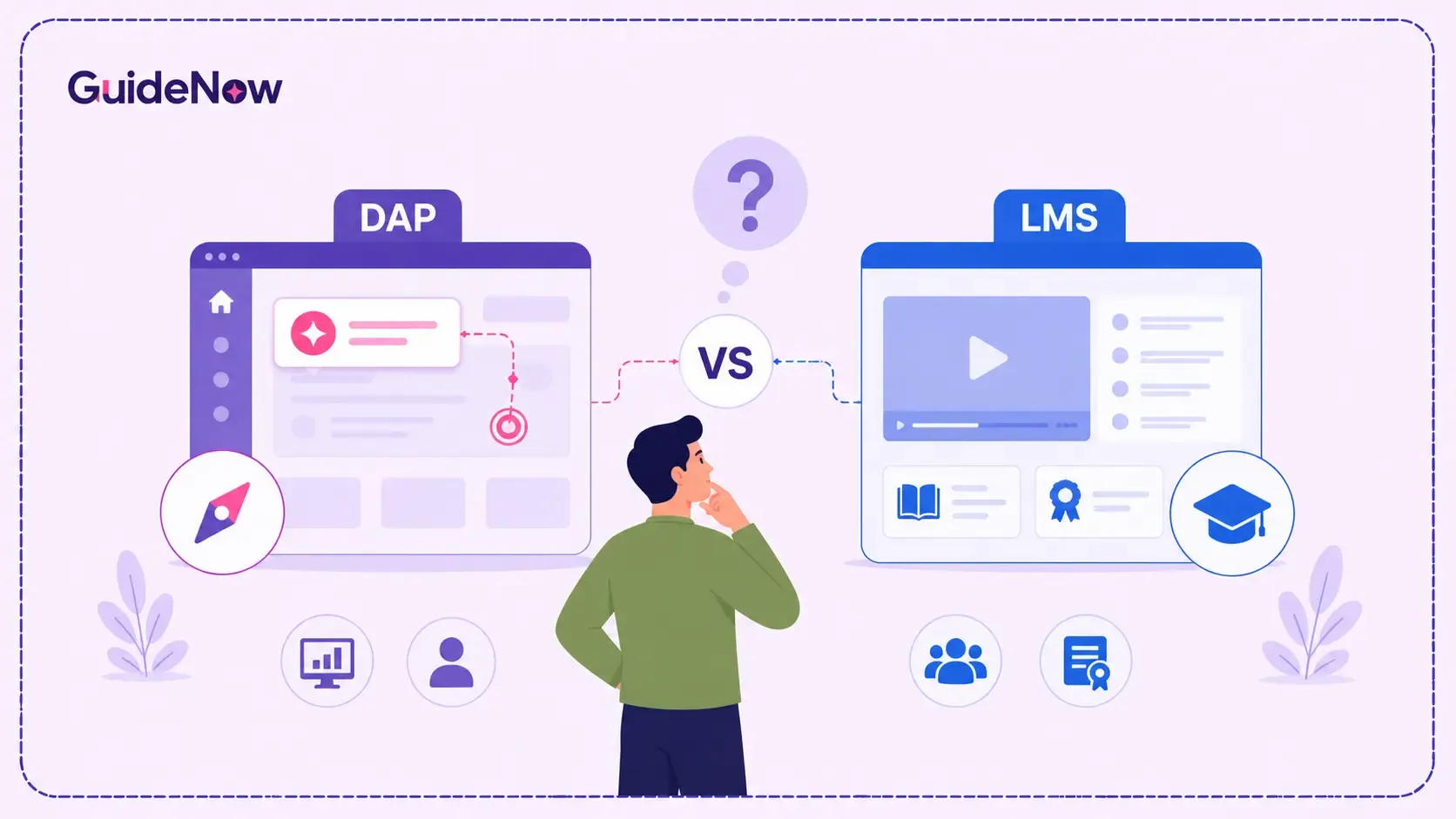
When organizations introduce new enterprise software—whether it's a CRM, ERP, or HRIS—one of the biggest challenges is helping employees learn how to use it effectively. Many businesses compare two popular training solutions: a DAP and LMS While both support employee learning, they serve different purposes and solve different problems.
Choosing the right solution can have a significant impact on software adoption, employee productivity, onboarding speed, and overall business performance. This guide explains the differences between Digital Adoption Platform and Learning Management System, where each solution works best, when to use them together, and how to choose the right approach for your enterprise software training needs.
What Is a Learning Management System — and What Is It Really Built For?
An LMS is a platform designed to create, deliver, and track structured learning content. Think of it as the backbone of formal corporate training: compliance certification, onboarding curricula, role-based learning paths, and regulatory skill assessments. Employees log in, complete pre-built modules or video courses, pass quizzes, and receive certificates.
The LMS excels at managing the record of learning — who completed what, when, and with what score. It's the system of record for corporate L&D, deeply integrated into HR processes and audit workflows.
What it is not built for: real-time, in-the-flow-of-work guidance. When an employee is mid-task inside a complex enterprise application and can't remember how to trigger a specific workflow, the LMS does not help. It is a separate environment that employees must leave their work to visit — and in high-pressure, high-complexity software environments, that context switch is rarely something they'll make voluntarily.
What Is a DAP — and Where Does It Actually Live?
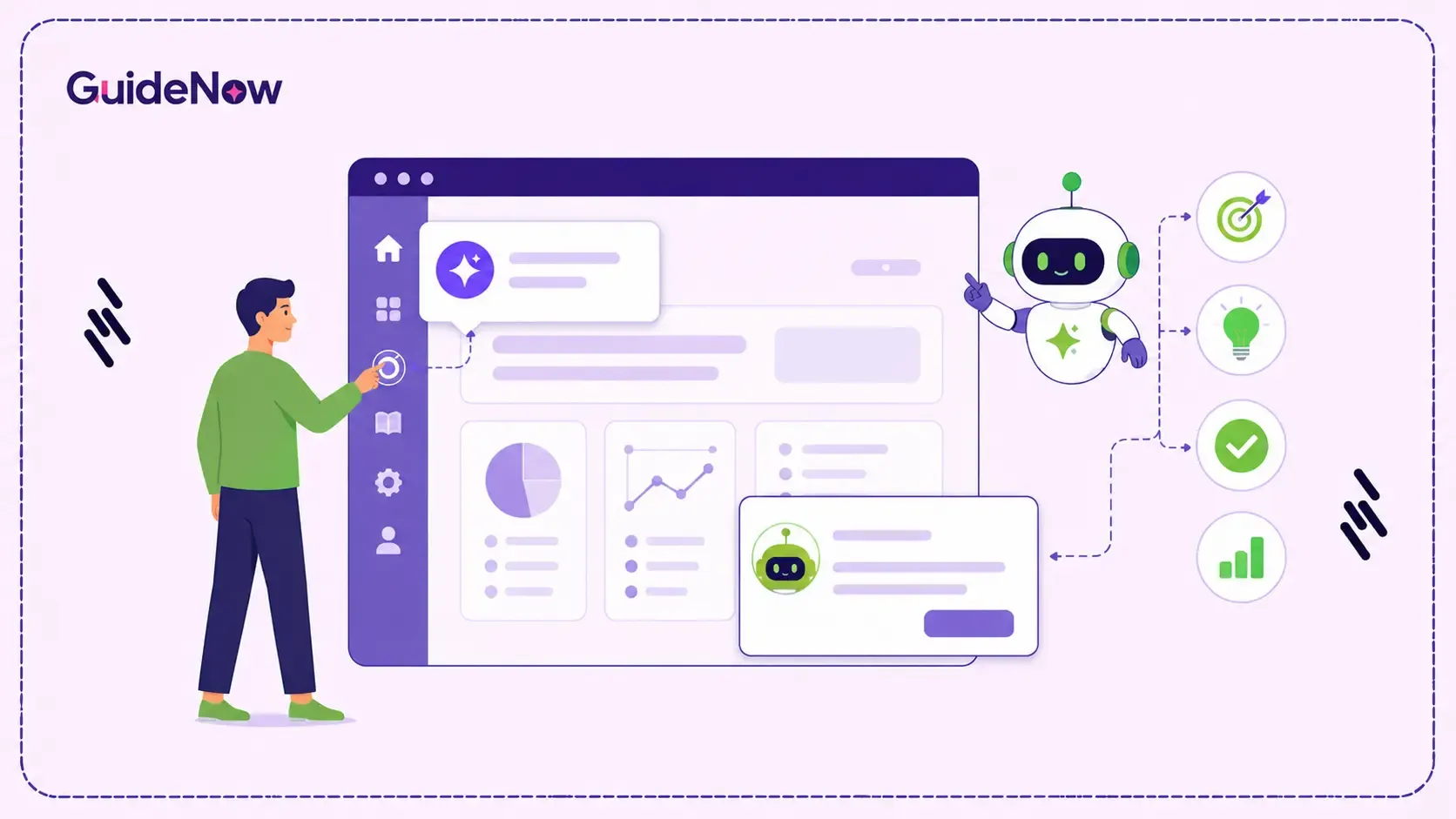
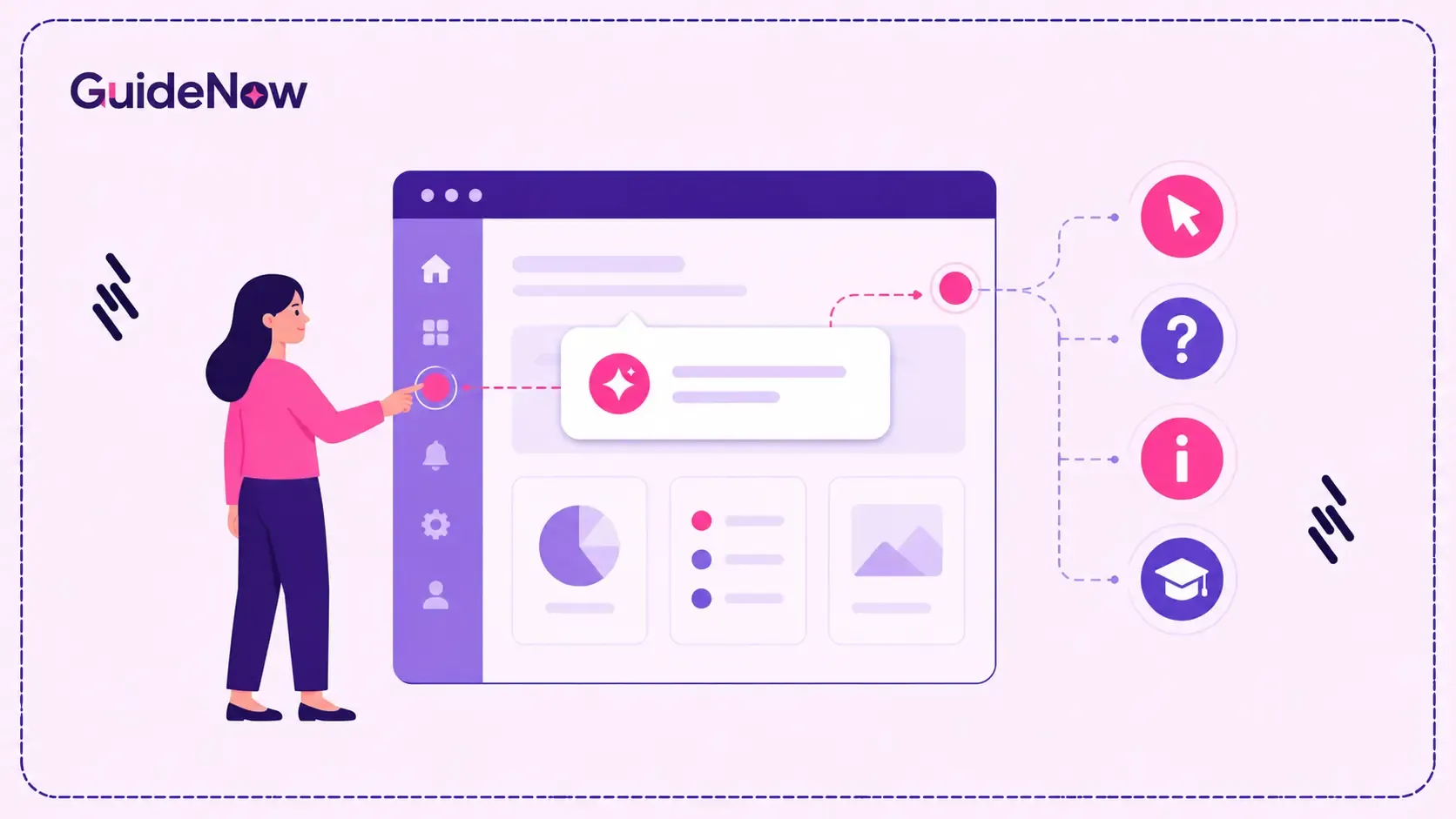
A Digital Adoption Platform is a layer of interactive, context-aware guidance that sits on top of your enterprise software — in the application itself. Rather than teaching employees about a tool in a separate environment, a DAP guides them through tasks while they're actually performing those tasks. Step-by-step walkthroughs, smart tooltips, in-app announcements, on-screen checklists, and contextual help panels all appear inside the software at the exact moment they're needed.
The defining characteristic of a digital adoption platform for employee training is proximity to the point of action. It eliminates the gap between knowing something in theory and doing it correctly in practice — which is the gap where most enterprise software rollouts quietly fail.
Modern DAP solutions also collect behavioral analytics that help organizations identify user friction, enabling IT and L&D teams to continuously improve workflows based on real user interactions rather than assumptions.
The Core Difference Between DAP and LMS: Learning vs. Doing
The most important thing to understand about the difference between DAP and LMS is that they operate on different time horizons. An LMS addresses learning before work begins. A DAP addresses competency while work is happening.
Consider a simple scenario: your organization deploys a new procurement module in SAP. An LMS might deliver a 45-minute course on how the module works. Employees complete it, check the compliance box, and two weeks later sit down to use the tool for the first time — with almost none of the procedural knowledge retained. A DAP, by contrast, walks each employee through the exact steps of their first real procurement request directly inside SAP, adapting to their role and surfacing contextual help precisely when they get stuck. This approach significantly improves employee software onboarding by helping new users complete real tasks with confidence from their very first day instead of relying solely on traditional training materials.
This distinction has a formal name in learning science: the forgetting curve. Research consistently shows that without reinforcement at the point of application, people forget 50–80% of new information within days. DAPs are, in effect, an architectural solution to the forgetting curve — embedding guidance where memory fails.
At a Glance: DAP vs LMS
| Evaluation Criteria | Learning Management System (LMS) | Digital Adoption Platform (DAP) |
| Primary Purpose | Deliver structured learning programs | Guide users while they work inside applications |
| Learning Environment | Separate training portal | Embedded within enterprise software |
| Best For | Compliance, onboarding, certifications | Software adoption, workflow execution, user guidance |
| User Interaction | Courses, videos, quizzes | Interactive walkthroughs, tooltips, checklists |
| Success Metric | Course completion and assessment scores | Task completion, feature adoption, reduced support requests |
| Time to Value | Before users start working | During real-time software usage |
| Works Best For | HR, L&D, Compliance teams | IT, Digital Transformation, Operations teams |
| Enterprise ROI | Improved learning compliance | Faster adoption and higher software utilization |
When the LMS Is the Right Enterprise Software Training Tool
There are clear scenarios where an LMS remains the correct tool for the job.
Compliance and regulatory training is the most obvious. If your organization needs to demonstrate — to an auditor, a regulator, or a legal team — that specific employees completed specific training on specific dates, an LMS provides that audit trail. GDPR awareness, HIPAA training, safety certifications: these are LMS territory.
Pre-hire or role-specific onboarding curricula, particularly those involving conceptual frameworks or company-wide context (culture, values, product knowledge), benefit from structured course delivery before an employee ever touches a core system.
Skill development programs that are not tied to a specific software workflow — leadership training, communication skills, technical certifications — also fit naturally within an LMS. The learning objective is conceptual and retained over time, not procedural and needed at a specific moment.
Where an LMS struggles: enterprise software training tools comparison research consistently highlights that LMS platforms see low voluntary engagement when content is software-procedural rather than conceptual. Completion rates for software how-to modules often hover below 40% — not because the content is poor, but because the format is wrong for the learning objective.
When a Digital Adoption Platform Outperforms Traditional LMS Training
A DAP consistently outperforms LMS-only approaches in scenarios where application complexity is high, change frequency is ongoing, and user populations are large or distributed. The need for contextual software guidance continues to grow as enterprise transformation accelerates. Research from McKinsey & Company has found that around 70% of digital transformation initiatives fail to achieve their intended outcomes, with poor user adoption and organizational change management consistently identified as major contributing factors.
This is particularly true for organizations facing ongoing software adoption challenges, where employees struggle to use enterprise applications effectively even after completing formal training.
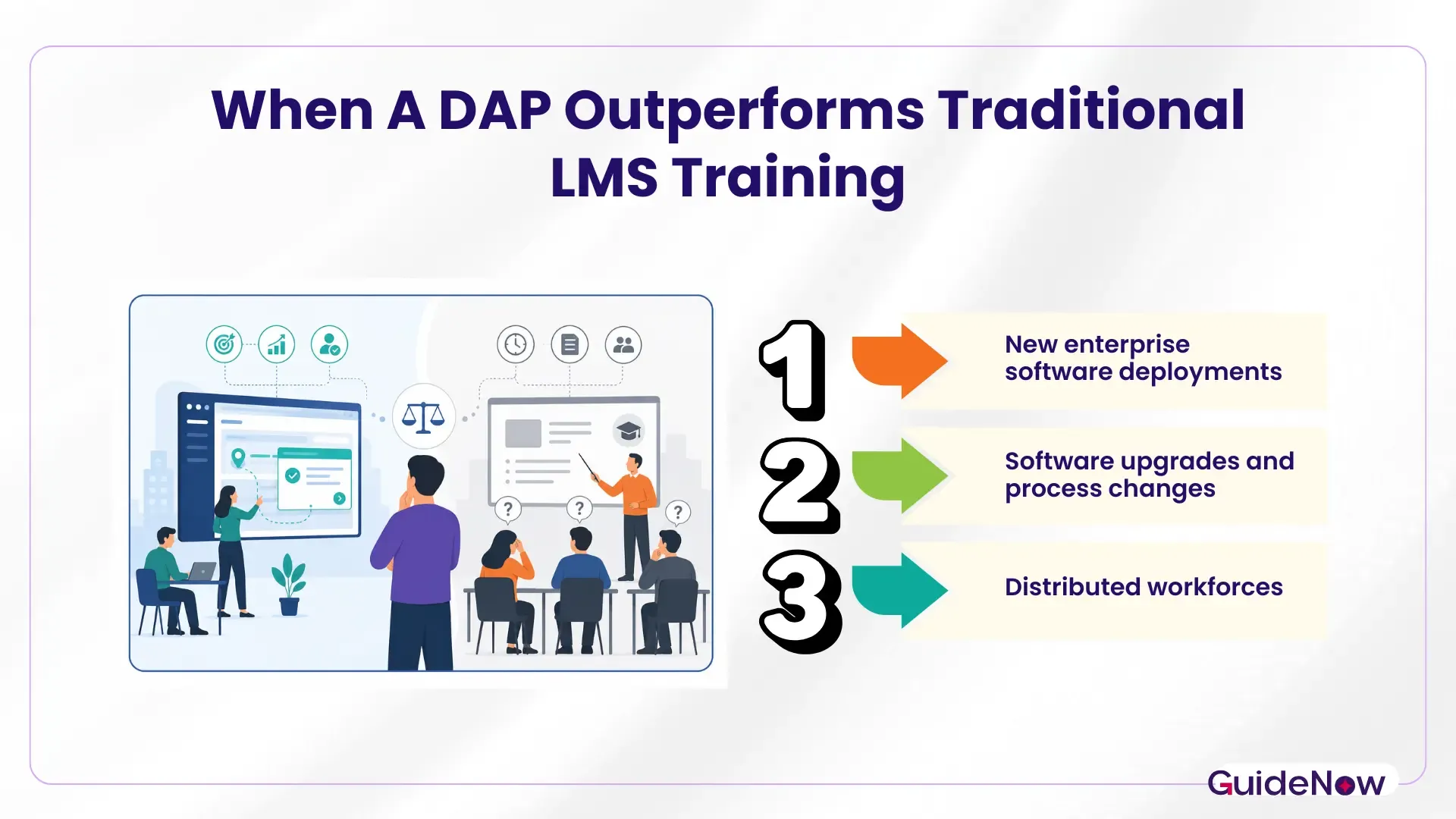
New enterprise software deployments — ERP, CRM, HCM, ITSM — are the clearest use case. When employees must adopt a new system with new workflows, in-app guidance dramatically reduces time-to-proficiency and support ticket volume. Multiple enterprise DAP deployments have demonstrated 30–60% reductions in onboarding time compared to LMS-only approaches for the same software rollout.
Software upgrades and process changes represent a critical advantage for DAPs. When a vendor updates a UI or your operations team modifies a process, a DAP can surface change alerts and updated walkthroughs inside the application instantly — with no new course authoring cycle required. An LMS, by contrast, requires creating, publishing, and re-assigning updated content, a cycle that often lags weeks behind the actual change.
Distributed workforces where central L&D capacity is limited benefit enormously from DAP automation. A global enterprise deploying the same application across 40 countries cannot practically produce LMS courses in every relevant language and update them continuously. A well-configured DAP with localized content flows scales where course-based training cannot.
Additionally, DAP analytics provide a feedback loop that LMS data simply cannot: not whether someone passed a quiz, but whether they successfully completed a real business transaction on their first or second attempt — a measure far more tightly linked to operational outcomes.
LMS and DAP Integration: Why "Either/Or" Is Often the Wrong Question
Many enterprise L&D leaders reach a point where the DAP vs LMS framing itself becomes limiting. The most mature enterprise software training architectures treat these tools as complementary layers rather than competing alternatives. LMS and DAP integration creates a continuous learning loop: the LMS delivers foundational knowledge and manages compliance records; the DAP reinforces procedural competency at the moment of task execution and feeds behavioral data back into L&D planning.
Understanding the enterprise technology adoption curve also helps organizations determine when employees need structured learning versus contextual guidance throughout their software adoption journey.
A practical integration workflow might look like this: a new hire completes a system orientation module in the LMS before their start date (conceptual context, key process overview). On their first day working inside the application, the DAP's onboarding flow activates — walking them through real tasks with interactive guidance. As they grow proficient, the DAP progressively reduces guidance and surfaces advanced tips. When a major software update rolls out, the DAP alerts all users in-app, with targeted L&D refresh modules triggered back in the LMS for employees who need deeper context.
This integration model resolves the digital adoption platform vs LMS debate entirely by assigning each tool its optimal role. Neither platform is asked to do something it wasn't designed for — and the employee training experience becomes genuinely continuous rather than episodic.
Making the Enterprise Buying Decision: A Framework for 2026
If your organization is evaluating enterprise software training tools, the decision framework comes down to four questions:
Is the training objective compliance-driven or adoption-driven? Compliance record → LMS. Software proficiency at scale → DAP.
How rapidly does the software or the underlying process change? High change frequency → DAP's no-code update model is far more sustainable than repeated course authoring cycles.
What do your enterprise software adoption metrics reveal? Measuring real user behavior helps organizations determine whether employees are successfully adopting critical workflows instead of simply completing training courses..
What is the total cost of slow adoption? For enterprise SaaS applications licensed per seat, unused features represent direct cost waste. A DAP's ROI calculation includes not just training efficiency but the value unlocked by driving actual feature utilization.
Organizations evaluating platforms like GuideNow alongside established LMS vendors are often discovering that the real opportunity isn't in replacing one tool with another — it's in closing the adoption gap that neither system was previously addressing.
Should You Replace Your LMS with a DAP?
The replace LMS with DAP question comes up frequently, especially in organizations where the LMS has become a compliance checkbox platform that nobody engages with for actual software learning. The honest answer: for most enterprises, wholesale replacement is not the right move — but a significant rebalancing often is.
If your LMS is primarily used for compliance training and HR records (a legitimate and valuable use case), retain it. If you have been trying to use it to drive software adoption and it isn't working, that's the gap a DAP is architected to fill. The right question is not which tool to eliminate, but which tool to add — and where the organizational investment should be weighted given your current adoption challenges.
Some smaller organizations with limited compliance requirements and a focused software stack do find that a well-implemented DAP can consolidate much of their practical training need without a separate LMS — particularly when the DAP includes robust analytics and content management capabilities. But for regulated industries or large enterprises with complex HR and compliance workflows, the LMS retains a clear functional role.
Conclusion: Match the Tool to the Training Problem
The DAP vs LMS question rarely has a single right answer — but it does have a clear analytical framework. An LMS is the right tool when your training objective is formal, compliance-driven, and conceptual. A digital adoption platform is the right tool when your objective is to drive actual software proficiency at the point of task execution, at scale, with the flexibility to adapt as your technology environment changes.
For most enterprises navigating complex, evolving software ecosystems, the answer isn't one or the other — it's understanding exactly what each tool was built to do, deploying them where they perform best, and integrating them into a training architecture that covers the full employee journey from first awareness to sustained competency.
The organizations that close their adoption gaps fastest aren't those who picked the "right" tool in isolation — they're the ones who stopped treating training as a single-channel problem and started treating software competency as an ongoing operational discipline. Pairing these technologies with effective change management for digital adoption helps reduce employee resistance, accelerate software proficiency, and maximize long-term business value from enterprise technology investments.
Frequently Asked Questions
1. What should enterprises evaluate before choosing between a DAP and an LMS?
Before making a decision, enterprises should evaluate factors such as software complexity, user adoption challenges, compliance requirements, existing training infrastructure, integration capabilities, scalability, and long-term maintenance costs. Selecting a solution based on business objectives leads to better adoption outcomes.
2. How can you tell if your current training approach isn't working?
If employees frequently ask for help, avoid using key features, or struggle after software launches, it's usually a sign that traditional training isn't providing enough support during day-to-day work.
3. How long does implementation usually take?
The timeline depends on the number of applications and workflows involved. Smaller deployments can go live within weeks, while enterprise-wide rollouts typically require more planning, testing, and governance.
4. Will you need technical expertise to create in-app guidance?
Most modern platforms allow business teams to build and update walkthroughs using visual editors, reducing the need for ongoing developer involvement.
5. How can organizations reduce repetitive support requests?
Giving employees contextual guidance while they work helps them solve common issues independently, allowing IT and support teams to focus on more complex requests.