Enterprise software has become increasingly sophisticated, but helping employees and customers use it effectively remains a significant challenge. Users frequently struggle with unfamiliar interfaces, complex workflows, application settings, and processes that require multiple steps. Traditional support channels, such as help documentation, training sessions, and support tickets, often require users to leave their applications to find answers.
This is where Agentic AI is changing enterprise user support. Unlike conventional chatbots that primarily respond to predefined questions, agentic systems can understand user intent, interpret context, retrieve relevant information, and perform authorized actions through connected applications. They can help users troubleshoot issues, navigate software, and complete tasks without repeatedly depending on human support.
For enterprises evaluating modern support solutions, choosing the right assistant requires more than comparing chatbot features. Contextual awareness, task execution, application integrations, security, human escalation, and ease of deployment all influence the effectiveness of an AI-powered support experience.
This guide explores the best AI assistants for in-app user support, compares their capabilities, and explains what businesses should evaluate before investing in an enterprise solution.
What Is Agentic AI in In-App User Support?
Agentic AI refers to artificial intelligence systems that can understand objectives, plan actions, use connected tools, and complete multi-step tasks with varying levels of autonomy.
In in-app user support, these systems operate alongside the software employees or customers are already using. Instead of requiring users to search through documentation or submit support tickets, an assistant can interpret their questions and provide relevant guidance based on the application, user context, and available business information.
For example, consider an employee who needs to submit an expense reimbursement through an unfamiliar enterprise application.
A conventional chatbot might explain where the reimbursement option is located. A more advanced assistant could identify the required information, guide the employee through the submission process, retrieve relevant policy information, and initiate authorized actions through connected systems.
Common capabilities include:
- Context-aware assistance: Understands the application, user intent, and current task.
- Multi-step task execution: Breaks complex requests into manageable actions.
- Knowledge retrieval: Finds relevant information from enterprise documentation.
- Personalized guidance: Adjusts assistance based on user roles and permissions.
- Application integration: Connects with enterprise applications, APIs, and business systems.
- Human escalation: Transfers complex or sensitive requests to support teams.
The key distinction is that conversational assistance provides information, while agentic capabilities can help users move from understanding a task to completing it.
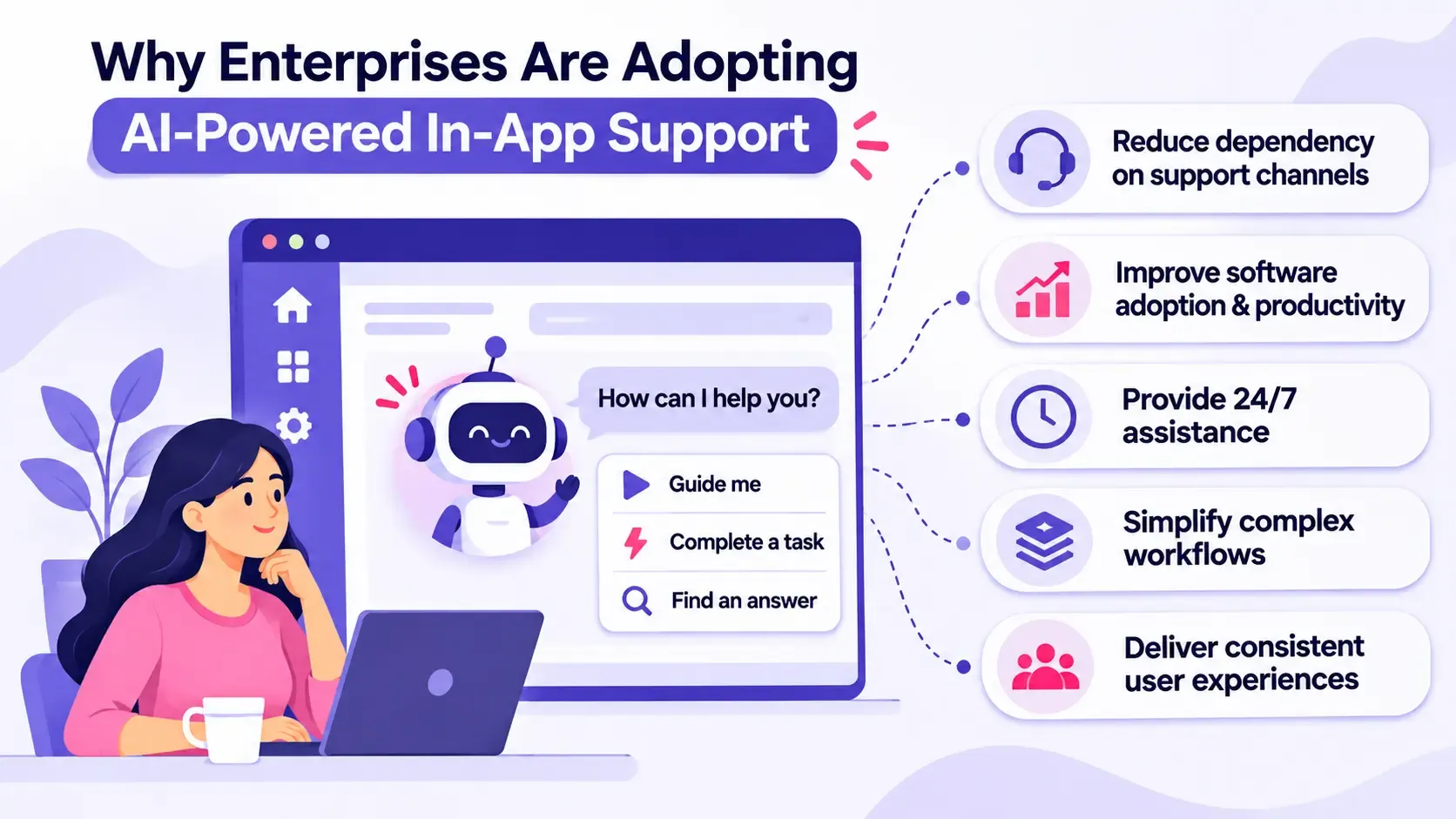
Why Enterprises Are Adopting AI-Powered In-App Support
Enterprise software adoption is not simply about deploying applications. Employees must understand how to use different features, follow business processes, and complete tasks accurately.
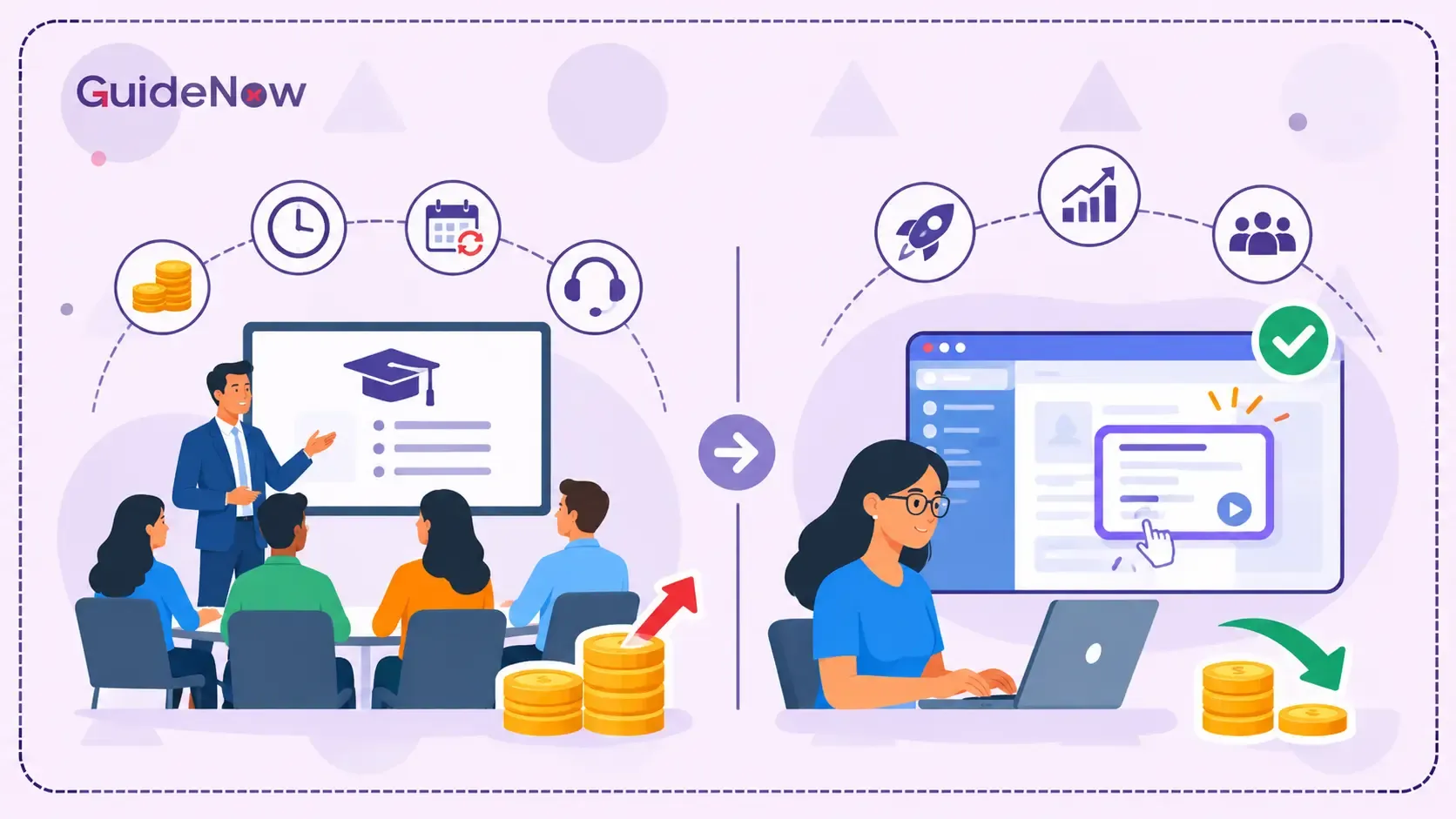
Traditional support models create friction because users often need to switch between applications, knowledge bases, training materials, and support channels.
Modern AI Agents can address these challenges by providing assistance within the user's existing workflow.
1. Reduce Dependency on Traditional Support Channels
Support teams frequently receive repetitive questions about application navigation, account settings, approval processes, and routine troubleshooting.
An AI assistant can resolve suitable requests using approved knowledge sources and authorized integrations. This allows human support teams to focus on complex issues that require investigation, judgment, or direct intervention.
2. Improve Software Adoption and Employee Productivity
Employees may have access to advanced software features but struggle to understand how to use them. Contextual assistance helps users discover relevant functionality and complete tasks with fewer interruptions.
3. Provide Assistance Beyond Business Hours
AI-powered assistants can make approved support resources available around the clock. Employees working across different time zones can access answers without waiting for a support representative.
4. Simplify Complex Enterprise Workflows
Some enterprise processes involve multiple screens, applications, approvals, and data inputs. Connected AI systems can help users understand the required steps and, where authorized, perform specific actions.
5. Deliver More Consistent Customer Experiences
AI in Customer Service can help businesses provide consistent responses across support channels. When connected to approved knowledge and service systems, assistants can maintain context during issue resolution and escalation.
According to McKinsey's 2025 State of AI survey, 88% of respondents reported regular AI use in at least one business function, compared with 78% in 2024. This demonstrates how widely AI has entered enterprise operations.
Best Agentic AI Assistants for In-App User Support
The following platforms address different enterprise support requirements. Some specialize in application guidance, while others focus on customer service automation, enterprise knowledge, or autonomous task execution.
1. GuideNow – AI-Powered In-App User Assistance
GuideNow is an AI-powered digital adoption platform designed to help employees and customers navigate enterprise applications through contextual guidance and intelligent assistance.
Its approach combines interactive onboarding experiences, in-app guidance, and AI-powered support to help users understand application features and resolve difficulties within their existing workflows.
One of its notable capabilities is Donna, the end-user AI assistant, which answers user questions, generates dynamic guides, and provides context-aware assistance within applications.
Key capabilities:
- AI-powered conversational assistance.
- Context-aware in-app guidance.
- Interactive walkthroughs and product tours.
- Dynamic guide generation.
- Tooltips, hotspots, banners, and contextual pop-ups.
- User behavior analytics and adoption insights.
- No-code guidance creation.
Best for: Enterprises looking to improve software adoption, provide contextual user assistance, simplify application onboarding, and reduce dependency on traditional support channels.
Consideration: Organizations should evaluate the depth of autonomous task execution, application integrations, security controls, and supported workflows against their specific requirements.
2. WalkMe – Contextual AI Assistance for Enterprise Applications
WalkMe is an established enterprise digital adoption platform that helps organizations improve software adoption through in-app guidance, automation, and contextual assistance.
Its AI capabilities support employees as they navigate complex enterprise applications. WalkMe offers On-Demand AI for conversational access to organizational knowledge and Proactive AI for contextual recommendations and next-best actions.
Key capabilities:
- Conversational in-app assistance.
- Context-aware recommendations.
- Interactive walkthroughs and guided processes.
- Application-level automation.
- Role-based and personalized guidance.
Best for: Large enterprises that need consistent software guidance and employee support across multiple business applications.
3. Whatfix – AI-Powered Digital Adoption and User Guidance
Whatfix combines digital adoption capabilities with AI-powered assistance to help enterprises improve application usage and employee productivity.
Its platform provides contextual guidance, interactive flows, self-help resources, and AI agents supporting content creation, guidance, and insights.
Key capabilities:
- In-app walkthroughs and contextual guidance.
- Self-service support.
- AI-assisted content authoring.
- Guidance analytics.
- AI agents for authoring, guidance, and insights.
Best for: Enterprises that want to standardize software training, onboarding, and application support across different teams.
4. Microsoft Copilot Studio – Custom Enterprise AI Assistants
Microsoft Copilot Studio enables organizations to build and customize AI assistants using enterprise knowledge, workflows, connectors, and business data.
Businesses can create agents that understand requests, retrieve information, invoke workflows, and connect with enterprise systems. These agents can be deployed across supported channels, including Microsoft Teams, websites, and enterprise applications.
Key capabilities:
- Custom AI agent development.
- Enterprise knowledge integration.
- Workflow and API connectivity.
- Multi-step task orchestration.
- Integration with Microsoft business environments.
Best for: Organizations using Microsoft 365, Power Platform, and other Microsoft enterprise services that want customized AI assistants.
5. Salesforce Agentforce – Autonomous Customer and Service Assistance
Salesforce Agentforce helps businesses create autonomous AI agents that handle customer interactions and service-related tasks.
Unlike basic conversational assistants, Agentforce can use business data, follow defined instructions, and perform sequences of authorized actions. It is particularly relevant for organizations already using Salesforce CRM and service workflows.
Key capabilities:
- Autonomous customer service interactions.
- Access to connected business data.
- Multi-step service task execution.
- Integration with Salesforce workflows.
- Human-agent collaboration and escalation.
Best for: Enterprises using Salesforce that want to automate customer service processes and improve support operations.
6. Intercom Fin – AI Agent for Customer Support
Intercom Fin is an AI customer support agent designed to resolve customer questions across multiple communication channels.
It uses organizational knowledge, support policies, and connected systems to generate responses and handle more complex support requests. Its Procedures capabilities support multi-step processes involving business logic and third-party systems.
Key capabilities:
- Automated customer query resolution.
- Knowledge-based responses.
- Multi-step support procedures.
- Multilingual assistance.
- Integration with external helpdesks.
- Human escalation.
Best for: SaaS businesses and customer experience teams looking to automate customer-facing support.
7. Zendesk AI Agents – Automated Customer and Employee Support
Zendesk AI agents help organizations automate support interactions across messaging, email, voice, and other customer service channels.
The platform supports knowledge-based answers as well as more advanced automation involving authorized actions and API integrations.
Key capabilities:
- Automated customer conversations.
- Knowledge-based issue resolution.
- Goal-oriented support procedures.
- Authorized actions and API integrations.
- Support analytics and escalation.
Best for: Businesses that already use Zendesk and want to improve customer support automation.
Comparison of the Best AI Assistants for Enterprise User Support
Selecting an appropriate solution depends on the type of support required, the applications involved, and the level of autonomy the organization expects.
| Platform | Primary use caseIn-app assistance | In-app assistance | Task execution | Ideal for |
| GuideNow | AI-powered in-app guidance | Strong | AI assistance and supported automation | Enterprise software adoption |
| WalkMe | Enterprise software adoption | Strong | Guidance and configured automation | Large enterprises |
| Whatfix | Digital adoption and training | Strong | Depends on configured capabilities | Employee enablement |
| Microsoft Copilot Studio | Custom enterprise assistants | Through supported deployments and integrations | Configurable actions and workflows | Microsoft-centric organizations |
| Salesforce Agentforce | Customer service automation | Salesforce service experiences | Strong within connected workflows | Salesforce users |
| Intercom Fin | Customer support automation | Product messenger and API integrations | Configured procedures | SaaS businesses |
| Zendesk AI Agents | Customer and employee support | Supported support channels | Authorized actions and APIs | Zendesk users |
How to Choose the Right In-App AI Assistant for Your Enterprise
Before investing in a solution, organizations should identify their primary support challenges and evaluate platforms against practical requirements.
1. Evaluate Contextual Understanding
An effective assistant should understand what users are trying to accomplish and provide relevant assistance based on the application and task.
Generic answers may not be sufficient when users are working with complex enterprise software.
2. Check Autonomous Task Execution
Determine whether the platform only provides instructions or can also perform authorized actions.
For example, an assistant that explains how to update an employee record offers informational support. One that can retrieve the required details, validate permissions, and update the record through an approved integration offers a more advanced level of automation.
This distinction is particularly important when evaluating task-performing AI for enterprise apps.
3. Assess Enterprise Application Compatibility
Check whether the solution supports your existing technology stack, including CRM, ERP, HRMS, ITSM, and custom business applications.
Integration capabilities directly influence how effectively an assistant can support users across different workflows.
4. Prioritize Security and Governance
Enterprise assistants may interact with sensitive business information. Evaluate role-based access, authentication, data handling, audit logs, permission controls, and administrative oversight.
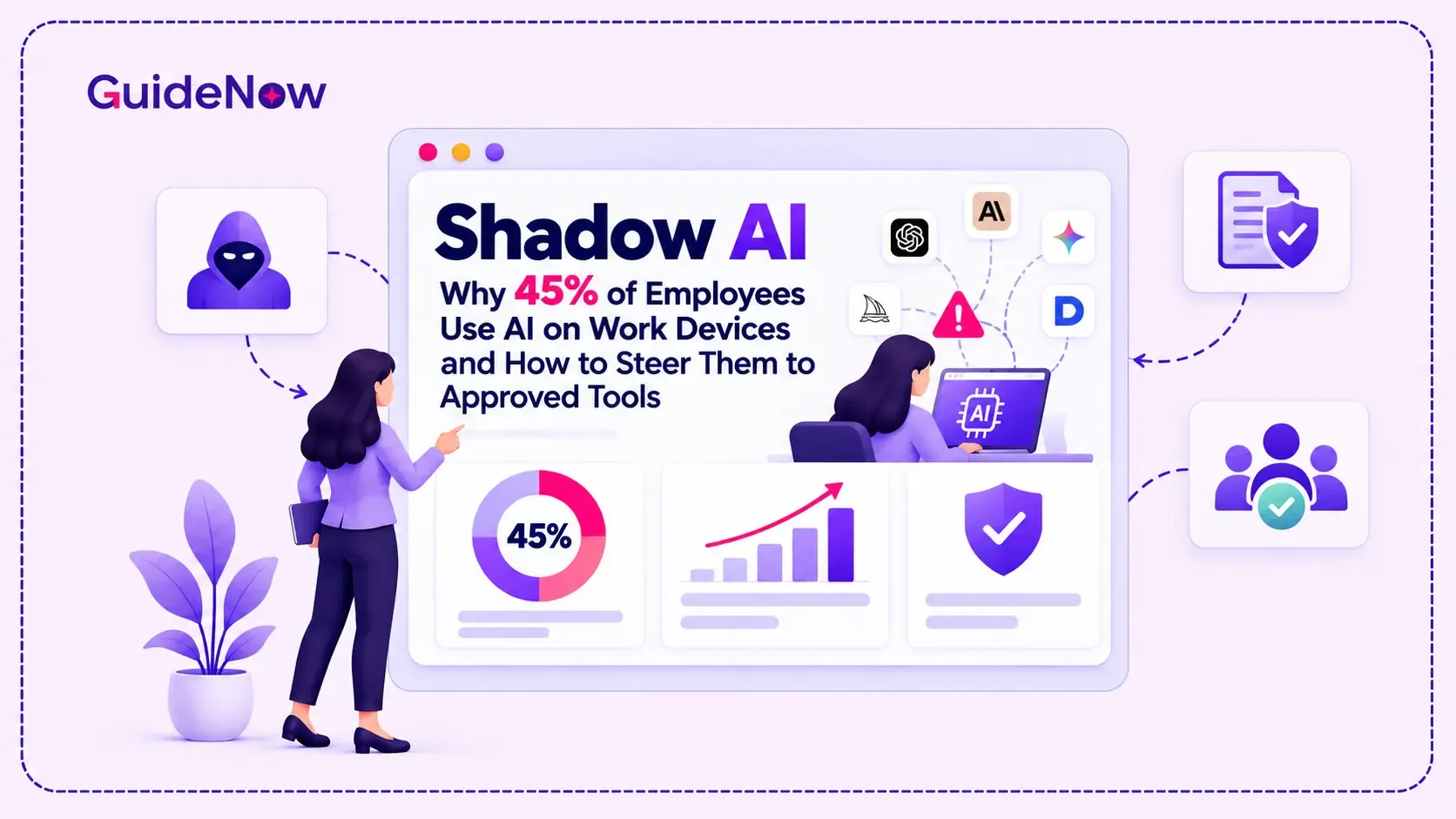
Organizations should also establish policies for Shadow AI, where employees use unapproved AI tools without formal IT or security oversight.
5. Measure Business Outcomes
The right platform should provide measurable improvements rather than simply increasing AI interactions.
Track indicators such as:
- Support ticket volume.
- First-contact resolution rate.
- Time required to complete tasks.
- Employee onboarding time.
- Feature adoption.
- AI resolution accuracy.
- Human escalation rate.
- User satisfaction.
These metrics help organizations understand whether the assistant is improving actual software usage and operational efficiency.
Role of Digital Adoption Platforms in Agentic User Support
AI assistants and digital adoption platforms address related but different aspects of enterprise software usage.
A Digital adoption platform provides an additional guidance layer within applications, helping users navigate interfaces, understand features, and complete processes.
AI-powered assistants can extend these capabilities by interpreting natural-language requests, retrieving relevant information, generating contextual guidance, and connecting users with approved workflows.
For example, an employee working in an ERP application might need help generating a purchase order.
A traditional help article explains the process. An interactive walkthrough guides the employee through the screens. An integrated AI assistant can answer questions about the process, while an authorized agent may be able to retrieve information or execute specific actions.
This is where AI-powered user assistance becomes valuable: it connects knowledge, guidance, and application functionality within the user's workflow.
Organizations evaluating the best digital adoption platforms should therefore look beyond onboarding features and examine how effectively each solution supports users throughout their software journey.
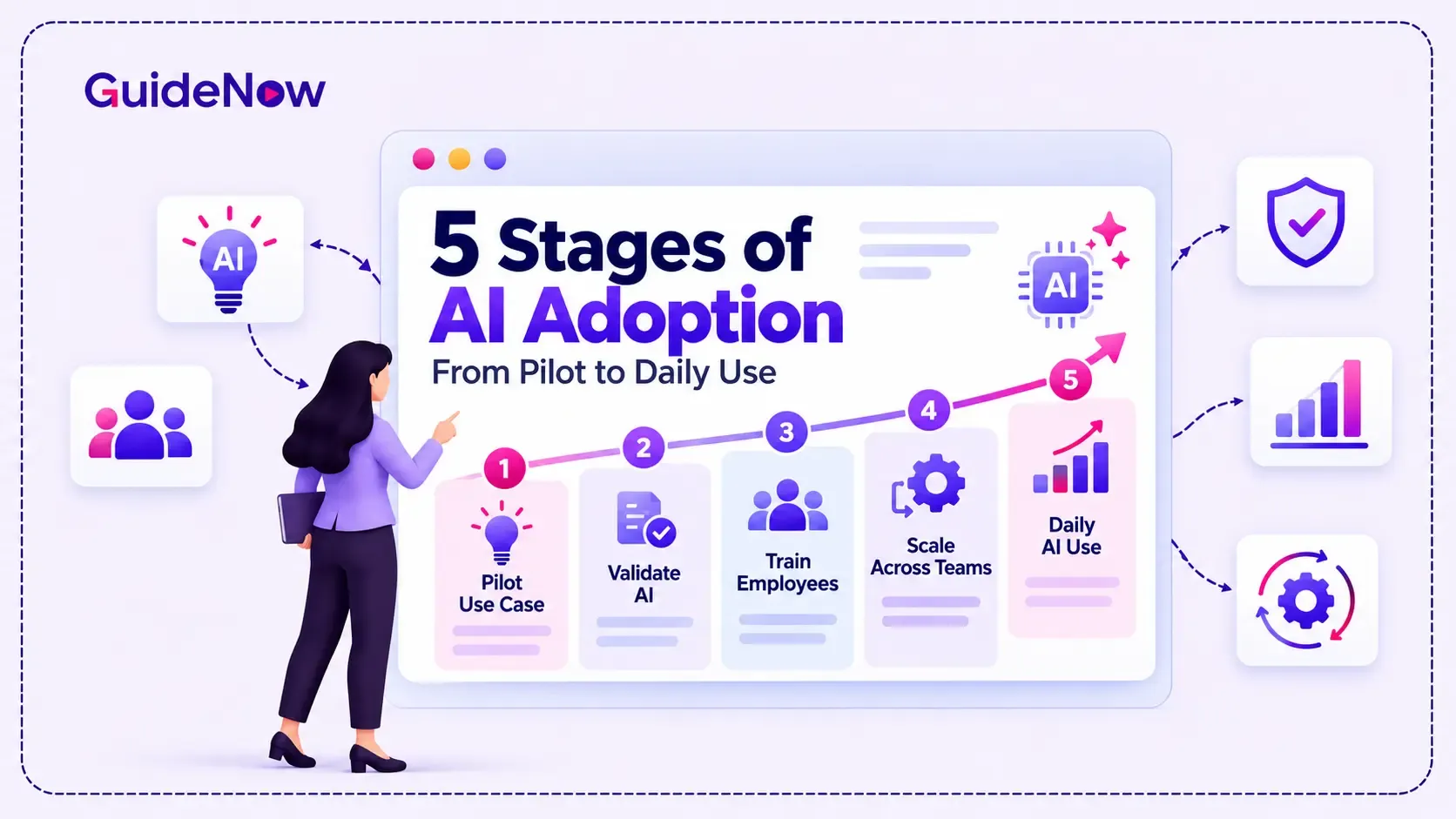
How to Build an Effective Enterprise AI Adoption Framework
Deploying an assistant does not automatically guarantee successful adoption. Organizations need a structured approach that considers technology, employees, workflows, and governance.
A practical AI Adoption Framework can include five stages.
Stage 1: Identify High-Friction Workflows
Analyze support tickets, application usage, employee feedback, and frequently abandoned tasks. Identify processes where users repeatedly need assistance.
Stage 2: Select Appropriate AI Capabilities
Determine whether the requirement involves knowledge retrieval, conversational assistance, contextual guidance, or autonomous task execution. Avoid choosing a more complex solution when simpler guidance can solve the problem.
Stage 3: Integrate Enterprise Systems
Connect the assistant to approved knowledge bases, applications, APIs, and business systems. Ensure it only accesses information permitted by the user's role.
Stage 4: Pilot and Validate Performance
Start with a limited group of users and selected workflows. Test answer accuracy, task completion, escalation behavior, security, and user experience before expanding deployment.
Stage 5: Monitor, Optimize, and Scale
Review adoption metrics, identify unresolved requests, improve knowledge sources, and refine automation rules. Expand to additional applications only when the initial deployment demonstrates measurable value.
Organizations should also follow SaaS onboarding best practices, including role-based learning, clear instructions, guided experiences, and continuous user feedback.
What Does Enterprise Adoption of AI Agents Look Like?
Enterprise interest in agentic systems is growing, but organizations are still working through the challenges of moving from experimentation to large-scale implementation.
McKinsey's 2025 State of AI survey found that 62% of respondents said their organizations were at least experimenting with AI agents. However, only 23% reported scaling an agentic AI system somewhere within their enterprise.
This gap highlights an important distinction: experimenting with an assistant is not the same as successfully integrating it into everyday business operations.
Organizations should also distinguish between assistance and autonomy. Not every user request should trigger an automated action. Financial approvals, employee data changes, access permissions, and other sensitive operations may require human authorization or additional validation.
A successful deployment combines AI capabilities with clear boundaries, reliable knowledge, application context, and human oversight.
Conclusion
Enterprise user support is moving beyond traditional chatbots and static help documentation. Modern assistants can interpret user intent, retrieve business information, provide contextual guidance, and execute authorized actions across connected applications.
However, the right solution depends on the organization's requirements. GuideNow, WalkMe, and Whatfix address in-app guidance and digital adoption from different approaches. Microsoft Copilot Studio supports customized enterprise agents, Salesforce Agentforce focuses on service automation, while Intercom Fin and Zendesk AI Agents address customer support operations.
When evaluating these solutions, enterprises should prioritize contextual awareness, integration flexibility, task execution, security, governance, and measurable business outcomes.
Ultimately, successful Agentic AI adoption is not about automating every interaction. It is about helping people complete their work with less friction, more confidence, and the right level of assistance at the right moment.
Frequently Asked Questions(FAQ’s)
1. What is the difference between an AI assistant and an agentic AI assistant?
A conventional AI assistant primarily responds to questions, retrieves information, or generates content. An agentic assistant can additionally plan multi-step tasks, use connected tools, and perform authorized actions to achieve a defined objective.
2. Which is the best AI assistant for enterprise in-app user support?
There is no single best solution for every enterprise. GuideNow, WalkMe, and Whatfix are relevant options for contextual application guidance, Microsoft Copilot Studio supports custom enterprise agents, and Salesforce Agentforce, Intercom Fin, and Zendesk AI Agents focus on different service automation requirements.
3. Can agentic AI assistants perform tasks inside enterprise applications?
Yes, provided the assistant has suitable application integrations, APIs, permissions, and configured actions. Depending on the implementation, it may retrieve records, update information, initiate workflows, or guide users through complex processes. Sensitive actions should include appropriate authorization and oversight.
4. How do digital adoption platforms support AI-powered user assistance?
Digital adoption platforms deliver contextual guidance, interactive walkthroughs, tooltips, onboarding experiences, and self-service support within applications. AI capabilities can extend this functionality through natural-language assistance, personalized recommendations, and connected automation.
5. What should enterprises consider before implementing agentic AI assistants?
Enterprises should evaluate application compatibility, data security, user permissions, integration requirements, task execution capabilities, answer accuracy, human escalation, and performance measurement. Starting with a controlled pilot helps validate the solution before organization-wide deployment.