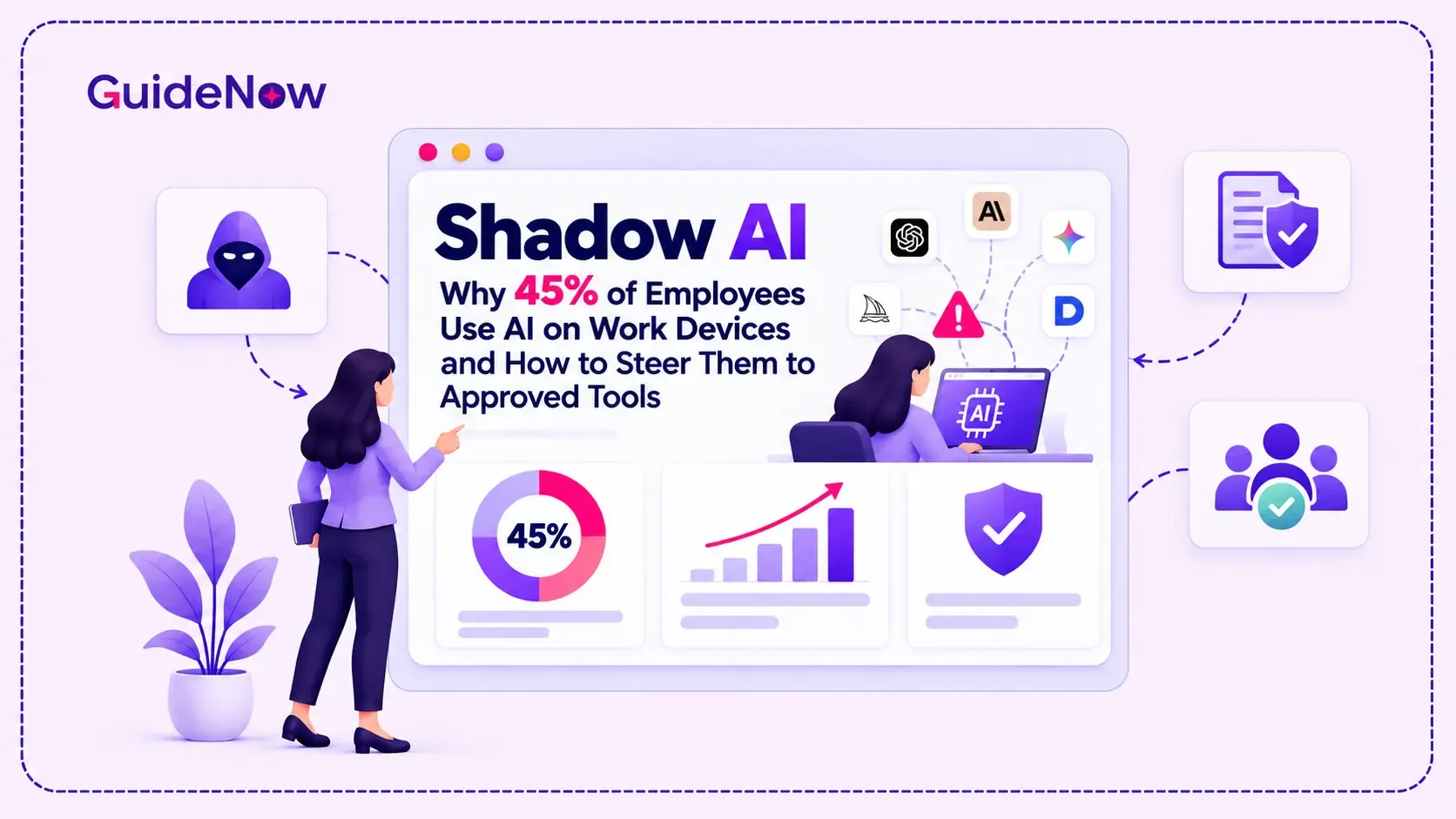
Employees are adopting artificial intelligence faster than many organizations can establish clear rules for its use. From summarizing confidential documents to drafting customer emails, workers increasingly turn to AI tools to complete everyday tasks. When they use these tools without organizational approval or oversight, businesses face a growing challenge known as Shadow AI.
The solution is not simply to block AI applications. Organizations need to understand why employees use unapproved tools, identify the associated security and compliance risks, establish practical governance policies, and make approved alternatives easy to use.
This article explains the causes of unauthorized AI use, the risks enterprises should address, and a practical framework for encouraging employees to adopt secure, approved AI tools without disrupting productivity.
What Is Shadow AI, and Why Is It Growing in Enterprises?
What is Shadow AI? It refers to the use of artificial intelligence applications, models, browser extensions, or AI-powered services within an organization without the knowledge, authorization, or oversight of the appropriate IT, security, or governance teams.
Unlike sanctioned enterprise AI, which operates within approved security controls and usage policies, unauthorized AI use can introduce tools that have not been evaluated for data privacy, access permissions, compliance, or business suitability.
Employees may use public chatbots to summarize reports, AI writing assistants to prepare proposals, meeting transcription tools to capture conversations, or coding assistants to accelerate development. Some applications are deliberately adopted without approval; others enter the workplace through built-in features that employees start using without understanding the organization's rules.
Three factors are accelerating this behaviour:
- Easy access: Many AI tools are available through a browser or free account, requiring little technical setup.
- Immediate productivity benefits: Employees can draft content, analyze information, summarize lengthy documents, and complete repetitive tasks more quickly.
- Gaps in approved alternatives: When enterprise tools are difficult to access, lack useful features, or require lengthy approval processes, employees often look elsewhere.
Consequently, unauthorized AI use is not always an attempt to bypass corporate policies. It can also indicate that employees have unmet needs, unclear instructions, or limited access to suitable tools.
For IT leaders, the challenge is to distinguish legitimate productivity needs from unacceptable data exposure and then address both.
Why 45% Is an Important Workplace AI Adoption Signal
The 45% figure in this article's title requires context. According to Gallup's December 2025 workplace AI research, 45% of US employees reported using AI at work at least a few times a year in Q3 2025, up from 40% in Q2 2025. This measures workplace AI use broadly, not unauthorized AI use specifically.
The finding nevertheless illustrates how quickly AI is becoming part of everyday work. As employees incorporate AI into their routines, organizations must ensure that access, training, and governance evolve alongside usage.
A separate PagerDuty Shadow AI survey provides more direct evidence of the challenge. Among 1,250 office professionals at companies with annual revenue of at least $500 million across the US, UK, Australia, and Japan, 50% reported using personal devices for AI-assisted work tasks, while 44% said they had used AI to work around limitations in company-approved tools.
These findings suggest that restricting access without addressing employee needs can encourage workarounds rather than eliminate them.
For enterprise leaders, the priority should be to establish visibility into AI usage, provide safe alternatives, and create an environment in which employees understand how to use AI responsibly.
The Business Risks of Uncontrolled AI Usage
Unmanaged AI adoption creates several risks that extend beyond cybersecurity. The level of exposure depends on the tool, the information shared, its configuration, and the task being performed.
1. Confidential data exposure
Employees may paste customer records, internal financial information, source code, business strategies, or proprietary documents into external AI services. Depending on the provider's terms and configuration, this information could be retained, processed, or accessed in ways the organization has not approved.
2. Compliance and privacy violations
Organizations operating in regulated industries must consider applicable privacy laws, contractual obligations, data residency requirements, and industry-specific regulations. Using an unapproved AI application to process personal or regulated information may introduce compliance problems.
3. Inaccurate or unverified outputs
AI-generated answers can contain factual errors, fabricated references, or misleading recommendations. Without appropriate review, employees may introduce these errors into customer communications, reports, operational decisions, or business processes.
4. Uncontrolled access and accountability
Some AI services connect to documents, cloud storage, business applications, or other systems. If permissions are excessive or integrations are poorly configured, sensitive information may become accessible beyond its intended audience.
5. Fragmented spending and duplicated tools
Departments may independently purchase overlapping AI subscriptions, creating unnecessary costs, inconsistent security standards, and difficulty determining which applications provide measurable business value.
These AI security risks become more difficult to manage when organizations lack a reliable inventory of AI applications, clear ownership, or consistent employee guidance.
Approved AI vs. Shadow AI: What Should Enterprises Prioritize?
Organizations need a consistent way to evaluate AI usage rather than treating every application as either completely safe or inherently dangerous.
| Evaluation area | Approved enterprise AI | Unapproved AI usage |
| Security review | Evaluated against organizational requirements | May not have undergone formal assessment |
| Data handling | Governed by reviewed configurations and contractual terms | Data retention and processing may be unclear |
| Access controls | Governed by reviewed configurations and contractual terms | May rely on personal accounts or unmanaged access |
| Compliance | Reviewed against relevant obligations | Compliance suitability may be unknown |
| Employee guidance | Supported by documented instructions and training | Employees may rely on individual judgment |
| Accountability | Ownership and escalation paths are defined | Responsibility may be unclear |
| Business value | Can be measured against agreed use cases | Benefits and costs may be difficult to track |
The distinction is not that every approved product is automatically safe or every public AI service is unsafe. Enterprise approval should depend on the specific use case, data sensitivity, security configuration, provider terms, and organizational requirements.
How to Prevent Shadow AI Without Blocking Productivity
An effective response combines governance, practical access controls, employee education, and continuous monitoring. The following steps provide a workable starting point.
Step 1: Discover Existing AI Usage
Before introducing restrictions, establish which AI applications employees already use and why.
Combine approved software inventories, procurement records, security monitoring, employee surveys, and discussions with department leaders. Where legally permitted, security teams may also review relevant network or endpoint telemetry.
Classify discovered tools according to their purpose, data access, business value, and risk. Distinguish between low-risk tasks, such as drafting non-sensitive internal text, and high-risk activities involving customer data, confidential intellectual property, or regulated information.
The objective is to understand actual usage patterns rather than assume that a policy document accurately reflects employee behaviour.
Step 2: Establish an AI Governance Framework
An effective AI governance framework defines who can approve AI tools, what information employees may share, which applications are permitted, and how exceptions are handled.
Assign clear responsibilities to IT, cybersecurity, legal, compliance, procurement, and business teams. Create a risk-based review process so that employees do not have to navigate an unnecessarily complex approval process for every low-risk use case.
The framework should also specify ownership, periodic reviews, incident reporting, vendor assessment, and procedures for retiring tools that no longer meet business requirements.
Step 3: Publish a Clear AI Usage Policy
A practical AI usage policy should answer the questions employees are most likely to ask:
- Which AI tools are approved for work?
- What types of business information can be shared?
- Which tasks require human review?
- Can employees connect AI tools to company applications?
- How should users report an unsafe output or potential data exposure?
- Who can authorize an exception?
Create an Employee AI usage policy that translates these rules into role-specific instructions. Sales teams, developers, HR professionals, analysts, and customer support representatives may face different risks.
A concise AI policy template can help standardize the initial policy, but it should be reviewed and adapted to the organization's data classifications, contractual commitments, legal obligations, and operational requirements.
Step 4: Provide Approved Alternatives That Solve Real Problems
Policies alone rarely change established habits. Employees need approved tools that are accessible, reliable, and suitable for their work.
Evaluate enterprise AI solutions against actual use cases, including document analysis, coding, research, meeting summaries, and knowledge retrieval. Consider identity management, access controls, data handling, audit capabilities, integration requirements, and vendor commitments.
The right AI governance tools should support visibility, risk assessment, policy enforcement, and oversight where appropriate. No single platform necessarily addresses every requirement.
Where an approved application lacks a critical capability, establish a clear process for employees to request alternatives. Faster evaluation and transparent decisions reduce the incentive to bypass controls.
Step 5: Make Approved Tools Easy to Learn and Use
Even a secure enterprise AI application can struggle to gain adoption if employees do not understand its features or how to use it within their daily workflows.
An effective AI Adoption Framework connects access, training, contextual assistance, and measurable outcomes. Instead of relying exclusively on lengthy training sessions, organizations can provide short demonstrations, role-specific instructions, and guided experiences inside the approved application.
For example, an organization introducing an enterprise AI assistant could use Interactive Onboarding Checklists to help employees configure access, review data-handling rules, and complete their first approved task.
Onboarding Tooltips can explain important features or remind users when a workflow involves sensitive information. These interventions work best when they appear at relevant moments rather than interrupting every task.
A Digital adoption platform can support this approach by delivering contextual guidance within business applications. GuideNow, for example, provides in-app guidance and onboarding experiences that help users navigate software and learn its features.
The goal is to make the approved route the most convenient route, while keeping security controls and human accountability in place.
Step 6: Train Employees Through Realistic Scenarios
Generic security presentations rarely prepare employees for every situation they encounter.
Build practical training around common tasks: summarizing a confidential report, using AI to analyze customer feedback, generating code, preparing a proposal, or transcribing a meeting. Show employees which tools are appropriate, what information must remain protected, and when human verification is required.
Effective User Adoption Strategies explain not only what employees must do, but why the policy matters and how it helps them work safely.
Reinforce the message through team meetings, internal knowledge bases, short refresher sessions, and clear escalation channels. Employees should feel comfortable asking questions before making mistakes.
Step 7: Measure Adoption, Risk, and Business Outcomes
An effective governance program needs evidence that its controls and education are working.
Track approved-tool activation, recurring usage, completion of required training, policy exceptions, reported incidents, and the time required to approve new AI use cases. Where possible, compare these indicators across departments and approved use cases.
A rise in approved AI usage can be encouraging, but it does not prove that unauthorized use has declined. Use available monitoring, periodic assessments, and employee feedback to evaluate whether risky behaviour is decreasing.
Review results regularly and adjust policies, access, and training based on observed gaps. The objective is sustained, responsible usage rather than a one-time compliance exercise.
Building an Enterprise AI Governance Strategy That Employees Follow
The most effective Enterprise AI governance programs balance risk management with practical employee needs. Organizations should define clear rules, establish ownership, provide suitable tools, and make it easy to ask for help.
This also requires a broader Digital Workforce approach: employees need the skills, confidence, and contextual support to work effectively with changing technology.
A focused Digital Adoption Strategy can help bridge the gap between policy and everyday behaviour by placing instructions where employees actually work. This is particularly useful when organizations introduce new AI applications or update existing workflows.
However, adoption support is not a substitute for technical safeguards. In-app guidance cannot independently guarantee data protection, detect every unauthorized application, or replace endpoint security and access management. These capabilities should work together as part of a coordinated program.
Organizations can evaluate progress using the following indicators:
- Percentage of employees actively using approved AI tools.
- Number and severity of unauthorized AI incidents.
- Time required to review and approve new use cases.
- Employee understanding of data-handling rules.
- Frequency of policy exceptions and recurring workarounds.
- Productivity improvements from approved AI workflows.
When assessing enterprise technology adoption, prioritize changes in employee behaviour and business outcomes rather than counting logins or training completions alone.
Conclusion: Turn AI Governance Into an Adoption Advantage
Shadow AI is a governance challenge, but it is also an opportunity to understand how employees want to work. When people turn to unapproved tools, organizations should investigate whether the underlying causes include poor access, missing capabilities, unclear policies, or inadequate training.
The strongest response combines risk-based approvals, clear usage rules, reliable security controls, realistic employee education, and approved tools that are easy to adopt.
Enterprises that make responsible AI usage practical can reduce avoidable exposure while allowing employees to benefit from AI's productivity potential. The goal is not to eliminate innovation. It is to create an environment in which employees can innovate within clear boundaries, and where secure, approved AI becomes the natural choice.
Frequently Asked Questions(FAQ’s)
1. How can IT teams identify unauthorized AI tools used by employees?
IT teams can identify unauthorized AI usage by reviewing software inventories, procurement records, endpoint and network security signals, and employee surveys. They should combine these insights with risk assessments to prioritize applications that may expose sensitive business data.
2. Why do employees use unapproved AI tools?
Employees often use unapproved tools because they are convenient, readily available, and effective at completing everyday tasks. Limited access to approved alternatives, unclear policies, and slow approval processes can also encourage workarounds.
3. How can companies reduce Shadow AI risks?
Companies can reduce risk by identifying existing AI usage, assessing tools according to their intended use and data sensitivity, establishing clear policies, providing approved alternatives, and monitoring compliance. Employee training and practical in-app guidance can reinforce these measures.
4. What should an enterprise AI usage policy include?
An effective policy should define approved applications, permitted use cases, prohibited data-sharing practices, human-review requirements, access controls, vendor approval procedures, and incident-reporting channels. It should also identify policy owners and explain how employees can request exceptions.
5. How can enterprises encourage employees to adopt approved AI tools?
Enterprises should provide tools that address genuine employee needs, simplify access, offer role-specific training, and deliver contextual guidance during real tasks. Measuring active usage, employee feedback, policy compliance, and productivity outcomes helps determine whether the approach is working.