Organizations spend thousands of hours every year training employees on new software. Whether it's a CRM, ERP, HR platform, project management tool, or internal business application, one challenge remains consistent: employees need to learn how to use software quickly without disrupting productivity.
Unfortunately, traditional training approaches often fail to deliver that outcome. Employees sit through webinars, read lengthy documentation, and attend workshops, only to forget much of the information when it's time to perform real tasks. The result is slower adoption, increased support requests, longer onboarding cycles, and delayed ROI from software investments.
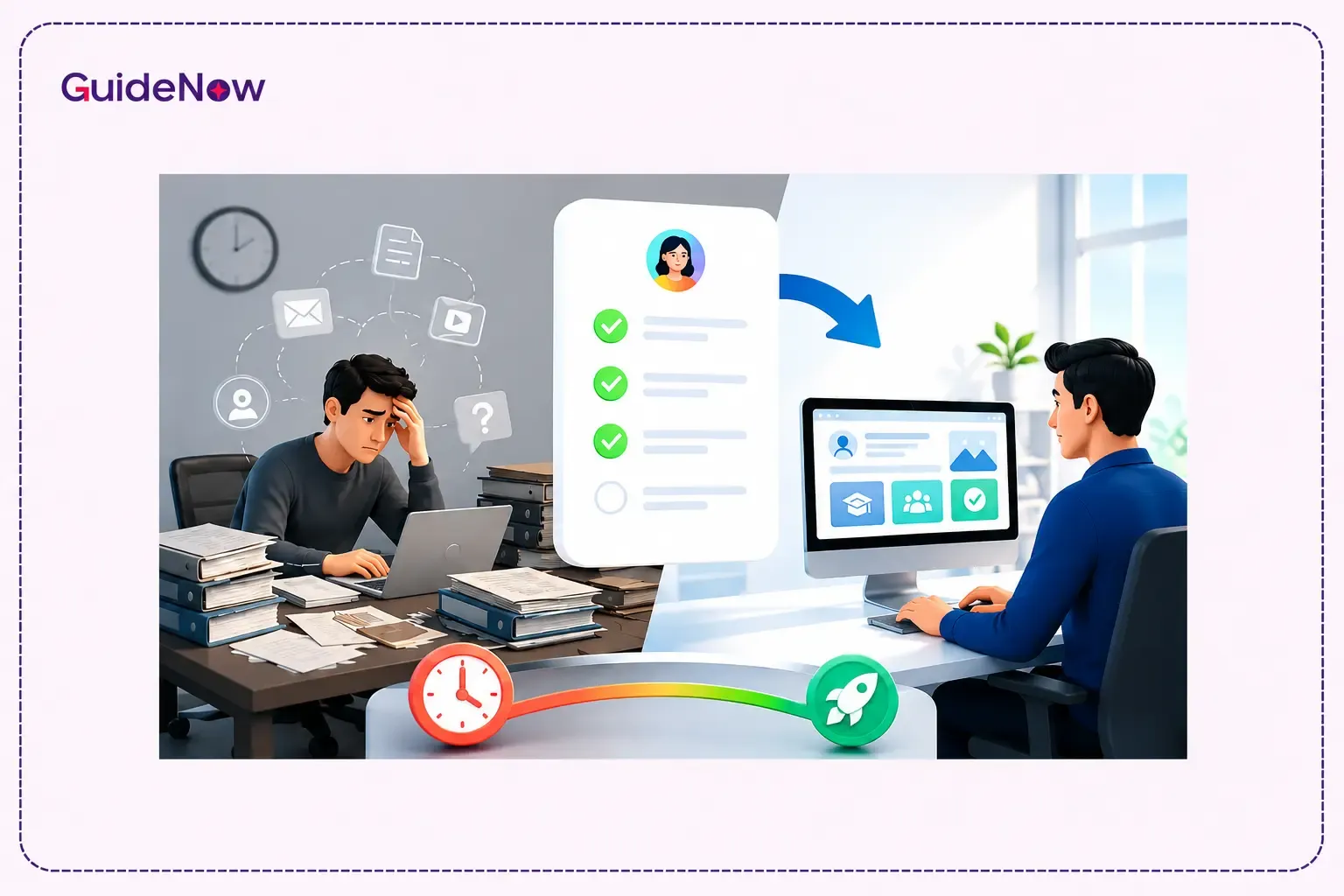
This is why enterprises are increasingly adopting the Interactive Onboarding Checklist approach. Instead of forcing employees to learn software through external resources, interactive checklists guide users directly inside applications, helping them complete real tasks while learning. This practical, contextual, and self-guided experience significantly reduces training time and accelerates software proficiency.
For organizations looking to improve adoption outcomes, shorten ramp-up periods, and reduce onboarding costs, interactive onboarding has become a critical component of modern digital workplace strategies.
Why Employee Training Time Continues to Be a Business Challenge

Software complexity has increased dramatically over the last decade.
Employees are expected to work across multiple systems, including:
- CRM platforms
- HR systems
- Finance applications
- Collaboration tools
- Project management software
- Analytics dashboards
While these tools improve business operations, they also increase the learning burden on employees.
Traditional onboarding methods create several challenges:
- Information overload during training sessions
- Low knowledge retention
- Inconsistent learning experiences
- High dependence on managers and trainers
- Increased help desk requests
- Delayed employee productivity
The faster employees become proficient, the faster organizations realize value from their technology investments. Reducing training time is no longer just an HR objective—it is a business performance objective.
What Is an Interactive Onboarding Checklist?
An Interactive Onboarding Checklist is an in-app guided experience that walks users through essential tasks required to become proficient with a software application.
Instead of presenting information through manuals or classroom sessions, the checklist provides step-by-step guidance directly within the software environment.
Typical checklist tasks may include:
- Completing account setup
- Configuring preferences
- Creating a first project
- Uploading files
- Inviting team members
- Running reports
- Completing workflow approvals
As users finish each task, progress is automatically tracked, creating a structured path toward proficiency.
Unlike static documentation, interactive checklists focus on action rather than instruction.
Employees learn by doing.
Traditional Training vs Interactive Onboarding
Organizations evaluating onboarding approaches should understand how different methods impact learning outcomes.
| Factor | Traditional Training | Interactive Checklist-Based Training |
| Learning Method | Classroom sessions and documentation | Guided in-app learning |
| Knowledge Retention | Lower due to information overload | Higher through task-based learning |
| Employee Engagement | Passive participation | Active involvement |
| Time to Competency | Longer | Faster |
| Support Requirements | High | Lower |
| Scalability | Resource intensive | Easily scalable |
| Learning Context | Separate from work environment | Embedded within workflows |
| Adoption Outcomes | Inconsistent | More predictable |
For enterprises managing large-scale software rollouts, interactive onboarding often provides a more efficient and measurable path to employee readiness.
How Interactive Onboarding Checklists Reduce Employee Training Time
Employees Learn While Performing Real Work
One of the biggest limitations of traditional training is the gap between learning and execution.
Employees may attend a training session on Monday but not use the software until Thursday. By then, much of the information has already been forgotten.
Interactive onboarding eliminates this gap.
Employees learn while performing actual business tasks.
For example:
- Sales representatives create opportunities
- HR teams process employee records
- Finance teams complete approvals
- Operations teams configure workflows
Learning becomes immediately relevant because employees apply knowledge at the exact moment they need it.
This practical approach significantly accelerates software mastery.
Information Is Delivered in Small, Actionable Steps
Most software training programs overwhelm users with too much information.
Employees are often expected to understand navigation, workflows, settings, reports, permissions, integrations, and advanced features within a single session.
Interactive onboarding takes a different approach.
Guidance is broken into manageable steps that focus on one task at a time.
This microlearning model:
- Reduces cognitive overload
- Improves retention
- Increases confidence
- Accelerates task completion
Employees can focus on accomplishing a specific objective rather than remembering dozens of instructions at once
Digital Adoption Directly Impacts Productivity
According to McKinsey, organizations that effectively combine digital tools with workforce adoption initiatives can achieve productivity gains of up to 20–30%.
The finding highlights an important reality: software itself does not create business value. Employees must learn how to use it efficiently before organizations can realize meaningful returns.
Reduced Dependency on Trainers and Support Teams
Training often consumes substantial organizational resources.
IT teams answer repetitive questions.
Managers spend time assisting employees.
Training departments continuously create documentation and conduct workshops.
Interactive onboarding reduces this burden by providing self-service guidance.
Employees can:
- Follow guided workflows independently
- Learn at their own pace
- Access contextual instructions instantly
- Resolve common questions without external assistance
This creates a scalable training model that supports growth without increasing training costs.
Faster Discovery of Essential Features
Many software deployments fail to achieve expected outcomes because employees never discover key capabilities.
They learn basic functionality but ignore features that drive efficiency.
Interactive checklists guide users toward high-value actions.
Instead of leaving feature discovery to chance, organizations can intentionally introduce:
- Automation capabilities
- Reporting tools
- Collaboration functions
- Approval workflows
- Productivity-enhancing features
This structured exposure helps employees become effective users faster.
Why Contextual Learning Improves Retention
People remember experiences more effectively than instructions.
When employees perform a task themselves, they are more likely to retain the process compared to simply reading about it.
Interactive onboarding supports contextual learning by providing guidance directly within workflows.
Employees learn:
- What to do
- Why it matters
- How it impacts outcomes
This context creates stronger memory retention and reduces the need for repeated training sessions.
The Role of Employee Software Onboarding in Enterprise Adoption
Effective Employee Software Onboarding extends beyond basic training.
The goal is not simply teaching employees where buttons are located.
Organizations must help employees understand:
- Core workflows
- Business processes
- System value
- Productivity benefits
- Best practices
Interactive onboarding supports these objectives by aligning learning experiences with real job responsibilities.
As a result, employees reach competency faster and software adoption improves across teams.
Improving the Employee Onboarding Process Through Guided Experiences
A modern Employee onboarding process often involves multiple applications and systems.
New employees may need access to:
- HR software
- Collaboration tools
- Internal portals
- CRM platforms
- Project management systems
Learning all of these systems simultaneously can be overwhelming.
Interactive onboarding provides structured guidance that prioritizes critical tasks first.
Employees gain confidence quickly while reducing frustration during their first weeks on the job.
Adoption Challenges Continue to Limit Technology ROI
Gartner has repeatedly highlighted that organizations frequently underutilize enterprise software capabilities after deployment, reducing expected business outcomes and delaying ROI.
This reinforces the importance of guided onboarding experiences that help employees adopt software effectively rather than merely accessing it.
How Onboarding Automation Accelerates Learning
Modern organizations increasingly use onboarding automation to streamline employee enablement.
Automation helps by:
- Assigning onboarding paths automatically
- Triggering guidance based on user actions
- Delivering role-specific learning experiences
- Tracking progress without manual intervention
- Identifying users who need additional support
By removing administrative overhead, organizations can focus on improving learning outcomes rather than managing training logistics.
Why Software Onboarding Checklists Outperform Documentation
A traditional manual may explain how software works.
A software onboarding checklist ensures employees actually use it.
Documentation often suffers from:
- Low engagement
- Outdated information
- Poor accessibility
- Limited accountability
Interactive checklists provide:
- Progress visibility
- Real-time guidance
- Task completion tracking
- Immediate feedback
This action-oriented approach creates faster learning outcomes than passive content consumption.
The Impact of Onboarding Tooltips on Training Efficiency
While checklists provide structure, onboarding tooltips provide contextual assistance.
Tooltips appear exactly where employees need guidance.
They help users understand:
- Form fields
- Workflow actions
- Navigation elements
- Feature functionality
Together, checklists and tooltips create a comprehensive onboarding framework that reduces learning friction and improves task completion rates.
Selecting Employee Onboarding Checklist Software for Enterprise Teams
Organizations evaluating employee onboarding checklist software should focus on capabilities that directly impact adoption and training efficiency.
Key evaluation criteria include:
- Role-based onboarding paths
- Interactive task guidance
- Workflow tracking
- User segmentation
- Progress reporting
- Analytics dashboards
- Integration capabilities
- Scalability across applications
The right solution should support both employee learning and organizational visibility into onboarding performance.
Why Onboarding Workflow Software Supports Faster Competency
Many organizations are replacing generic training programs with Onboarding workflow software that mirrors real business processes.
Workflow-based onboarding focuses on outcomes rather than features.
Employees learn how to:
- Complete approvals
- Manage projects
- Process requests
- Generate reports
- Execute operational tasks
Because learning is directly connected to daily responsibilities, employees become productive more quickly.
The Relationship Between Employee Training Software and Productivity
Effective Employee training software should do more than deliver educational content.
It should enable employees to:
- Learn continuously
- Access guidance when needed
- Complete tasks independently
- Improve performance over time
Interactive onboarding achieves these goals by transforming training into an ongoing learning experience rather than a one-time event.
Building a Better Onboarding Experience Across Enterprise Applications
A strong onboarding experience should reduce friction, accelerate confidence, and improve software adoption.
Organizations that successfully optimize onboarding typically focus on:
- Task-based learning
- Personalized guidance
- Contextual support
- Progress tracking
- Continuous improvement
Some digital adoption platforms, including GuideNow, help organizations understand user behavior and identify areas where employees may require additional guidance during onboarding journeys.
What to Look for in the Best SaaS Onboarding Software
When evaluating the best saas onboarding software, organizations should prioritize solutions that deliver measurable business outcomes rather than simply providing tutorials.
Look for platforms that support:
- Interactive checklists
- Workflow guidance
- Contextual learning
- Adoption analytics
- Employee segmentation
- Automated onboarding journeys
- Cross-application support
These capabilities help organizations reduce training costs while accelerating employee readiness.
Conclusion
An Interactive Onboarding Checklist is one of the most effective ways to reduce employee training time in today's software-driven workplace. By guiding employees through real tasks within applications, organizations can eliminate information overload, improve knowledge retention, reduce support dependency, and accelerate software adoption.
Unlike traditional training methods that separate learning from execution, interactive onboarding enables employees to learn through action. This approach not only shortens onboarding cycles but also improves long-term proficiency and software utilization.
As enterprise software ecosystems continue to expand, organizations that invest in guided, contextual onboarding experiences will be better positioned to maximize technology ROI, improve workforce productivity, and create a smoother path to employee success.
Frequently Asked Questions
1. How much can interactive onboarding reduce employee training time?
The reduction varies by organization and software complexity, but companies often see significantly faster time-to-competency because employees learn directly within workflows instead of relying solely on classroom training or documentation.
2. What industries benefit most from interactive onboarding checklists?
Industries with complex software environments such as healthcare, finance, manufacturing, SaaS, retail, logistics, and professional services often benefit the most because employees must learn multiple systems and workflows quickly.
3. Are interactive onboarding checklists only useful for new employees?
No. Interactive onboarding can also support software upgrades, new feature rollouts, process changes, compliance training, and employee reskilling initiatives.
4. How do organizations measure onboarding effectiveness?
Common metrics include onboarding completion rates, time-to-productivity, support ticket reduction, feature adoption rates, employee satisfaction scores, and workflow completion performance.
5. What features should enterprises prioritize when selecting onboarding software?
Organizations should prioritize interactive guidance, checklist automation, analytics, role-based onboarding, workflow tracking, contextual support, scalability, and integration capabilities to maximize adoption outcomes.