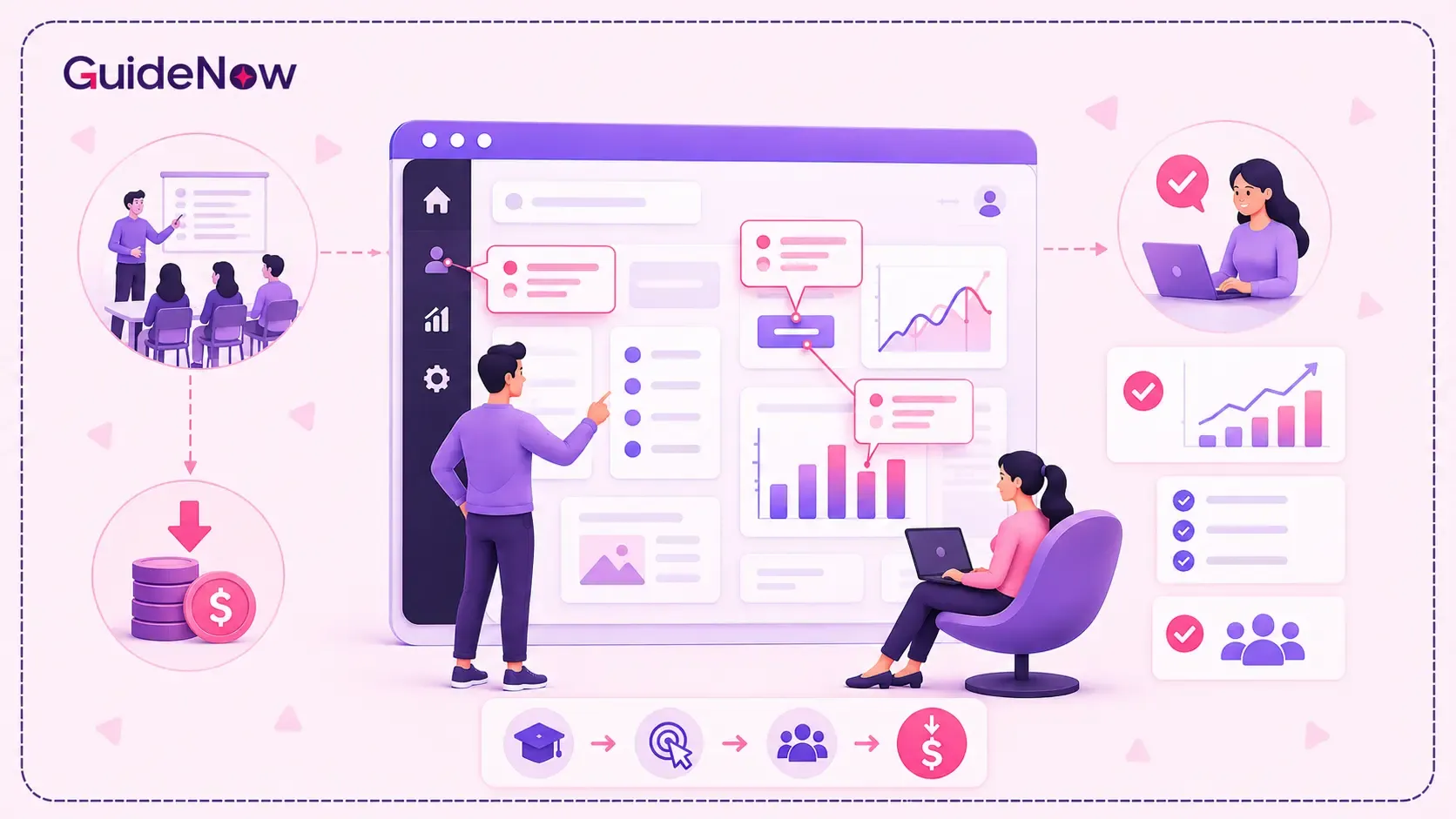
Enterprise software budgets don't end after implementation. In many organizations, the real cost begins when employees need to learn how to use the system effectively.
Whether it's a CRM, ERP, HR platform, procurement tool, analytics solution, or workflow automation software, enterprises often invest heavily in instructor-led training, onboarding sessions, documentation, support teams, and retraining programs. Yet despite these investments, employees frequently struggle to complete tasks independently, leading to low adoption rates, increased support tickets, productivity losses, and delayed ROI.
The challenge isn't a lack of trainingit's a lack of guidance at the moment employees need it most.
This is why enterprises are increasingly moving beyond traditional training models and adopting contextual learning experiences embedded directly within software applications. Instead of expecting employees to remember information from a workshop they attended weeks earlier, organizations are providing real-time assistance during actual workflows.
Onboarding Tooltips have emerged as one of the most effective ways to achieve this. By delivering contextual instructions, process guidance, and task-specific support inside enterprise applications, tooltips help employees learn while working. The result is faster proficiency, lower training costs, fewer support requests, and stronger adoption outcomes.
In this article, we'll explore how onboarding tooltips reduce enterprise software training costs, where they deliver the highest ROI, and why they're becoming an essential component of modern software adoption strategies.
What Are Onboarding Tooltips?
Onboarding Tooltips are contextual guidance elements that appear directly within software applications to help users understand features, fields, workflows, and tasks at the exact moment they need assistance.
Unlike traditional documentation, training videos, or knowledge bases, tooltips deliver guidance within the application itself.
Examples include:
- Explaining a field requirement
- Guiding users through a workflow
- Highlighting newly released features
- Providing process-specific instructions
- Preventing data entry mistakes
- Reinforcing compliance requirements
The effectiveness of onboarding tooltips comes from contextual learning. Instead of requiring users to search for answers, tooltips provide guidance during the task itself. This reduces friction and helps employees learn through action rather than memorization. Contextual help is widely recognized as a way to support software onboarding and adoption by delivering guidance at specific touchpoints within the user journey.
Why Enterprise Software Training Costs Continue to Increase
Modern enterprises operate across increasingly complex technology ecosystems.
Employees often work across:
- Salesforce
- SAP
- Oracle
- Microsoft Dynamics
- Workday
- ServiceNow
- Internal business applications
Each system requires training, onboarding, support, and ongoing education.
Traditional training approaches usually involve:
- Instructor-led workshops
- Training videos
- Learning management systems
- Documentation
- Knowledge bases
- Live support
While valuable, these approaches introduce recurring costs.
| Traditional Training Challenge | Business Impact |
| Employees forget training content | Repeated training sessions |
| Documentation becomes outdated | Increased support requests |
| New hires require extensive onboarding | Higher onboarding costs |
| Software updates require retraining | Continuous training expenses |
| Global teams require localized training | Increased operational complexity |
The result is an ongoing cycle of training investment with inconsistent adoption outcomes.
How Onboarding Tooltips Reduce Initial Employee Training Hours
One of the fastest ways to reduce software training costs is to reduce the amount of formal training employees need before becoming productive.
Traditional training follows a "learn first, work later" model. Employees attend workshops, complete courses, and review documentation before using the software.
Unfortunately, much of that information is forgotten before it is applied.
Onboarding tooltips solve this problem by enabling learning during actual usage.
Instead of teaching employees everything upfront, guidance appears when users encounter a specific task, workflow, or feature.
Benefits include:
- Reduced classroom training time
- Faster employee proficiency
- Better knowledge retention
- Lower trainer dependency
- Faster time-to-productivity
For organizations focused on employee software onboarding, this approach significantly reduces the resources required to bring users up to speed.
How to Measure the ROI of Onboarding Tooltips
For enterprise leaders, reducing training costs is only valuable if the impact can be measured.
The most effective way to measure the ROI of onboarding tooltips is to track adoption, training efficiency, and support metrics before and after implementation.
| KPI | Before Tooltip Adoption | After Tooltip Adoption |
| Time-to-Proficiency | Higher | Lower |
| Training Hours per Employee | Higher | Reduced |
| Help Desk Tickets | Frequent | Reduced |
| User Error Rate | Higher | Lower |
| Feature Adoption Rate | Lower | Higher |
| Employee Productivity | Slower Ramp-Up | Faster Ramp-Up |
Organizations that track these metrics often discover that the largest savings come from reduced support dependency and faster user proficiency rather than direct reductions in training budgets.
The ultimate goal is not simply lowering training costs—it is accelerating the path from software deployment to productive usage
How Onboarding Tooltips Reduce Hidden Training Costs
Most organizations calculate training costs based on visible expenses such as trainers, software subscriptions, and educational materials.
However, the largest expenses are often hidden.
These include:
- Employees searching for answers
- Managers providing informal support
- Productivity delays
- Workflow errors
- Compliance mistakes
- Repeated onboarding activities
For example, if hundreds of employees spend just a few minutes each day searching for guidance, the cumulative productivity loss can be substantial.
By delivering assistance directly within workflows, onboarding tooltips eliminate many of these interruptions and help employees stay focused on their work.
This is where employee onboarding experience improvements translate into measurable business value.
How Onboarding Tooltips Lower Help Desk and Support Costs
Enterprise support teams frequently receive requests that are not technical issues but usability questions.
Common examples include:
- Where do I find this feature?
- What information belongs in this field?
- Which workflow should I follow?
- How do I complete this task?
These questions consume valuable support resources.
When organizations implement tooltip-based guidance, employees receive answers before they submit support tickets.
Benefits include:
- Reduced ticket volume
- Faster issue resolution
- Lower support costs
- Better employee satisfaction
- More productive IT teams
Research into contextual guidance consistently shows that users are more successful when assistance appears within workflows rather than requiring external documentation.
This is one reason many enterprises integrate tooltip functionality into broader user onboarding software initiatives.
Poor Software Adoption Creates Ongoing Training Costs
According to McKinsey, organizations that successfully drive digital transformation often achieve meaningful productivity improvements, while poor user adoption remains one of the biggest barriers to realizing technology ROI.
At the same time, Gartner highlights the increasing complexity of digital workplaces as organizations add more applications, workflows, and technologies.
These findings reinforce an important reality:
Technology investments do not create value on their own. Employees must understand and adopt the software effectively for organizations to realize a return on investment.
When adoption is poor, enterprises often experience:
- More support requests
- Additional training requirements
- Lower productivity
- Reduced technology ROI
- Slower business outcomes
This is where contextual guidance becomes valuable. By providing assistance directly within workflows, onboarding tooltips help bridge the gap between software deployment and successful enterprise software adoption.
Onboarding Tooltips vs Traditional Software Training
The difference between traditional training and contextual guidance becomes clear when comparing outcomes.
| Cost Factor | Traditional Training | Onboarding Tooltips |
| Initial Training Hours | High | Lower |
| Trainer Dependency | High | Minimal |
| Support Requests | Frequent | Reduced |
| Retraining Costs | Recurring | Lower |
| Employee Productivity | Delayed | Faster |
| Scalability | Resource Intensive | Enterprise-Wide |
| Knowledge Retention | Moderate | Higher |
| Adoption Speed | Slower | Faster |
While formal education remains important for complex systems, tooltip-based learning significantly reduces the need for repeated training efforts.
Why Enterprises Are Replacing Traditional Training with Contextual Guidance
Traditional training programs were built for a workplace where employees used a limited number of systems.
Today's enterprise environment is very different.
Employees frequently move between CRM platforms, ERP systems, HR software, analytics tools, and workflow automation applications throughout the day.
As software ecosystems expand, organizations struggle to continuously retrain employees whenever processes, interfaces, or workflows change.
This challenge has contributed to the growth of the digital adoption platform category.
Instead of treating training as a one-time event, contextual guidance enables continuous learning directly within workflows.
Modern adoption platforms combine:
- Tooltips
- Walkthroughs
- Checklists
- Embedded guidance
- Analytics
- Workflow support
This approach helps organizations reduce costs while accelerating employee proficiency and software adoption.
High-ROI Enterprise Use Cases for Onboarding Tooltips
CRM Platforms
Sales teams often require guidance around lead management, opportunity tracking, forecasting, and reporting.
Tooltips help reduce onboarding time while improving data quality and process consistency.
ERP Systems
ERP platforms frequently involve complex workflows and interconnected business processes.
Contextual guidance helps employees complete tasks accurately without relying heavily on support teams.
HR Platforms
Organizations can streamline onboarding, benefits enrollment, and workforce management processes through embedded guidance.
Finance and Procurement Systems
Tooltips help reduce approval errors, reporting mistakes, and compliance issues by guiding employees through required workflows.
IT Service Management Platforms
Applications such as ServiceNow often involve structured processes and role-based workflows.
Contextual guidance reduces confusion while improving process adherence.
How Onboarding Tooltips Reduce Costly User Errors
Many employees hesitate when using unfamiliar software because they fear making mistakes.
This hesitation slows productivity and often increases support requests.
Tooltip guidance helps users:
- Understand available options
- Follow correct workflows
- Complete tasks accurately
- Avoid common mistakes
- Build confidence over time
As confidence grows, employees become more independent and require less intervention from managers, trainers, and support teams.
This contributes directly to lower operational costs and stronger product adoption outcomes.
The Role of In-App Guidance in Long-Term Adoption
Successful adoption does not end after implementation.
Employees continuously encounter:
- New features
- Software updates
- Process changes
- Regulatory requirements
Traditional training methods struggle to keep pace with ongoing change.
This is where in-app guidance becomes particularly valuable.
Organizations can introduce updates directly within workflows without requiring formal retraining programs.
Employees receive information exactly when it is relevant, supporting sustainable adoption over time.
How Onboarding Tooltips Support Enterprise Change Management
Technology initiatives often fail because employees resist change.
New systems disrupt familiar processes, create uncertainty, and reduce confidence.
This is why many organizations incorporate guidance capabilities into broader change management software strategies.
Tooltips help employees understand:
- What changed
- Why it changed
- How to complete updated tasks
- Which workflows are now required
By reducing uncertainty, organizations can accelerate adoption and improve acceptance of new systems.
This becomes particularly important during enterprise-wide digital transformation initiatives.
What Enterprise Buyers Should Look for in Onboarding Solutions
Not all onboarding solutions deliver the same business outcomes.
Organizations evaluating user adoption software should focus on capabilities that directly impact adoption and training efficiency.
Key capabilities include:
- Contextual tooltip guidance
- Interactive walkthroughs
- User segmentation
- Adoption analytics
- Workflow assistance
- No-code content management
- Enterprise scalability
- Multi-application support
Many organizations evaluating product tour software focus heavily on feature introductions. However, long-term success depends on whether the platform can support ongoing workflow completion and user proficiency.
Similarly, enterprises adopting a digital adoption platform should prioritize solutions that integrate with core business systems while providing visibility into adoption performance.
Following proven SaaS onboarding best practices requires moving beyond static documentation and delivering guidance directly where work happens.
Effective SaaS user onboarding is not simply about introducing software—it is about helping users achieve outcomes quickly and consistently.
A practical example is GuideNow, which focuses on contextual guidance as part of a broader adoption strategy rather than relying solely on traditional training methods.
Learning in the Flow of Work Improves Adoption Outcomes
Industry research increasingly shows that employees learn more effectively when guidance is delivered within workflows rather than through standalone training environments.
Organizations are moving toward embedded learning experiences because they help reduce friction, improve knowledge retention, and accelerate user proficiency.
This shift reflects a broader understanding that employees do not need more information—they need the right information at the right moment.
That is precisely where onboarding tooltips create value. By providing assistance within the flow of work, they shorten learning curves while improving adoption outcomes.
Conclusion
Enterprise software training costs continue to rise because traditional learning methods struggle to keep pace with increasingly complex technology environments.
Instructor-led workshops, documentation, support requests, and retraining programs all contribute to significant operational expenses. Yet many organizations still face adoption challenges despite these investments.
Onboarding Tooltips offer a more scalable and cost-effective alternative. By delivering contextual guidance directly within workflows, they reduce training hours, lower support costs, minimize retraining requirements, and accelerate employee proficiency.
Most importantly, they help organizations move beyond training as a one-time event and embrace continuous learning in the flow of work.
As enterprises continue investing in digital transformation initiatives, onboarding tooltips will play an increasingly important role in improving adoption, reducing operational costs, and maximizing the value of enterprise software investments.
Frequently Asked Questions
1. How much ROI can enterprises expect from onboarding tooltips?
ROI varies based on workforce size, software complexity, and adoption challenges. Organizations typically measure value through reduced training hours, fewer support requests, faster employee proficiency, and improved software utilization.
2. Do onboarding tooltips reduce help desk ticket volume?
Yes. By providing contextual answers directly within applications, onboarding tooltips reduce the need for employees to contact support teams for routine guidance and workflow assistance.
3. How do onboarding tooltips compare with LMS-based training?
Learning Management Systems deliver structured educational content, while onboarding tooltips provide real-time guidance during software usage. Many enterprises use both approaches together to support training and adoption.
4. What features should enterprises look for in onboarding software?
Key capabilities include contextual guidance, walkthroughs, analytics, segmentation, workflow support, role-based onboarding, and enterprise scalability.
5. Can onboarding tooltips improve enterprise software adoption rates?
Yes. By helping employees complete tasks successfully at the moment of need, onboarding tooltips reduce friction, improve confidence, and accelerate adoption across the organization.