Your team asks the same question every week: what happened, and why? Getting the answer still means filing a request, waiting on an analyst, and hoping the number is still fresh when it finally lands. That is why so many enterprises are now shopping for an AI chatbot for business analytics and reporting.
Here is the problem. The phrase "AI chatbot" covers three very different kinds of products. Some are general-purpose assistants that never touch your systems. Some are copilots bolted onto the BI platform you already pay for. Some are purpose-built enterprise AI chatbots that connect directly to your live company data.
Picking the wrong category is the most common and most expensive mistake here. This guide shows you how the three types differ, what to test, and which one fits your reporting problem.
What an AI Chatbot for Business Analytics Actually Does
Forget the support bot on your website. That kind answers questions about your business for other people. An AI chatbot for business analytics does the opposite. It answers questions about your business for you.
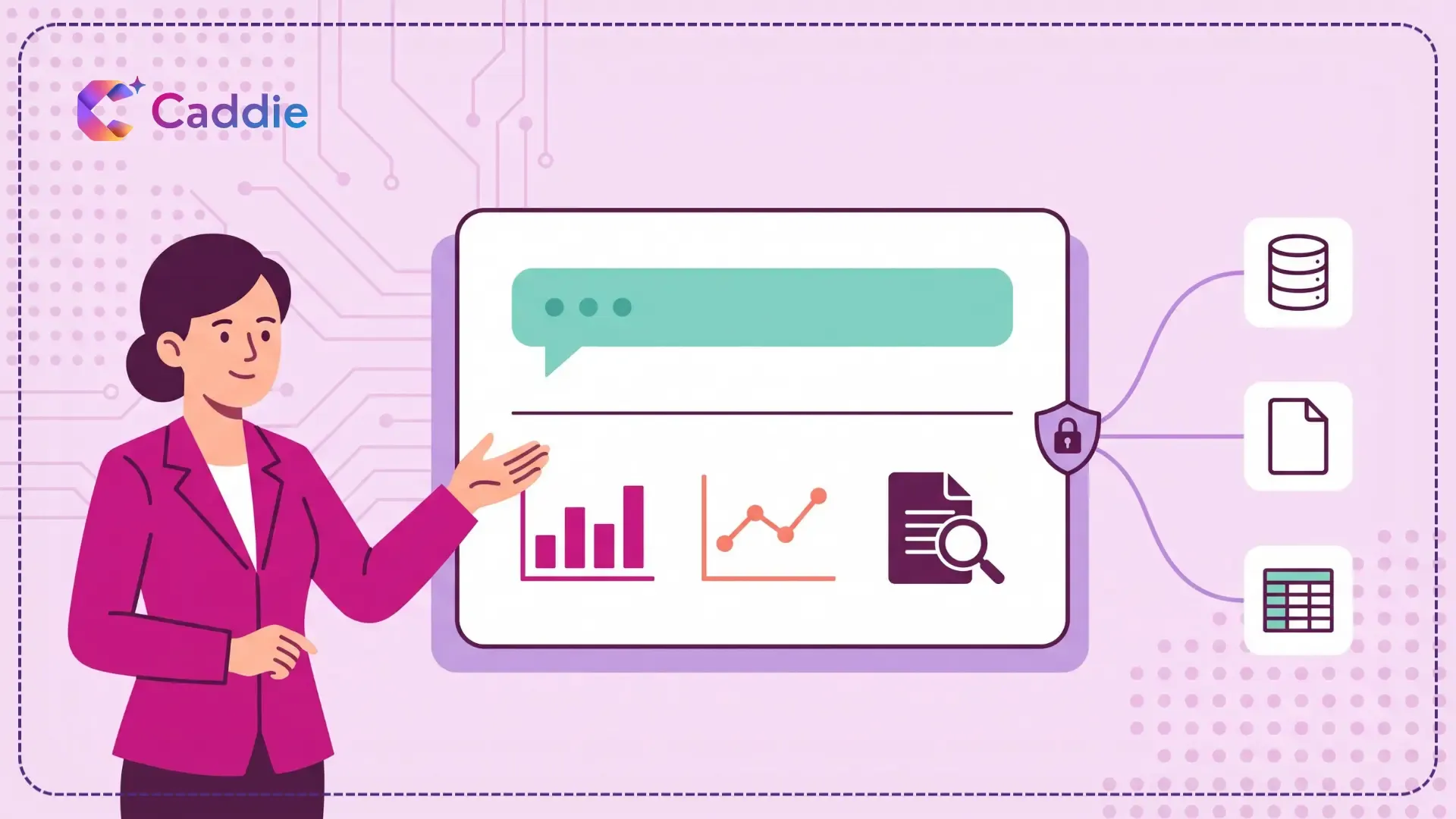
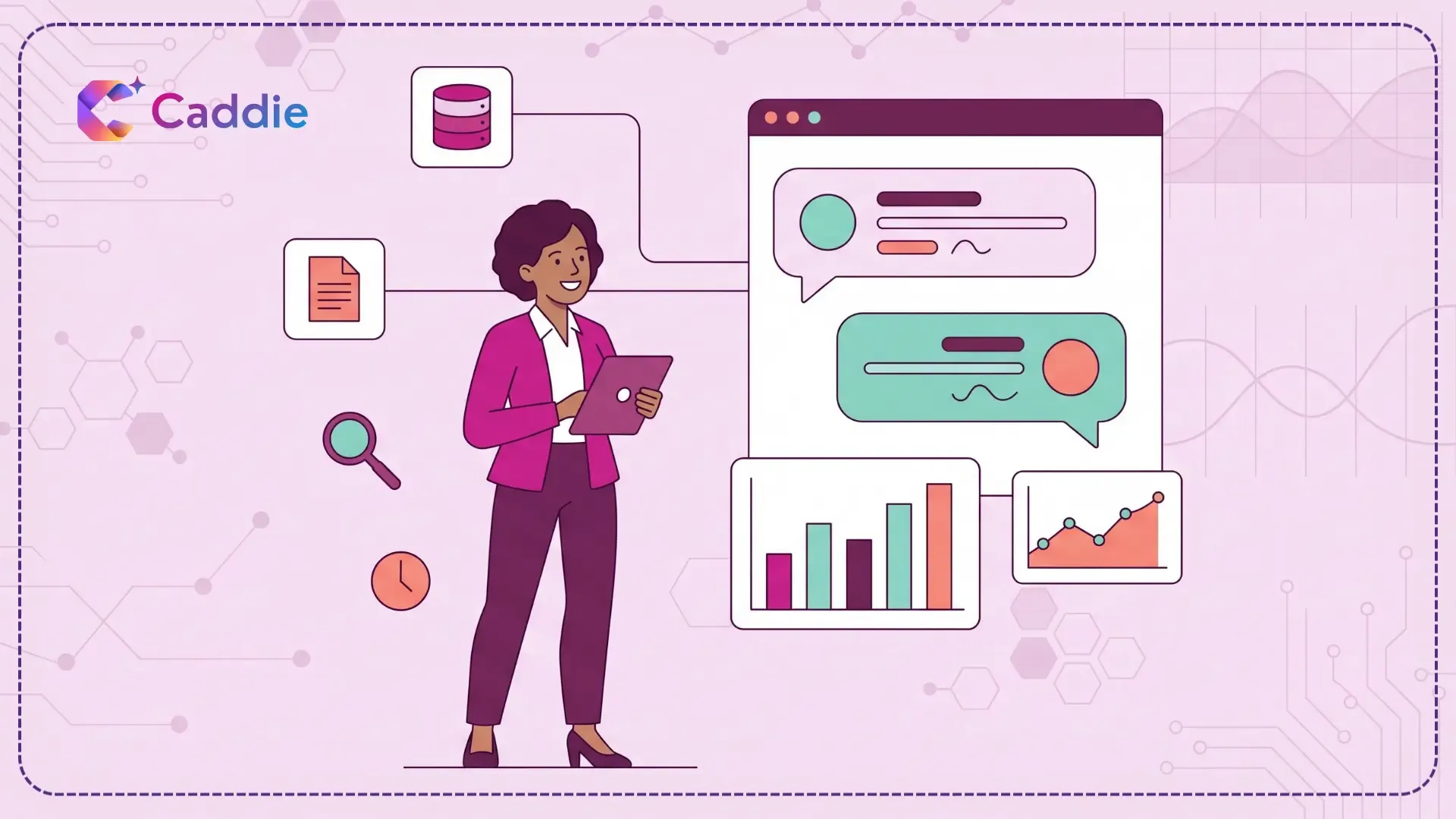
A capable business analytics chatbot handles four jobs in sequence. It interprets your plain-English question using natural language query (NLQ) technology. It maps that question to the right tables, fields, and filters. It runs the query against governed data. Then it returns a visual answer along with a short written explanation of what changed and why. That last step is what separates a chatbot from a search box, and it is the same capability that powers augmented analytics more broadly.
One distinction matters more than any feature comparison: an AI analytics chatbot assists your decision, it does not make the decision for you. It shortens the distance between a question and the evidence, and the judgment call stays with you.
Three Types of AI Chatbots for Business Analytics
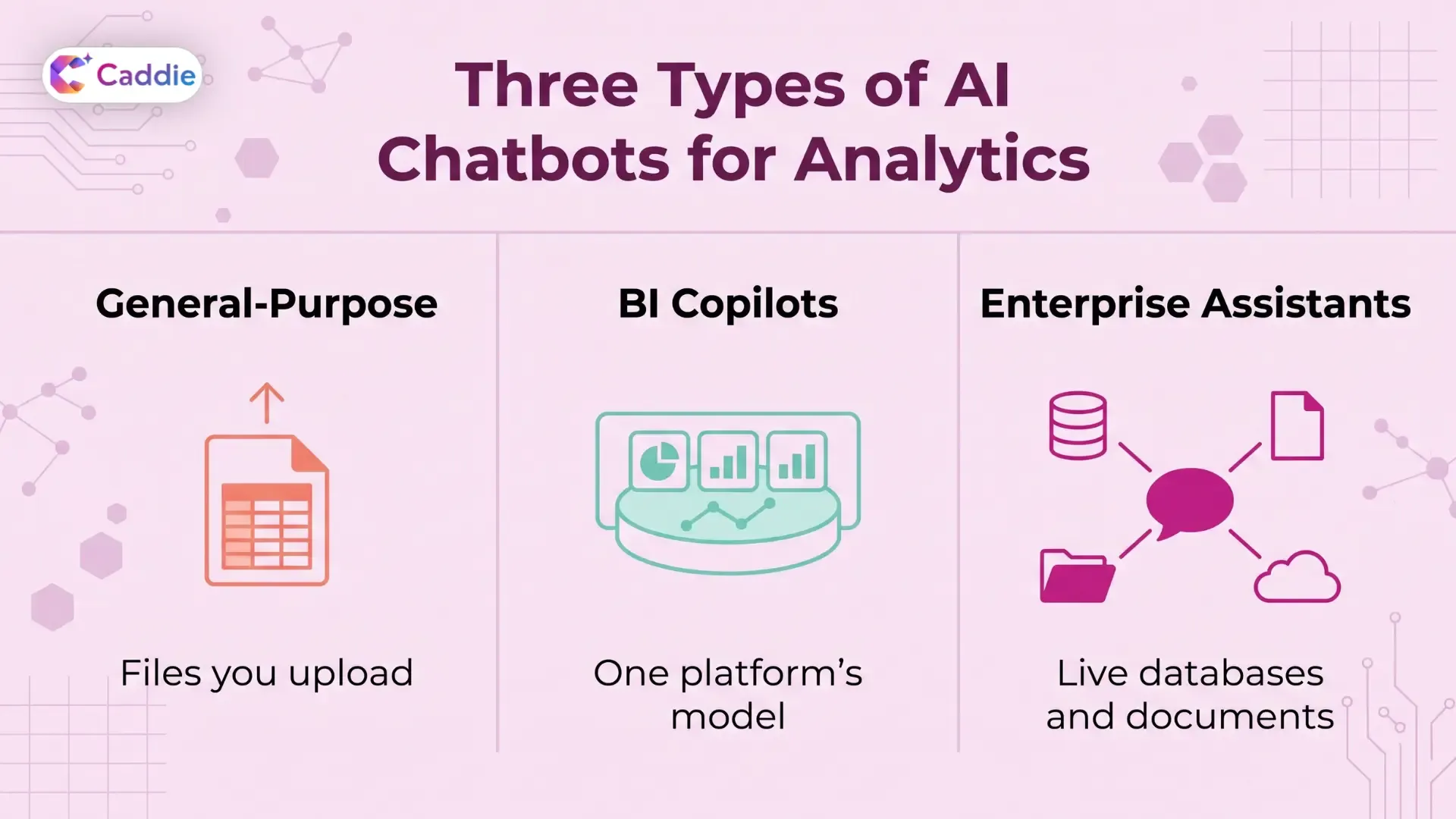
Most comparison articles hand you a list of ten products and leave you to work out which category each one belongs to. Start with the basics instead. Once you know which type you need, the shortlist writes itself.
| Type | What it connects to | Best for | Main limitation |
| General-purpose AI chatbot | Files you upload manually | Ad hoc analysis | No live data and no access controls |
| BI copilots | One BI platform's semantic model | Teams standardized on a single BI tool | Cannot reach outside that platform |
| Enterprise AI assistant | Live databases and documents | Cross-system questions at enterprise scale | Needs reasonable organized source data |
General-purpose AI chatbots
ChatGPT, Claude, Gemini, and Microsoft Copilot sit here. You upload a spreadsheet or paste an export, and they analyze it genuinely well. They write formulas, explain outliers, draft the commentary, and build a chart on request.
What they do not do is connect to your warehouse under your access rules. Every analysis starts with a manual export, so your numbers are only as fresh as the file. Sensitive data also leaves your governed environment the moment somebody uploads it.
Best for: one-off exploration, quick modeling, and drafting narrative around a report you already built.
Not for: recurring reporting, anything with row-level security, or anything a regulator might ask about later.
BI Copilots Inside Your Existing Platform
Every major BI vendor now ships a chat layer. If your organization has standardized on one platform and your semantic model is clean, this is often the cheapest route to a working AI reporting chatbot.
The limits are structural rather than fixable. A copilot can only answer questions about data that has already been modeled inside its own platform. Questions that span a warehouse, a CRM, and a folder of contracts fall outside its reach. You also inherit that platform’s per-seat licensing, which gets expensive fast when you want everyone asking questions, not just analysts. Our roundup of AI-powered business intelligence tools compares how the major platforms stack up here.
Best for: single-platform shops with a mature semantic layer.
Not for: cross-system questions, or a broad rollout on a tight per-seat budget.
Dedicated Enterprise AI Data Assistants
This is the fastest-growing category and the one most people mean when they say enterprise AI chatbot. These tools exist for a single job: letting a business user interrogate company data conversationally. The category grew directly out of conversational analytics, and it is the reason so many enterprises are now shifting to self-service analytics.
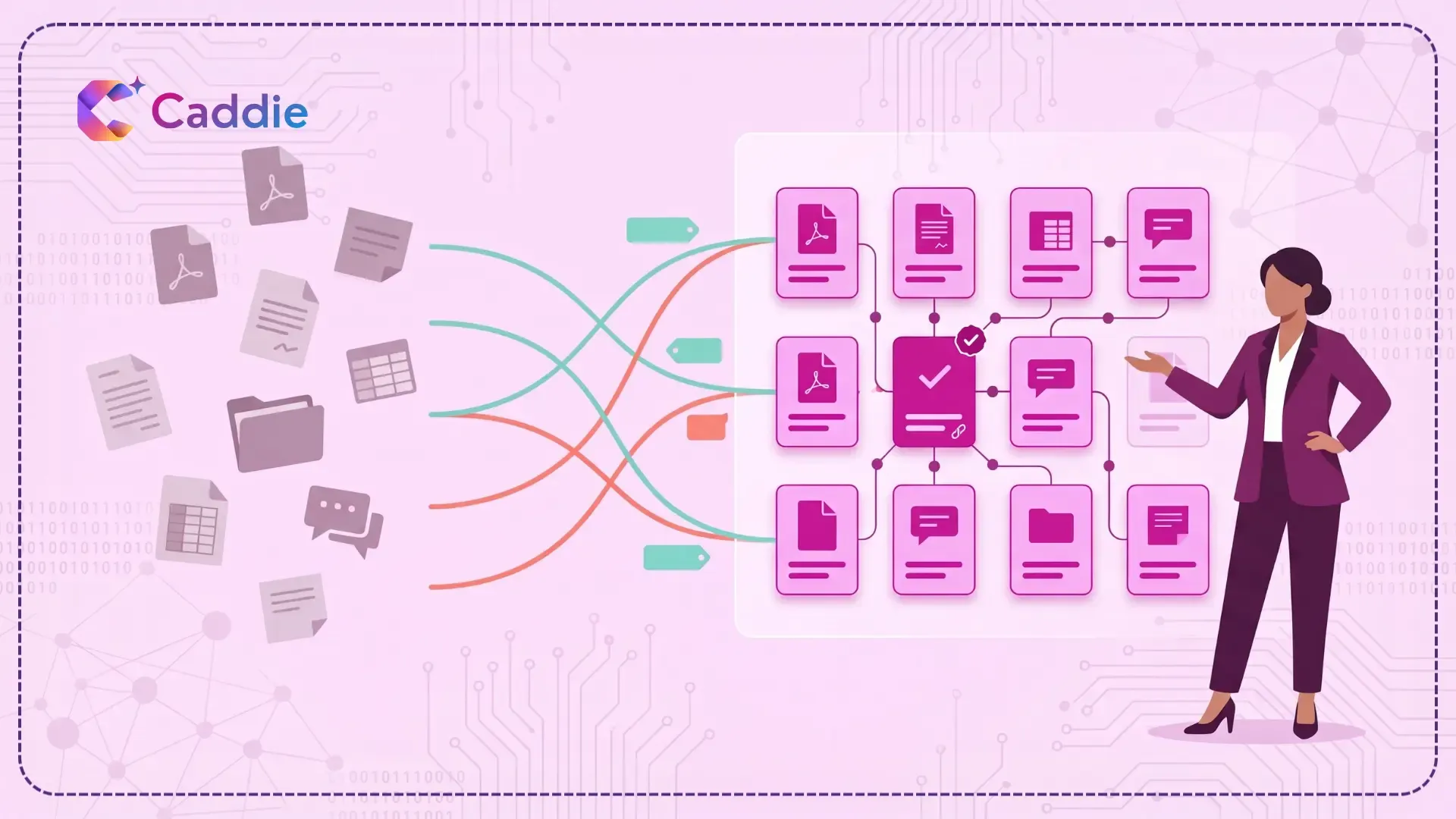
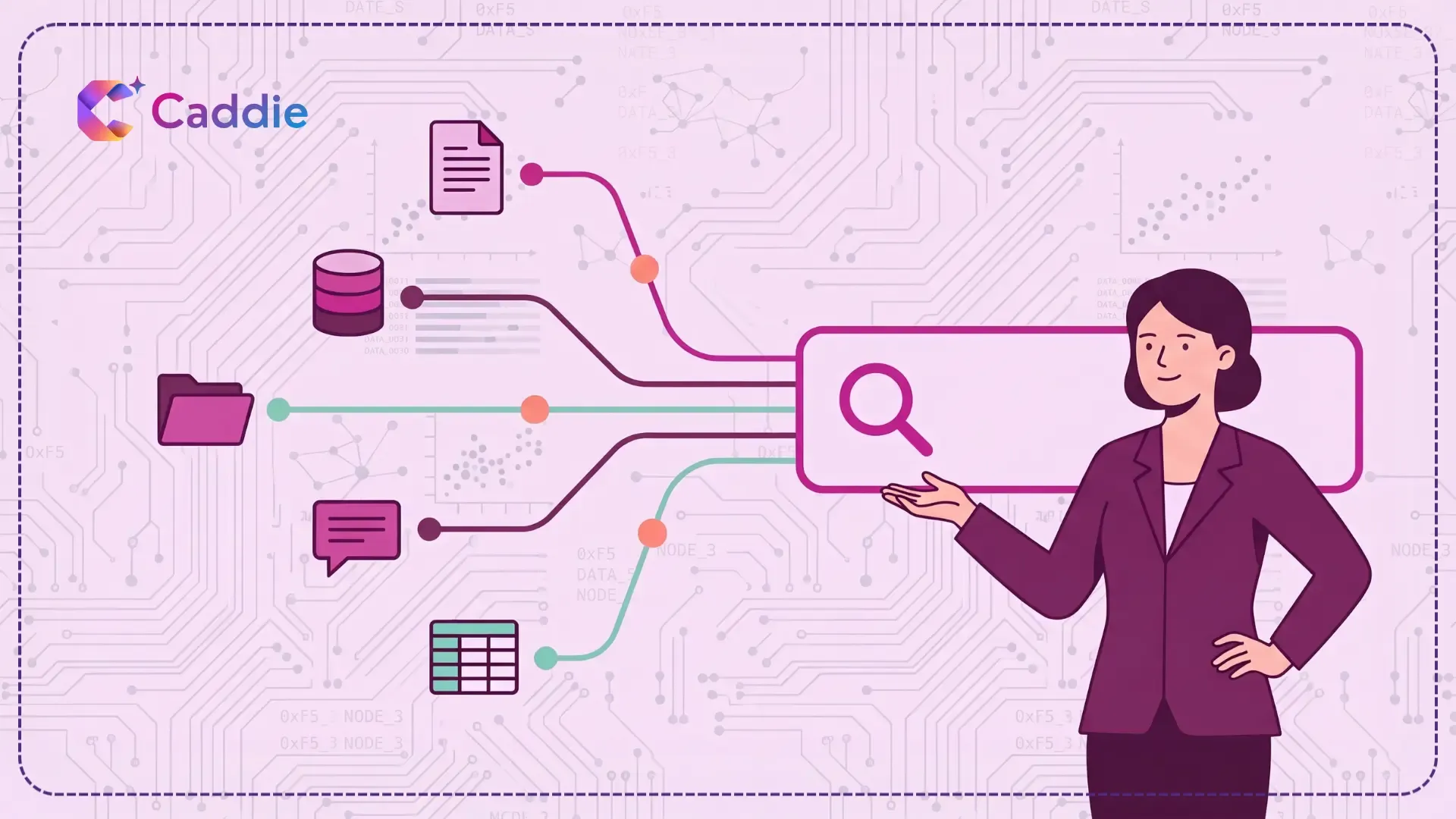
The category is defined by what it reaches. A dedicated AI data assistant sits across multiple databases and, in the stronger implementations, across unstructured sources such as PDFs, policies, and spreadsheets. It enforces single sign-on and role-based access, so the chatbot only ever sees what the person asking is allowed to see. It also keeps context across follow-up questions, which is where the real time savings live.
The newest tools in this category go further than conversation. Instead of turning one question into one query, AI agents do the analytical groundwork: they run the analysis across connected systems, follow the drivers behind a change, and check their own results before answering. This approach is often called agentic analytics.
Best for: enterprises with several data systems, a reporting backlog, and business users who currently depend on specialists.
Not for: teams running a single clean database with only a handful of users.
How to Choose the Best AI Chatbot for Reporting
Once you have settled on a category, the evaluation gets concrete. Five things separate the tools that survive a pilot from the ones that quietly get abandoned by week three.
Data Coverage, Structured and Unstructured
Most of your organization’s answers are not sitting in a database. They live in contracts, policy documents, and spreadsheets nobody has ever modeled. Ask every vendor a direct question: can your chatbot read those, or only SQL tables? Then ask what happens when those sources disagree. A tool that reads the ERP, the CRM, and a team spreadsheet should reconcile them, so one question returns one answer, not three.
Governance You Do Not Have to Bolt On
Row-level and column-level permissions, SSO, MFA, and a full query audit log should be native, not roadmap items. Salesforce found that 26% of their data is "untrustworthy" (State of Data and Analytics), which is a governance framework failure, not a data quality problem. Get your data governance model settled before you widen access.
Traceable Answers
Insist on seeing the query, the source, and the row count behind any answer. This matters more than vendors like to admit: 89% of data and analytics leaders running AI in production say they have already encountered inaccurate or misleading outputs. Traceability is how you catch a bad answer before someone acts on it. The best tools go one step further: when the data can’t support an answer, they say so instead of producing a confident guess.
Conversational Memory
A single clean answer is a demo. The value is in the follow-up. Test whether "now break that down by region" works without you restating the whole question, and whether the thread holds across five or six turns.
Distribution Into Where Work Already Happens
A chatbot people have to remember to open will not get used. Check for mobile access, scheduled delivery, and one-tap sharing into the email and chat tools your teams already live in. This is usually the difference between a tool that speeds up enterprise reporting and one that adds another tab to ignore.
Where AI Analytics Chatbots Still Fall Short
Two honest caveats before you sign anything. First, none of these tools fix bad data. Salesforce reports that 84% of data and analytics leaders believe their data strategy needs a complete overhaul before their AI ambitions can succeed. A chatbot sitting on top of conflicting metric definitions will produce confident, well-worded, wrong answers faster than any dashboard ever could.
Second, adoption is harder than procurement. Bringing a tool into the enterprise is not the same as bringing the enterprise into the tool. The teams who spent years filing report requests need a reason to stop asking. Budget for enablement, training, and change management alongside licenses, and treat this as a decision intelligence program rather than a software purchase.
Be clear about what you are replacing, too. If your current setup is a wall of scheduled dashboards, read why static dashboards aren’t enough before assuming a chat layer on top of them fixes the underlying lag.
Where Caddie Fits
Caddie fits the third category and goes a step beyond chat. It is an agentic analytics platform for organizations whose data lives in many systems. Caddie connects to your databases and documents and builds one map of your data, in the terms your business already uses, with access that follows your existing SSO and role-based permissions. When you ask a question, Caddie’s agents do the groundwork: they run the analysis, follow the drivers, and check their own results. When the data can’t support an answer, Caddie says “not yet” instead of guessing.
You get the reasons, the sources, and the next steps in one place, on desktop or mobile, ready to share with whoever needs to act. You make the call. Book a Caddie demo to see sourced answers on your own data.
Conclusion
The best AI chatbot for business analytics is not the one with the longest feature list. It is the one that reaches the data your questions actually live in, respects the permissions you already have in place, and is still being used in month three.
Start by naming your category. Then run four tests on every tool: the follow-up question, the document question, the permission boundary, and a question your data can’t actually answer. The right tool tells you so instead of guessing. Anything that clears all four earns a pilot.
Frequently Asked Questions
1. What is an AI chatbot for business analytics?
It is a conversational interface that connects to your company data, interprets plain-English questions, runs the query, and returns a visual answer with a written explanation of the result.
2. When is uploading files to a general-purpose AI tool enough for business analytics?
For one-off exploration and quick modeling, uploading a spreadsheet or export works well. For recurring reporting, cross-system questions, or anything with sensitive data, you need a tool that connects to live sources and enforces access controls.
3. What is the difference between an AI chatbot and a BI dashboard?
A dashboard answers a question someone decided in advance. An AI chatbot answers the question you have right now, including follow-ups, without anyone rebuilding a view first.
4. Are enterprise AI chatbots secure enough for sensitive data?
Enterprise-grade options enforce single sign-on, multi-factor authentication, and role-based access, so the chatbot only returns data the person asking is already authorized to see. Always verify audit logging.
5. How much does an AI chatbot for business cost?
Pricing varies by data volume, connectors, and user count. BI copilots usually add per-seat fees to existing licenses, while dedicated data assistants are priced per user or per deployment.