Your organization probably does not have a data problem. It has an access problem. The numbers exist somewhere: in a warehouse, a CRM, a finance system, a shared folder full of quarterly PDFs. Getting a trustworthy answer out of them still takes a ticket, a queue, and a few days of waiting.
An enterprise AI assistant is supposed to close that gap. You ask a question in plain language, and you get an answer grounded in your live data. The problem is that the category is crowded, every demo looks impressive, and the differences that matter only show up after you sign.
Adoption is no longer the hard part. According to McKinsey’s State of AI survey, 88 percent of respondents said their organizations regularly use AI in at least one business function, up from 78 percent a year earlier. Only about 7 percent said AI had been fully scaled across the organization. Buying is easy. Choosing something that survives contact with your governance model, your data sprawl, and your actual users is not.
This guide walks you through what an enterprise AI assistant for analytics really is, the ten criteria that separate a serious platform from a polished demo, the questions to ask every vendor, and an evaluation you can run before you commit.
What an Enterprise AI Assistant Actually Does
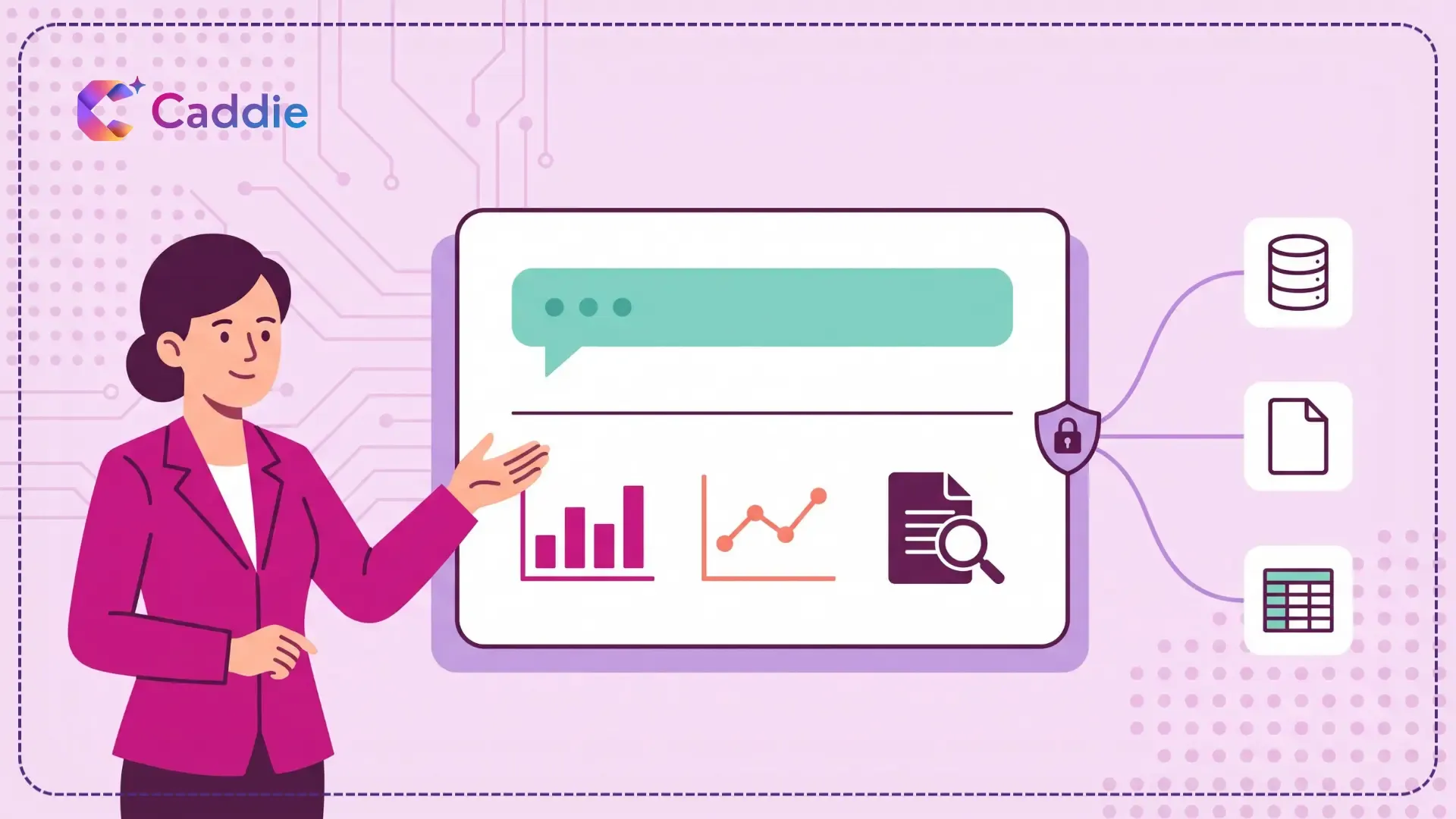
An enterprise AI assistant for data and reporting sits on top of the systems you already run and lets people ask business questions in everyday language. Instead of filing a request or waiting for a dashboard to be built, your finance manager types “What drove the margin drop in the Northeast last quarter?” and receives a number, a chart, and a short written explanation.
Several capabilities work together to make that happen. Natural language query interprets the question. Natural language understanding maps it to the right metrics, dimensions, and filters. Natural language generation writes the commentary that explains the result. If you want the mechanics behind each layer, you can read about what Is Natural Language Processing (NLP)? and what Is Conversational Analytics?.
The practical difference from traditional reporting is the direction of effort. In a conventional business intelligence setup, someone anticipates the question and builds a view in advance. With an AI data assistant, the question comes first and the view is generated on demand. That shift is why the category overlaps heavily with augmented analytics, and why so many buyers struggle to tell competing products apart.
Assistive or Autonomous: Settle This Before Anything Else
This is the single most important question in your evaluation, and most buyers skip it.
An assistive AI analytics assistant answers questions, surfaces patterns, and explains what the data shows. A person still makes the call. An autonomous system takes action on its own: changing a forecast, adjusting a budget line, triggering a workflow.
Those are different products with different risk profiles, different audit requirements, and very different failure modes. Gartner predicts that over 40 percent of agentic AI projects will be canceled by the end of 2027, citing escalating costs, unclear business value, and inadequate risk controls. In the same analysis, Gartner flagged widespread “agent washing,” the rebranding of existing assistants, chatbots, and robotic process automation as agentic, and estimated that only around 130 of the thousands of vendors claiming agentic capability are genuine.
For data and reporting, assistive is usually the right choice. The value is in compressing the time between a question and a defensible answer, not in removing the human from the decision. If a vendor pitches autonomy for analytics, ask what it does when it is confidently wrong, and who signs off.
Why This Purchase Goes Wrong More Often Than It Should
Most failed deployments do not fail because the AI was bad at language. They fail because the foundation underneath it was not ready, or because nobody defined what success looked like.
Gartner found that 63 percent of organizations either do not have, or are unsure whether they have, the right data management practices for AI, and predicted that through 2026 organizations would abandon 60 percent of AI projects that were not supported by AI ready data.
The value gap is just as stark. In a global survey of data, analytics, and AI leaders, Gartner reported that only 39 percent of technology leaders were confident their current AI investments would have a positive impact on financial performance. The organizations that did see returns invested up to four times more, as a percentage of revenue, in foundations like data quality, governance, and change management. Those with the highest maturity reported up to 65 percent greater business outcomes.
Read that as a buying instruction. The assistant you choose should reduce the burden on your foundations, not assume they are already perfect.
Ten Criteria for Choosing an Enterprise AI Assistant
Use these as scoring dimensions rather than a checklist. Weight them according to what actually blocks your organization today.
1. How Well It Understands Your Business Language
Every enterprise has its own vocabulary. “Bookings” means something specific in your company, and it is probably not what the vendor’s demo dataset means by it.
Test whether the assistant handles vague phrasing, internal shorthand, multi part questions, and follow ups that depend on the previous answer. Ask “How did we do last quarter?” without specifying a metric and see what happens. A strong system asks a clarifying question. A weak one guesses and presents the guess with total confidence.
2. Whether It Reads Your Documents, Not Just Your Databases
A large share of the answers your teams need are not in a database at all. They are in contracts, policies, vendor agreements, board decks, and spreadsheets that no BI tool has ever indexed.
Most conversational analytics tools only query structured data. If your evaluation includes questions like “What are the termination terms in our top ten supplier contracts?”, you need an AI assistant for data analysis that handles unstructured sources too. This is one of the clearest points of separation in the market, and it is worth testing with your own files rather than the vendor’s samples.
3. How Fresh the Underlying Data Is
An answer built on last night’s extract is a historical record, not decision support. Ask exactly where the assistant reads from, how often that source refreshes, and whether the user can tell how current an answer is.
This is the same failure mode that made static reporting frustrating in the first place, covered in Real-Time Business Insights: Why Static Dashboards Aren’t Enough.
4. Whether Everyone Gets the Same Number
If two people ask the same question in different words and get different answers, adoption dies within a month. Trust is fragile and it does not come back easily.
Ask how the platform handles metric definitions. Is there a shared semantic layer where “active customer” or “net revenue” is defined once and applied consistently? Can your team govern those definitions centrally? This connects directly to the discipline described in KPI Analytics: How to Build a Metrics-Driven Organization.
5. Security, Access Control, and Governance
The moment you put a natural language interface on enterprise data, you have changed your access surface. A question is now a query, and anyone can write one.
Look for role based access control that respects your existing permissions, single sign on, multi factor authentication, row and column level restrictions, and a complete audit log of who asked what. If the assistant cannot enforce that a regional manager sees only their region, it is not enterprise ready. Your requirements here should map to your existing data governance framework and your AI governance policy, and to whatever sits in your data governance tooling today.
6. Whether You Can See How It Got the Answer
Executives will not act on a number they cannot trace. Ask to see the underlying query, the source tables or documents, the filters applied, and the time range used.
A good AI business intelligence assistant shows its work by default. A weak one gives you a confident sentence and no way to verify it. Insist on seeing this during the demo, not in a follow up call.
7. Time to First Useful Answer
Some platforms require months of semantic modeling before anyone can ask a single question. Others connect to a source and return something useful the same afternoon.
Neither is automatically better, but you need to know which you are buying, because the slower option changes your project plan, your budget, and your internal credibility timeline. Ask the vendor for a realistic date, in weeks, when a named business user will get their first answer.
8. Where the Assistant Meets Your People
An assistant your teams have to remember to open will lose to the tools they already have open. Check for mobile access, voice input for people who are not at a desk, and one step sharing to email or chat.
For field leaders, regional managers, and executives between meetings, this is often the difference between a tool that gets used and a license that gets renewed out of habit.
9. Whether Non-Technical Users Will Actually Adopt It
Run your evaluation with the people who will actually use the product. Not your analytics team, who can make any tool work, but the operations manager who has never written a query.
Watch what happens when they hit a wrong answer. Do they recover, or do they go back to emailing the analytics team? Adoption is the real deliverable here, which is the underlying argument in Why Enterprises Are Shifting to Self-Service Analytics and in What Is Data Democratization?.
10. The Total Cost You Are Actually Comparing
License fees are the smallest part of the number. Build a three year view that includes implementation, data engineering time, connector development, ongoing semantic layer maintenance, training, and internal support.
Then compare it against what you spend today on dashboard maintenance, ad hoc report production, and the cost of decisions delayed while people wait. That second number is usually invisible and usually large.
Questions to Ask in Every Vendor Demo
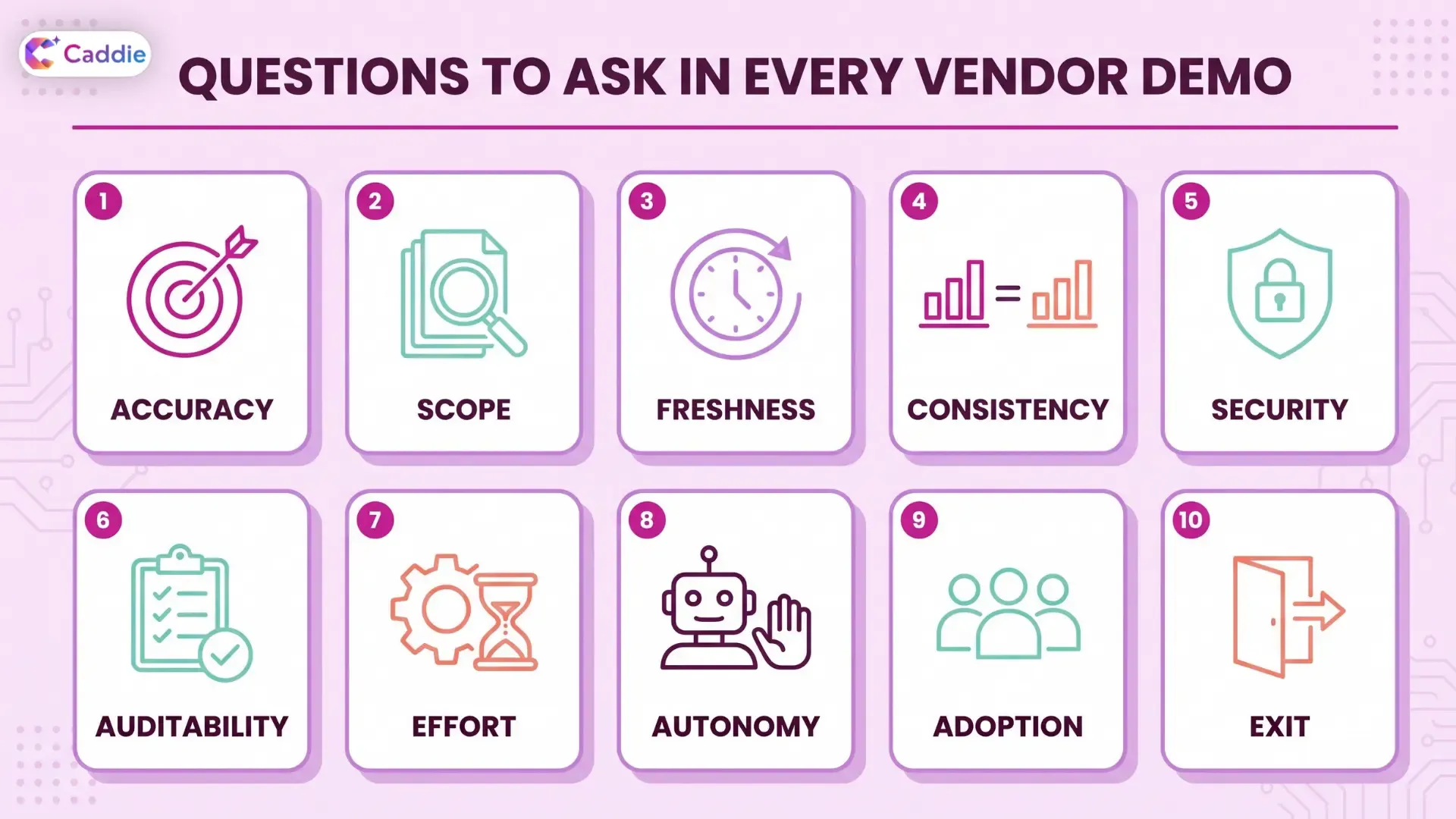
Bring these to the call and ask them in this order. The answers will separate your shortlist quickly
- Accuracy: What does the product do when it is not confident, and how do we see that?
- Scope: Can it answer from PDFs and spreadsheets, or only from structured tables?
- Freshness: Is this querying live data or a scheduled copy, and how do users know?
- Consistency: Where are metric definitions stored, and who controls them?
- Security: How do row and column level permissions carry over from our existing systems?
- Auditability: Can we export a full log of every question asked and every source used?
- Effort: What has to be true about our data before this works, and how long does that take?
- Autonomy: Does the system ever act without a person approving the action?
- Adoption: What percentage of licensed users are active after 90 days at comparable clients?
- Exit: If we leave, what do we keep, and what do we lose?
How to Run a 30-Day Proof of Value
A demo tells you what a product can do on a good day. A structured pilot tells you what it will do in your environment.
- Days 1 to 5: Pick one business function and one real problem. Define three to five questions people currently wait days to get answered. Write down what a good answer looks like before you see any output.
- Days 6 to 12: Connect two real sources, ideally one database and one document repository. Note every integration obstacle. This is your best preview of the full rollout.
- Days 13 to 22: Put it in front of five non technical users. Do not train them beyond a ten minute walkthrough. Log every question they ask, every wrong answer, and every point where they give up.
- Days 23 to 30: Measure three things: how many questions were answered without analyst involvement, how long each answer took compared to your current process, and whether the users would keep using it. If the answer to the third is no, the first two do not matter.
Bring your analytics team in as evaluators rather than operators. If a tool only works when an expert drives it, it has not solved the bottleneck you bought it to solve.
Six Red Flags Worth Slowing Down For
- The demo runs only on the vendor’s dataset. Insist on your data, even a small sample, before the second call.
- No answer to “how do we verify this?” Traceability is not a premium feature. It is the price of entry.
- Autonomy pitched where you asked for assistance. Refer back to the agent washing problem. Ask what specifically is autonomous and what governs it.
- Governance described as a roadmap item. Access control that ships next quarter does not protect you this quarter.
- Pricing that only makes sense at full deployment. If the economics require the entire organization to adopt on day one, you have no room to pilot.
- Every question gets a confident answer. A system that never says “I am not sure” is not more capable. It is less honest.
What to Prioritize Based on Your Role
If You Are the CIO or CDO: Weight governance, access control, auditability, and integration effort most heavily. Your risk is not a bad answer. It is an ungoverned access path or a project that stalls in data preparation.
If You Are the CFO: Weight metric consistency, traceability, and total cost of ownership. You need numbers that survive a board question and a cost model that holds up over three years.
If You Lead an Analytics Team: Weight deflection and semantic control. The right AI for analytics teams removes repetitive requests from your queue while leaving you in charge of how metrics are defined. Measure the pilot on how many requests never reached you.
If You Are the COO: Weight breadth of data coverage and mobile access. Your teams need consistent answers across systems, and your frontline leaders need them without returning to a desk. The reconciliation problem is worth reading about alongside What Is Decision Intelligence?
Narrowing Your Shortlist
Once you have scored candidates against the ten criteria, keep the list to three. More than that and evaluation fatigue makes the decision for you.
For a view of how the current vendor landscape breaks down, including where conversational tools differ from established platforms, see 7 Best AI-Powered Business Intelligence Tools for Enterprises. If reporting speed is your primary driver, How AI-Powered Analytics Speeds Up Enterprise Reporting breaks down exactly where the time goes in a traditional reporting cycle and which stages AI actually compresses.
Where Caddie Fits
Caddie is an enterprise AI assistant built for exactly this evaluation. It connects to your databases and your documents, so your teams can ask questions of live data and of the PDFs, policies, and spreadsheets that traditional BI tools never reach. Answers come back as charts, tables, and plain language explanations you can trace to a source.
It is deliberately assistive. Caddie helps your people reach a decision faster. It does not make the decision or act on your systems for you. Enterprise controls, including single sign on, multi factor authentication, and role based access, mean the right people see the right data, and mobile and voice access mean your leaders can ask a question without waiting until they are back at a desk.
Want to test it against your own criteria? Schedule a demo and bring your hardest question.
Frequently Asked Questions
What is an enterprise AI assistant for data and reporting?
It is a layer over your existing data systems that lets business users ask questions in plain language and receive answers, charts, and explanations from live company data without building dashboards first.
How is an enterprise AI assistant different from a BI tool?
Traditional BI requires someone to anticipate the question and build a view in advance. An AI analytics assistant generates the answer on demand, in response to a question asked in ordinary language.
What should I evaluate first when choosing an AI data assistant?
Start with governance and traceability. Confirm the platform respects your existing permissions, logs every query, and shows the sources behind each answer before you assess language quality or speed.
Should an enterprise AI assistant act autonomously on our data?
For analytics and reporting, usually not. Assistive systems compress the time from question to trustworthy answer while keeping a person accountable for the decision, which lowers both governance and audit risk.
How long does it take to deploy an AI assistant for reporting?
It varies widely, from days for connector based tools to several months for platforms requiring extensive semantic modeling. Ask every vendor for a dated commitment to a first business user answer.