Someone on your marketing team wants to know which campaigns brought in the most revenue last quarter. The answer is sitting in your data warehouse right now. But getting it out means writing SQL, and they do not write SQL. So they file a request, wait four days, and by the time the answer arrives the question has moved on.
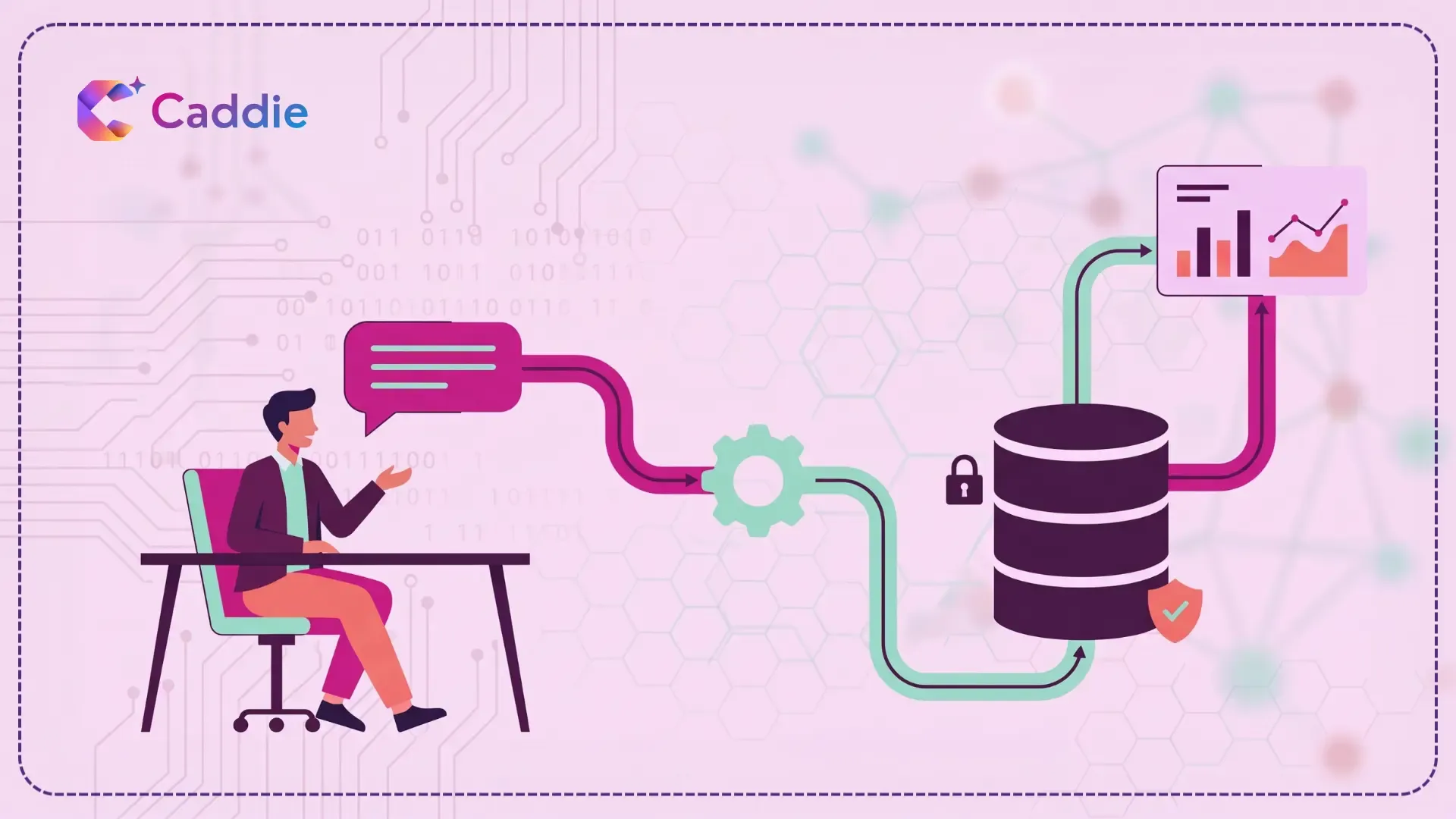
Natural language to SQL exists to fix exactly that. You type your question in plain English. An AI model turns it into a database query. The database answers. No ticket, no waiting, no code.
It works. This guide explains how it works in simple terms, how reliable it is today, and what to check before you buy.
What Natural Language to SQL Actually Does
Think of it as a translator with one job: turn a sentence into a database query.
When you ask “which three regions missed their margin target in Q3,” the tool has to work out four things. What you are actually asking for, which is a ranking of regions. Where that information lives, meaning which tables and which columns. How to write it correctly for your particular database. And then it runs the query and shows you the result.
You can call it by different names: NL2SQL, text-to-SQL, or SQL generation AI. They all describe the same thing. The chat box you type into is usually called a natural language query interface. NL2SQL is the engine sitting behind that box. The second step, working out where the information lives, is where nearly everything goes wrong.
How Reliable Is It Today?
The short version: better than most people expect, and not as good as a demo makes it look.
The clearest public measure comes from a research benchmark called BIRD, which tests AI systems on real, messy company databases instead of clean textbook ones. Human database experts get about 93 percent of its questions right. The best AI systems on the public leaderboard currently reach about 82 percent.
That gap is worth sitting with for a moment. At 82 percent, roughly one answer in five is wrong. And it is not wrong in a way that throws an error message. It is wrong in a way that hands you a clean, well-formatted number that looks completely reasonable. That is the honest picture. The technology is genuinely useful, and it is not a substitute for someone checking the work.
One more thing worth knowing is that those scores are achieved under favorable conditions, with the AI given helpful notes explaining what the data means. Most companies have never written those notes down. Which brings us to the real issue.
Why Your Results Will Not Match the Demo
Here is the part vendors rarely lead with. A team of researchers at AT&T who have topped that benchmark put it plainly. After decades of experience, they concluded that the hardest part of writing a query is not writing the query. It is understanding what the database actually contains.
Think about your own systems. Somewhere in there is a column called rev_adj_fnl. Someone who has worked at your company for three years knows that means revenue after returns and discounts. A new hire does not. An AI model does not either. It sees a short, cryptic name and makes its best guess.
Now multiply that by a few thousand columns. Add the table someone built in 2021 that nobody has maintained since. Add the fact that “customer” means one thing in your billing system and something slightly different in your CRM. That is what the AI is working with. This is why two companies can buy the identical tool and get completely different results. The difference is not the model. It is how much the model knows about your business.
The fix is not exciting, but it is well understood. The tool needs a description layer sitting between the question and your raw tables. What each column means in plain English. Which definition of a metric is the official one. How your tables connect to each other. Some products build this layer automatically by studying your data and your existing queries. Others expect your team to write every definition by hand. That difference decides whether you launch in six weeks or six months, so ask about it early.
What to Look For in a Text-to-SQL Tool
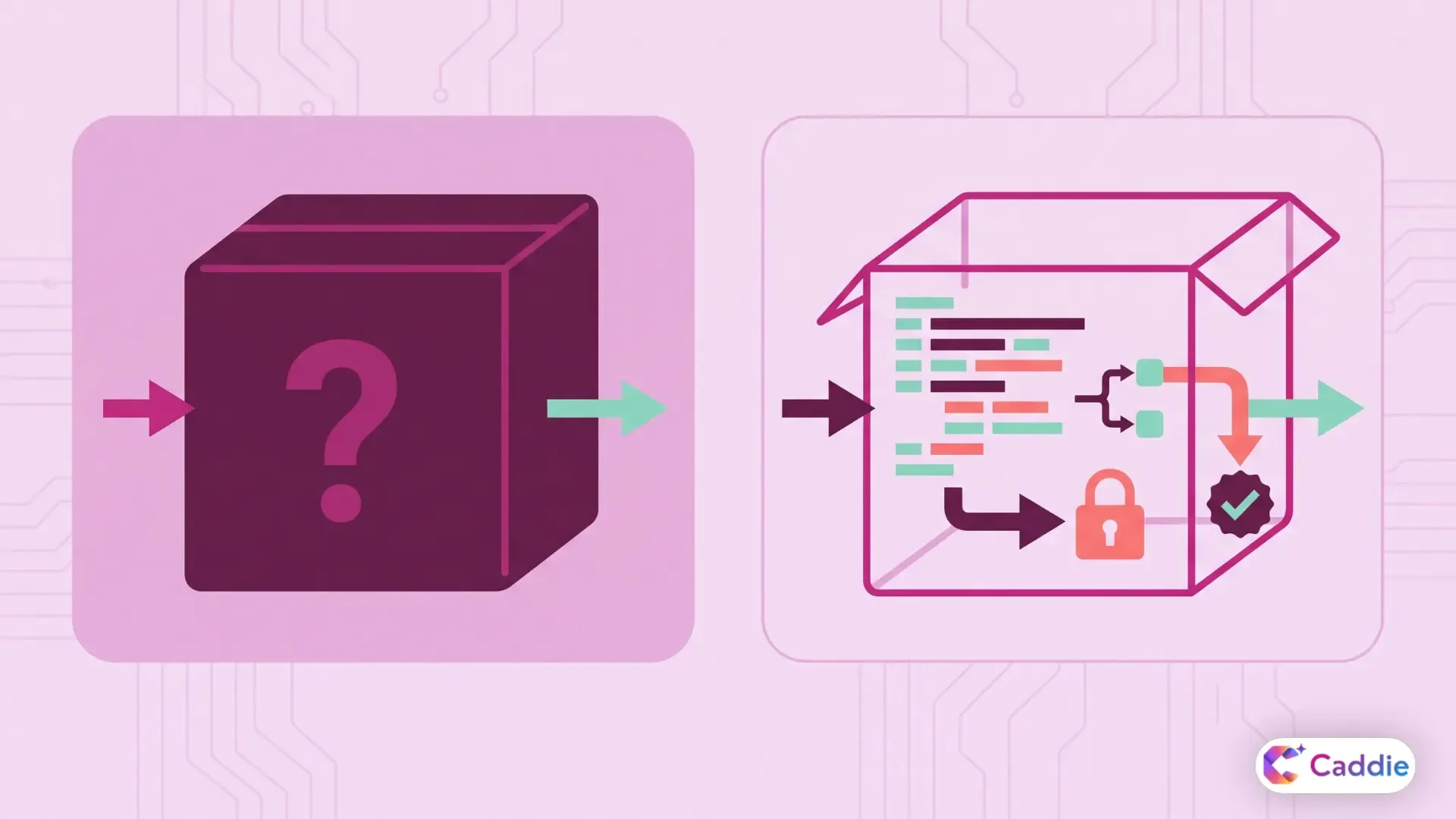
Most of these tools look nearly identical in a demo. A chat box, a question, a chart. The differences only show up once real people start asking real questions on real data. Four things separate a tool you can roll out safely from one that will quietly create problems.
It shows you the SQL
The tool should display the query it wrote, in a form your analysts can read and correct. If you cannot check the query, you cannot check the number, and a number nobody can check will not survive its first meeting with your CFO.
Visible queries also make conversational analytics workable for a whole team rather than one curious executive. Your data group can see what people are running, spot bad patterns early, and approve the queries that get used again and again.
It asks when your question is unclear
“Show me our top performers last month” could mean highest revenue, most units sold, fastest growth, or best margin. A good tool asks which one you meant. A weak one quietly picks and hands you a confident answer.
This is easy to test. In your demo, ask something deliberately vague and watch what happens next.
Permissions are enforced by the database
This is the one your security team will care about. The principle, and it is the same principle OWASP recommends for any AI system connected to company data, is that permission checks belong in the system being accessed rather than in the AI itself.
In practice that means read-only access by default, restrictions on rows and columns enforced by the database, and a log of every question asked. Telling a model not to show salary data is a request. A database account that physically cannot read the salary table is a control. This is your existing data governance applied to a new door into the same information.
It handles your setup, not a generic one
Ask which database systems the tool supports directly. Then ask what happens when a question needs data from two different systems at once. Answers vary a lot between vendors, and this almost never comes up in a scripted demo.
How to Test It Before You Buy
Do not evaluate on the vendor’s sample data. Their demo dataset is small, clean, and carefully labeled. Yours is none of those things.
Instead, write down twenty real questions your teams actually ask. Include three you already know are ambiguous. Run them against your own data and sort the answers into three piles: correct, close but slightly off, and confidently wrong.
That third pile is your real result. One or two is normal and manageable. Five or six means you are not ready yet, and the reason is almost always that your data needs describing before anything else.
Then ask the vendor four direct questions. How does the tool learn what our columns mean? What does a user see when they ask about data they are not allowed to access? Who approves the official definition of a metric like active customer? And what happens when two of our systems define the same metric differently?
If a vendor will not run a trial on your own data, you already have your answer. The wider checklist for choosing an enterprise AI assistant applies here too.
Where It Works Best, and Where to Hold Back
This technology earns its keep in the boring middle of your request queue.
“What did we invoice this client last quarter.” “Which products are below reorder level in the Midwest.” “How many support tickets did we close in August.” Each of these has one correct answer, gets asked constantly, and today costs an analyst twenty minutes to write while costing the person who asked two days of waiting.
Move that whole category into self-service analytics and your analysts get their time back for work that genuinely needs a human. The better business intelligence tools are increasingly being designed around this exact split.
Hold the line everywhere else. Regulatory filings, board reporting, revenue recognition, anything with legal exposure attached to it: keep those in reviewed queries written by people, every single time.
The companies getting real value here are not the ones who switched it on across the business at once. They started in one well-documented area, described their data properly, kept the generated queries visible, and expanded only after people trusted the answers they were getting.
Where Caddie Fits
Caddie is an enterprise AI assistant that lets your teams ask questions of connected databases and documents in plain language and get answers backed by live data. It brings your structured and unstructured sources into one place, turns results into charts you can share, and enforces access through SSO, MFA and role-based controls so people see only what they are cleared to see. Caddie is built to help your teams reach decisions faster, not to make those decisions for them.
See how it handles your own data. Schedule your Caddie Demo today.
Frequently Asked Questions
What is the difference between NL2SQL and NLQ?
NL2SQL is the engine that converts your question into a database query. NLQ describes the wider experience of asking questions of your data in plain language.
How accurate is text-to-SQL AI today?
The best systems answer roughly 82 percent of benchmark questions correctly, against about 93 percent for human experts. Results on your own data depend heavily on documentation.
Do I still need SQL analysts?
Yes. Analysts move toward data modeling, defining metrics, governance and complex work. The tool absorbs repetitive one-off requests, not pipeline design or regulated reporting.
Is it safe to let business users query production databases?
Only with read-only access, row and column permissions enforced by the database, and full query logging. Never rely on instructions given to the model alone.
What makes text-to-SQL fail most often?
Undocumented data. Cryptic column names, undefined metrics and unwritten business rules leave the model guessing, which produces answers that look right but are not.