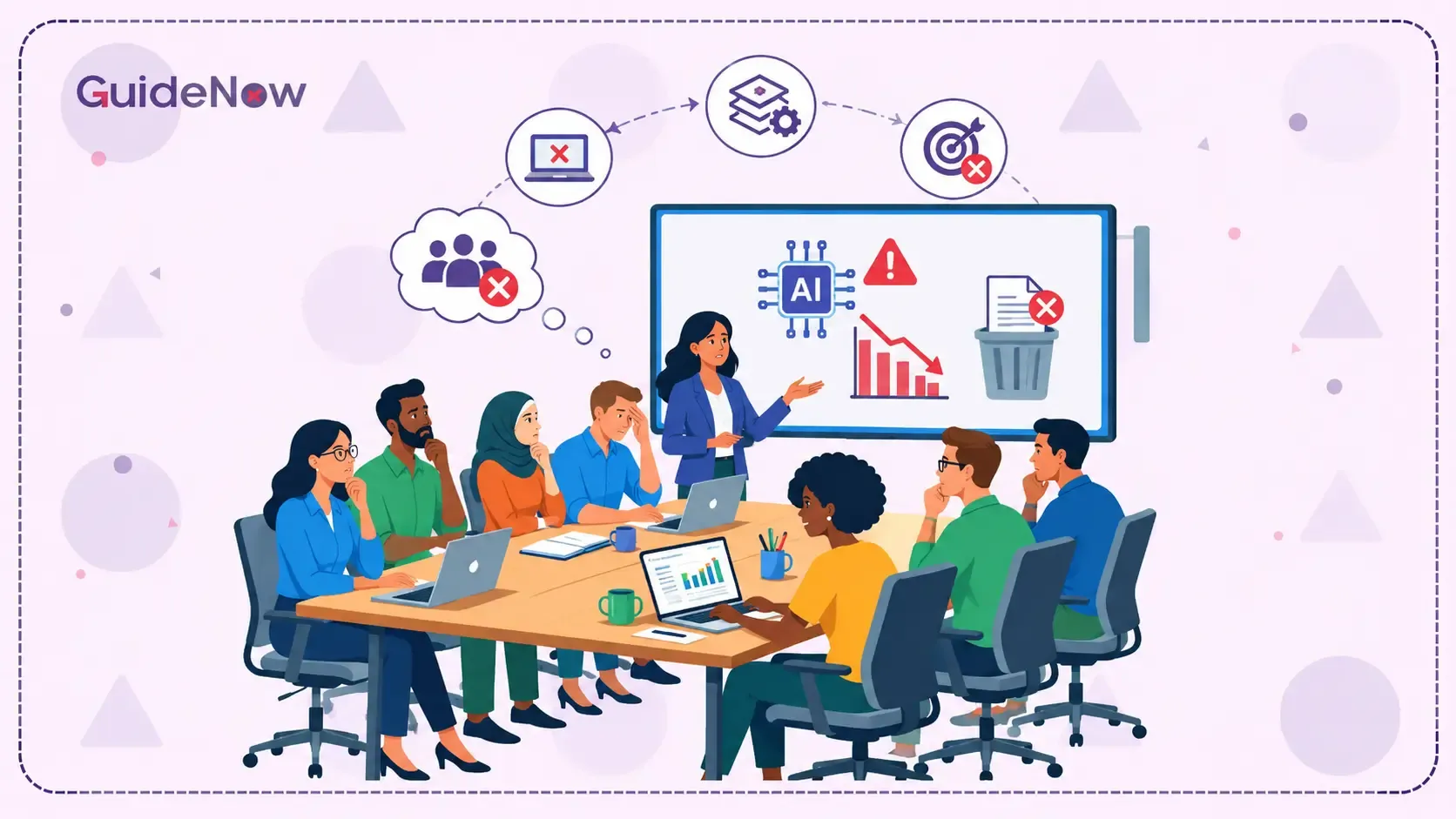
Modern enterprises are using more software applications than ever, but helping employees understand how to use all those tools has become increasingly difficult. From CRM and HR platforms to project management, analytics, communication, and AI-powered applications, employees must navigate an expanding digital workplace every day.
This growing dependence on disconnected software is creating a challenge known as SaaS Sprawl. Organizations are not just managing more applications; they are also dealing with fragmented workflows, inconsistent training experiences, duplicated processes, and employees who struggle to keep up with constantly changing interfaces.
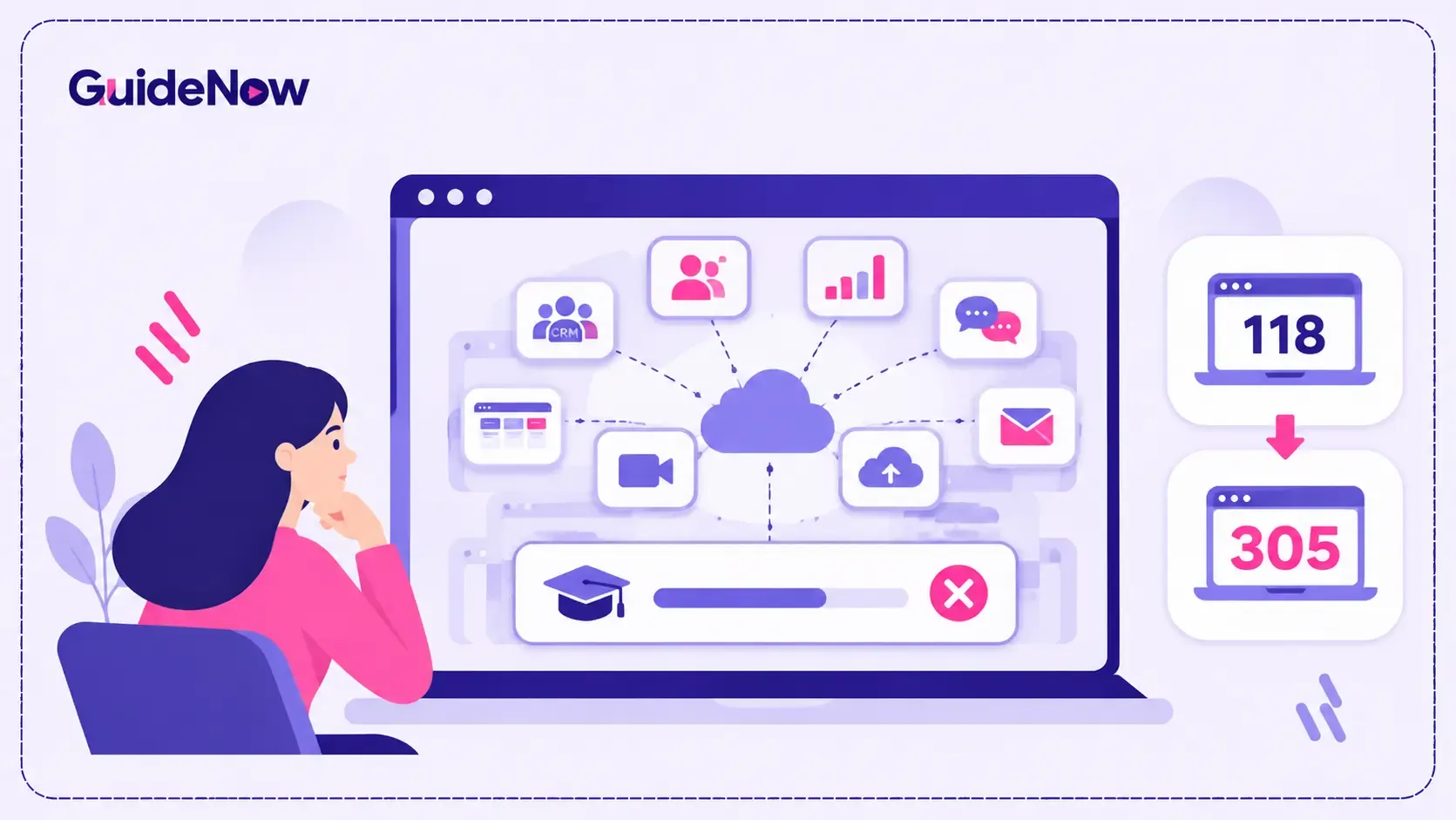
According to BetterCloud's 2026 SaaS statistics, companies use an average of 118 SaaS applications, while Zylo's 2026 research, presented in the State of Martech report, identifies an average of 305 applications across its dataset. These figures come from different studies and measurement approaches, but both highlight the scale of modern enterprise software environments.
For IT leaders, HR teams, and learning and development professionals, the challenge is no longer simply deploying another application. It is ensuring employees can use the growing collection of tools confidently without requiring another lengthy training program every time software changes.
This article explores why expanding software environments make traditional training less effective, how application fragmentation affects employee productivity, and what organizations can do to simplify learning across multiple enterprise applications.
What Is SaaS Sprawl and Why Is It Increasing in 2026?
SaaS sprawl occurs when an organization accumulates numerous Software-as-a-Service applications across departments without sufficient visibility, coordination, or centralized management.
It often starts with a legitimate business requirement. The marketing team adopts an automation platform, sales introduces a CRM tool, HR implements an employee management system, and finance chooses separate accounting software.
Over time, different departments purchase additional applications to solve specific problems. Some tools overlap, others introduce entirely new workflows, and employees are expected to understand how everything fits together.
Several factors are accelerating this trend in 2026:
1. Department-specific software purchasing
Business teams increasingly select applications based on their immediate requirements. While this improves flexibility, it can create disconnected technology environments when departments make purchasing decisions independently.
2. Growth of AI-powered applications
Generative AI and automation tools have introduced new applications for content creation, analytics, customer support, productivity, and workflow management. Employees may now need to learn both traditional enterprise software and additional AI-powered tools.
3. Remote and hybrid work environments
Distributed teams depend on cloud-based applications for communication, collaboration, document management, and project tracking. Different departments may adopt separate tools to support their preferred working methods.
4. Limited visibility into software usage
IT departments cannot always identify every application employees use. Unauthorized subscriptions and departmental purchases can introduce additional complexity.
This is where Shadow IT becomes relevant. Employees may independently adopt software without formal IT approval, creating security, compliance, and training challenges.
What Do 118 and 305 Applications Per Company Reveal About Enterprise Software?
The growing number of applications highlights a significant challenge for organizations: managing a large software portfolio while ensuring employees can use each application effectively.
Two 2026 research findings illustrate the scale of the issue.
BetterCloud reports an average of 118 SaaS applications per company in 2026.
According to BetterCloud's 2026 SaaS statistics, the average number of SaaS applications per company increased from 106 in the previous year to 118 in 2026. The report also identifies 11% year-over-year growth.
This suggests that software consolidation has not eliminated application growth. Organizations continue introducing new tools to support evolving business requirements.
Zylo's 2026 research identifies 305 applications across its total dataset.
The State of Martech 2026 report, which presents findings from Zylo's 2026 SaaS Management Index, reports an average of 305 applications across its dataset. The figure varies significantly by company size, reaching 696 applications among organizations with more than 10,000 employees.
These figures should not be interpreted as a direct increase from 118 to 305. They represent different research populations and application-counting methodologies.
However, both findings demonstrate how complicated enterprise software environments can become.
For employees, every additional application introduces another interface, another set of features, another learning requirement, and potentially another workflow to understand.
The challenge becomes particularly difficult when employees must switch between multiple applications throughout their working day.
Why Managing Multiple Applications Makes Employee Training Difficult
Traditional training programs were designed around individual software implementations. Employees attended a session, received documentation, completed practical exercises, and were expected to apply what they learned.
That approach becomes harder to maintain when organizations operate dozens or hundreds of applications.
Here are five reasons why conventional training struggles in increasingly complex software environments.
1. Every Application Requires Different Training
Different applications have different interfaces, navigation structures, terminology, and workflows.
An employee working across Salesforce, Workday, Microsoft Dynamics, and project management software cannot rely on the same training materials for every platform.
Each application requires its own learning resources, instructions, and practical exercises.
For organizations with distributed teams, creating and maintaining separate training programs becomes a substantial operational responsibility.
2. Employees Forget Training Before They Need It
One of the biggest limitations of traditional training is the gap between learning and application.
Employees might attend a software training session several days before using a particular feature. By the time they encounter that workflow during actual work, they may have forgotten the instructions.
This becomes more problematic when employees use several applications infrequently.
For example, an HR employee may process employee reimbursements once a month. Even after completing initial training, they may struggle to remember the exact steps when the next request arrives.
3. Software Updates Make Existing Training Outdated
Enterprise applications frequently introduce new features, navigation changes, integrations, and workflow improvements.
When an interface changes, screenshots, recorded tutorials, and written instructions may no longer match the actual application.
Training teams must review existing resources, update documentation, and communicate changes to employees.
Managing these updates across multiple applications increases the maintenance burden.
4. Employees Switch Between Different Workflows
Application switching creates another learning challenge.
An employee might review customer information in a CRM, update a project in a collaboration tool, submit an expense through finance software, and complete an approval in an ERP system.
Each transition requires employees to remember different processes and navigation patterns.
This makes consistent performance difficult, particularly when applications have different user experiences.
5. Training Teams Cannot Scale Easily
As software portfolios expand, training teams must support more applications, departments, user roles, and workflows.
Creating separate courses for every new application is not always practical.
Training teams also need to consider new employees, existing employees, software updates, and changing business processes.
Without a scalable approach, Employee Training becomes reactive rather than continuous.
How Application Sprawl Affects Employee Productivity and Software Adoption
The consequences of fragmented software environments extend beyond training costs.
When employees struggle to navigate applications, organizations experience operational inefficiencies that affect everyday business performance.
Lower feature utilization: Employees frequently rely on familiar features while ignoring advanced capabilities that could improve productivity.
Increased support requests: Users contact IT teams for help with routine activities, password issues, navigation, and unfamiliar workflows.
Inconsistent processes: Different departments may complete similar tasks using different methods, resulting in inconsistent records and operational errors.
Longer onboarding periods: New employees must learn several applications before becoming productive in their roles.
Reduced technology ROI: Organizations continue paying for software licenses without achieving the expected business value.
This creates a direct connection between application complexity and Software Adoption.
Purchasing software does not guarantee that employees will use it effectively. Organizations must also ensure that users understand the workflows, features, and processes required to achieve business outcomes.
The broader Digital Employee Experience also suffers when employees repeatedly leave their work to search for instructions, watch tutorials, or contact support teams.
Traditional Training vs. In-App Guidance: Which Approach Works Better?
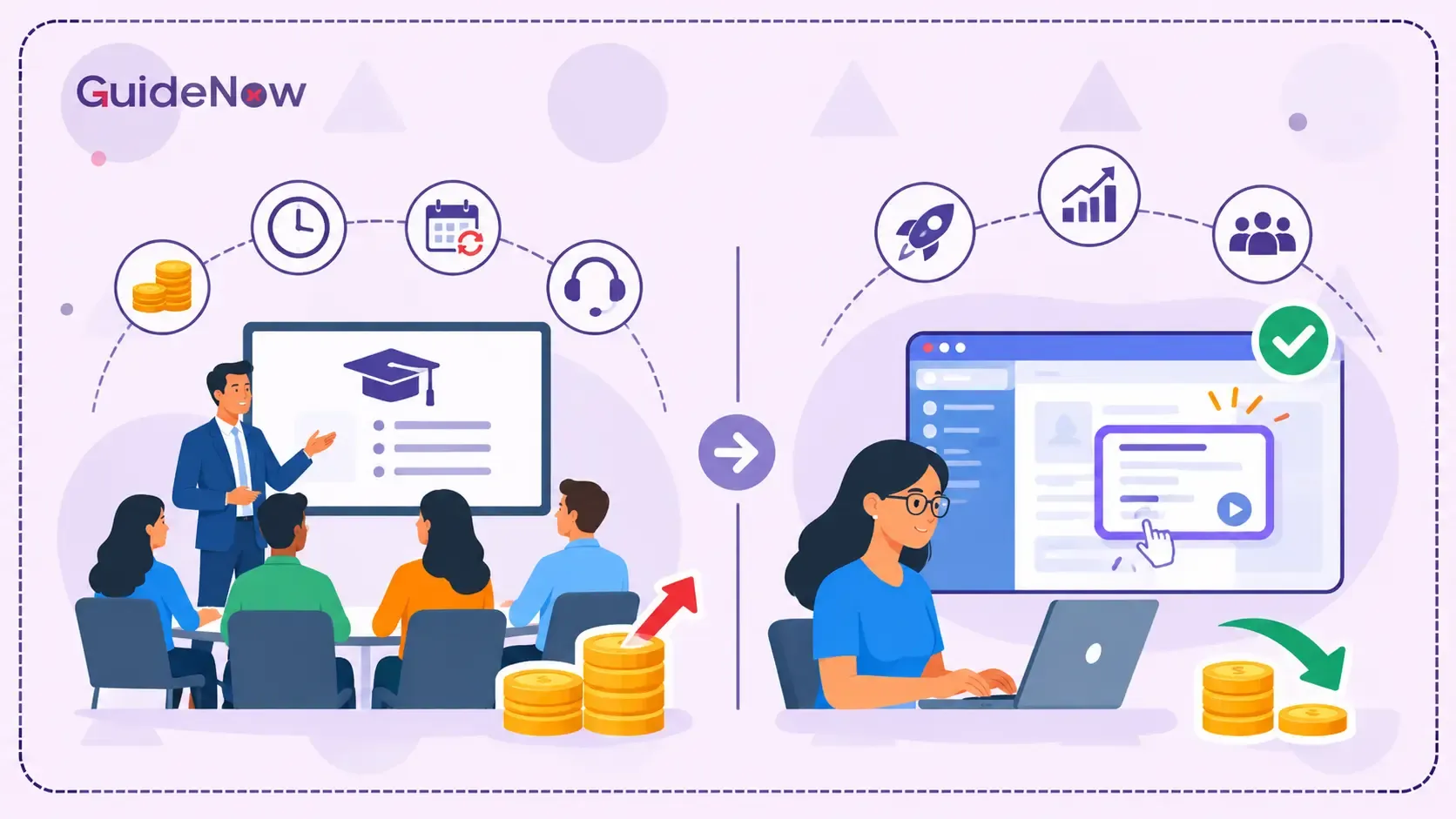
Traditional training remains useful for introducing applications, explaining business processes, and building foundational knowledge. However, it becomes less effective when employees need continuous assistance across multiple tools.
Organizations should consider combining structured learning with contextual support delivered directly inside applications.
| Training approach | Traditional training | In-app guidance |
| Learning experience | Classroom sessions, videos, and documentation | Step-by-step guidance inside applications |
| Timing | Usually before employees perform tasks | Available during actual work |
| Context | General software instructions | Guidance based on the current workflow |
| Software updates | Materials require manual revisions | Guidance can be updated within the application |
| Employee support | Users search documentation or contact support | Users receive contextual assistance |
| Scalability | Separate training programs may be required | Guidance experiences can be reused and managed across user groups |
| Best suited for | Foundational learning and complex concepts | Practical execution and ongoing software assistance |
The two approaches are not mutually exclusive. Formal training helps employees understand what an application does, while contextual guidance helps them perform specific tasks correctly.
This combination is particularly valuable for organizations implementing Enterprise Software Training across multiple departments.
How to Manage SaaS Sprawl Without Increasing Training Complexity
Reducing the number of applications is one way to simplify enterprise technology environments, but eliminating every specialized tool is not always practical.
Organizations need a strategy that balances application governance with employee enablement.
Here are six practical steps.
1. Audit Your Existing Software Portfolio
Start by identifying every application currently used across the organization.
Work with IT, finance, procurement, and department leaders to identify:
- Applications officially approved by IT.
- Tools purchased independently by departments.
- Duplicate applications with overlapping functionality.
- Applications with low usage or limited business value.
- Tools that contain critical business workflows.
A centralized inventory helps organizations understand their actual software environment before introducing additional tools.
2. Standardize Software Selection and Governance
Establish clear guidelines for purchasing and adopting new applications.
Before approving another platform, evaluate whether an existing application can meet the requirement.
A centralized governance process can reduce unnecessary duplication, improve visibility, and make software administration easier.
3. Create Role-Based Training Programs
Not every employee needs to understand every application.
Identify which tools employees use based on their responsibilities and build training around specific roles.
For example:
- Sales teams need CRM navigation, opportunity management, and reporting guidance.
- HR teams need employee management, payroll, and recruitment workflows.
- Finance teams need invoice processing, expense management, and approval guidance.
- Operations teams need project tracking, resource management, and process documentation.
This approach makes Employee training for enterprise software more relevant because employees learn the applications and workflows they actually use.
4. Introduce Contextual Learning Inside Applications
Instead of expecting employees to remember every training instruction, provide help while they perform tasks.
In-App Guidance can include interactive walkthroughs, tooltips, hotspots, contextual prompts, and step-by-step instructions.
For example, when an employee opens a CRM for the first time, a walkthrough can explain how to create a contact, update an opportunity, and complete essential activities.
When the same employee returns later to perform an unfamiliar task, contextual instructions can provide assistance without requiring another training session.
This approach supports Just-in-time employee training, allowing users to learn while completing actual work.
5. Automate Onboarding and Learning Resources
Organizations should avoid creating every training resource manually.
Reusable onboarding guides, interactive checklists, and application-specific learning resources can reduce repetitive work for training administrators.
A well-structured Employee Onboarding Software process should also account for different roles, access requirements, application permissions, and learning needs.
Following saas onboarding best practices means providing relevant guidance throughout the employee lifecycle rather than limiting training to the first few days.
6. Measure Training Effectiveness and Application Usage
Training completion alone does not prove that employees can use software effectively.
Organizations should measure practical outcomes, including:
- Time required to complete important workflows.
- Completion rates for guided processes.
- Feature adoption across departments.
- Repeated support requests.
- Employee onboarding time.
- Errors and incomplete transactions.
These metrics help organizations identify where employees struggle and which applications require additional support.
How Digital Adoption Platforms Simplify Training Across Multiple Applications
Managing training across an expanding software portfolio requires more than centralized documentation.
Organizations need a way to deliver practical instructions where employees interact with software.
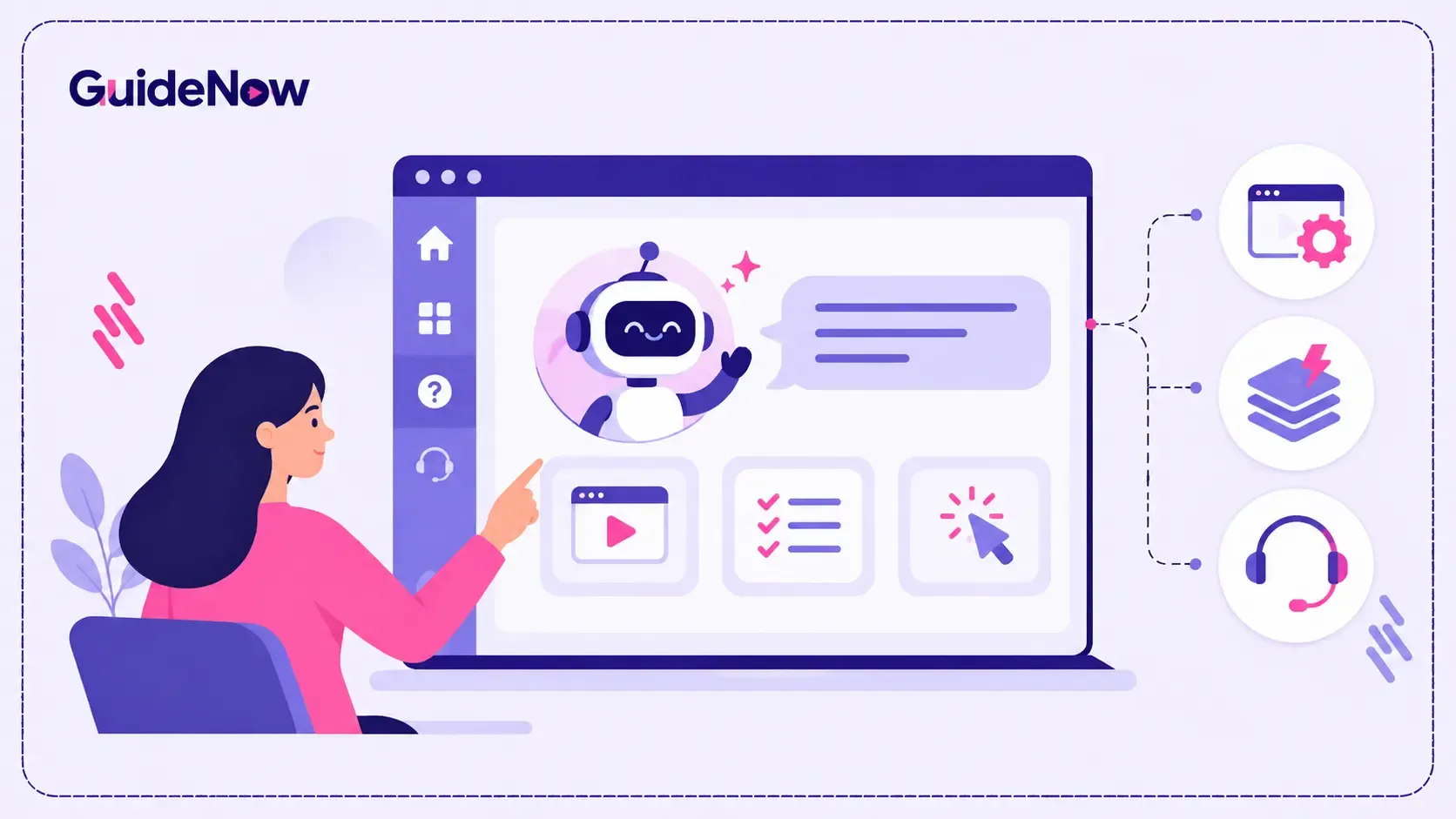
A Digital Adoption Platform provides contextual learning and assistance within applications, helping users navigate interfaces and complete workflows more confidently.
Depending on the platform and deployment model, these capabilities can include:
Interactive walkthroughs: Guide employees through important application workflows with step-by-step instructions.
Contextual tooltips: Explain unfamiliar buttons, fields, and features without requiring employees to leave the application.
Onboarding checklists: Help new users complete essential setup activities and understand important application functions.
Announcements and targeted messages: Inform employees about new features, interface changes, and updated business processes.
Usage analytics: Identify where employees struggle, which guides they use, and where additional training may be necessary.
For example, an organization introducing a new CRM does not need to rely exclusively on lengthy training sessions. It can provide guided instructions for creating leads, updating customer records, and managing opportunities directly inside the application.
Similarly, employees using HR or finance software can access instructions while completing specific activities.
This is where In-App Guidance Software becomes useful. It connects training resources with real application experiences rather than treating learning and daily work as separate activities.
For organizations exploring technology adoption software, platforms such as GuideNow illustrate how interactive guidance, contextual assistance, and onboarding experiences can support employees within enterprise applications.
The goal is not to replace formal learning programs. It is to make the knowledge employees receive accessible when they need to apply it.
What Should Organizations Look for in a Scalable Software Training Solution?
Choosing the right solution requires evaluating more than the number of training resources a platform can host.
Organizations should consider whether the solution can support their application environment and employee requirements.
Important capabilities include:
- Cross-application compatibility: Can the solution support the applications employees use across departments?
- No-code content creation: Can administrators create and update walkthroughs without depending heavily on developers?
- Role-based targeting: Can different instructions be delivered to different employee groups?
- Real-time assistance: Can users access contextual help while performing actual tasks?
- Analytics and reporting: Can administrators identify adoption gaps and measure guide effectiveness?
- Scalability: Can the platform support additional applications, employees, and workflows as the organization grows?
- Security and governance: Does the solution align with enterprise requirements for access, privacy, and data protection?
The right combination of capabilities helps organizations build a consistent learning experience without creating a separate training burden for every new application.
Conclusion: Make Software Training Scalable as Applications Multiply
Enterprise software environments are becoming increasingly complex. Organizations now manage extensive collections of applications, each with its own interfaces, workflows, features, and learning requirements.
The difference between 118 and 305 applications across separate 2026 research datasets highlights the scale of this challenge, even though the figures are not directly comparable.
The real problem is not simply the number of applications an organization owns. It is whether employees can use those applications confidently and consistently without spending excessive time searching for instructions or requesting support.
Reducing unnecessary applications, improving software governance, introducing role-based learning, and providing contextual assistance can make a significant difference.
Ultimately, organizations need to move beyond one-time training sessions and adopt continuous learning approaches that support employees during everyday work.
As software portfolios continue to expand, the organizations that make learning accessible within applications will be better positioned to improve productivity, strengthen adoption, and get more value from their technology investments.
Frequently Asked Questions(FAQ’s)
1. What is SaaS sprawl, and why is it a problem for businesses?
SaaS sprawl occurs when organizations accumulate numerous cloud-based applications across departments without sufficient centralized visibility or coordination. It can increase software costs, create overlapping tools, complicate employee training, and introduce security and compliance risks.
2. How many SaaS applications does the average company use in 2026?
BetterCloud reports an average of 118 SaaS applications per company in 2026. Separately, Zylo's 2026 research reports an average of 305 applications across its dataset. These figures use different methodologies and should not be treated as a direct comparison.
3. How does SaaS sprawl affect employee training?
A growing application portfolio requires employees to understand multiple interfaces, features, and workflows. This increases training requirements, makes documentation harder to maintain, and creates knowledge gaps when employees cannot remember instructions during actual work.
4. How can organizations train employees across multiple enterprise applications?
Organizations can combine role-based training, centralized learning resources, interactive walkthroughs, contextual tooltips, and in-app assistance. This allows employees to learn application-specific workflows while performing their daily responsibilities.
5. Can a digital adoption platform reduce software training time?
Yes. A digital adoption platform can provide interactive walkthroughs, contextual instructions, onboarding checklists, and real-time assistance within applications. These capabilities can reduce dependence on repeated instructor-led sessions and help employees complete unfamiliar workflows more independently.