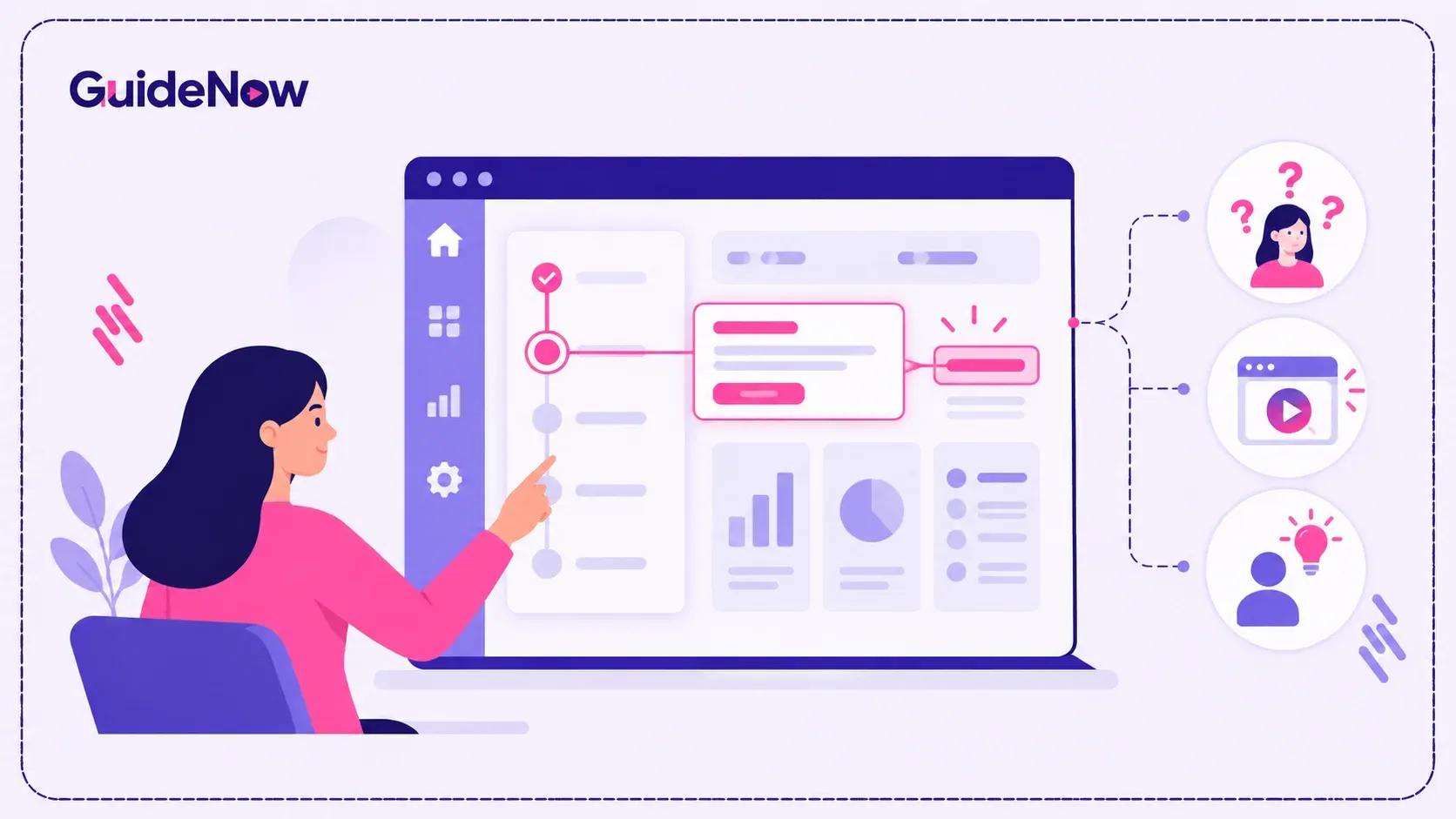
A successful User Onboarding experience should help people move from “I have access” to “I know how to use this” with as little uncertainty as possible. Yet onboarding friction can appear at almost every stage: users may not know where to start, encounter too many steps, miss important features, or leave the application to search for answers.
These problems are particularly common in SaaS and enterprise applications where users have different roles, workflows, permissions, and levels of technical familiarity.
The solution is not necessarily more documentation or longer training sessions. Modern onboarding focuses on delivering relevant guidance inside the application, at the moment a user needs it. Gartner describes digital adoption platforms as technologies that provide in-application guidance to improve adoption, proficiency, and engagement. [Source: Gartner, Market Guide for Digital Adoption Platforms.]
This article examines seven common onboarding friction points, why they occur, and what organizations should look for when evaluating an in-product approach to reducing them.
What Are the Most Common User Onboarding Friction Points?
The most common friction points include unclear starting points, excessive cognitive load, complicated workflows, generic guidance, poor feature discovery, dependence on external support, and a lack of feedback about where users struggle.
These issues matter because onboarding is not simply about completing a tour. It is about helping users reach their first meaningful outcome and building enough confidence to continue using the software independently.
1. Users Do Not Know Where to Start
One of the earliest onboarding problems occurs immediately after login.
A new user may see a dashboard containing dozens of menus, buttons, reports, settings, and workflows without knowing which action matters first. Even when the software is powerful, an unfamiliar interface can create decision fatigue.
This is especially common with enterprise applications. Different users may need different workflows, so presenting everyone with the same generic introduction does not necessarily help.
A better approach is to provide contextual direction based on the user's role or objective. Instead of explaining every feature, onboarding should answer a simple question:
“What should I do first to achieve my goal?”
A focused welcome experience, role-specific checklist, or contextual prompt can reduce the number of decisions a new user has to make.
The objective is not to teach the entire application on day one. It is to establish a clear path toward the first meaningful success.
2. Traditional Tours Overload Users With Information
A long product walkthrough can appear helpful but often creates another form of friction.
When users encounter ten, fifteen, or twenty steps before they can perform their actual task, they have to remember information they may not immediately need. By the time they reach the relevant feature, much of the explanation may already be forgotten.
This is where in-app onboarding can be more effective than a one-time walkthrough.
Instead of explaining everything upfront, organizations can progressively introduce functionality as users encounter it. A tooltip can explain a control when the user reaches it. A contextual prompt can introduce a feature when it becomes relevant. A checklist can show progress without forcing users through every feature.
This approach follows a simple principle:
Show users what they need when they need it—not everything they might eventually need.
3. Critical Workflows Are Too Difficult to Complete
Onboarding friction becomes more serious when users understand the interface but still cannot complete an important workflow.
Consider a CRM, ERP, HR system, analytics platform, or financial application. Completing a task may require multiple screens, fields, permissions, and decisions. A user can understand individual features and still become stuck when those features have to be used together.
This is where in-app guidance becomes particularly valuable.
Rather than directing users to a separate help center, contextual assistance can guide them through the workflow itself. Step-by-step instructions can appear alongside the relevant interface elements, reducing the need to switch between documentation and the application.
For organizations evaluating user onboarding software, this distinction is important. A platform should not only create attractive tours; it should help users accomplish meaningful tasks.
The key evaluation question is:
Can the solution guide users through the workflows that determine successful adoption?
4. Every User Receives the Same Onboarding Experience
A finance administrator, sales representative, manager, and analyst may all use the same application differently.
Giving each person identical onboarding can therefore create two problems. Some users receive information that is irrelevant to their work, while other users may never receive guidance about the features they actually need.
Effective onboarding should account for differences such as:
- User role
- Department
- Experience level
- Workflow
- Product usage
- Stage of adoption
- Specific feature or task
This does not necessarily mean creating hundreds of separate onboarding journeys. It means making guidance more relevant.
For example, a new sales user might receive guidance around lead management and opportunity workflows, while an administrator may need help with configuration and permissions.
Personalization reduces unnecessary information and helps users focus on actions that matter to their responsibilities.
5. Users Cannot Discover Valuable Features
Getting users to complete their first task is only part of the challenge.
Many applications contain valuable capabilities that users never discover. A feature may exist, be documented, and even be included in the customer's subscription, yet remain underused because users do not know it exists or do not understand when to use it.
This creates an adoption gap between available functionality and used functionality.
A contextual approach can introduce relevant features at the right point in the user's workflow. For example, after a user completes a particular action, an in-product prompt can introduce a related capability that can make the next step easier.
This supports product adoption without interrupting the user's primary task.
It also creates a more sustainable approach to feature education. Instead of relying on users to search release notes or documentation, organizations can introduce functionality directly within the product experience.
6. Users Leave the Application to Find Answers
Another major source of friction is the constant need to leave the application.
A user encounters a confusing field, unfamiliar icon, or workflow decision. They open a knowledge base, search through documentation, watch a video, or contact support. After finding the answer, they return to the application and try to remember what they learned.
Every context switch adds effort.
Modern SaaS onboarding increasingly addresses this problem by bringing assistance into the product experience. Contextual help can provide short explanations without requiring users to leave the current workflow.
This is particularly useful for complex enterprise software where documentation alone cannot account for every situation.
The goal is not to eliminate documentation. Documentation remains useful for detailed reference material. The difference is that users should have access to concise, contextual assistance when they need immediate help.
7. Teams Cannot See Where Users Are Struggling
The final friction point is often invisible to users but highly important to product and customer-success teams: a lack of actionable onboarding data.
A team may know that activation is lower than expected, but not know exactly where users abandon the journey.
For example:
- Do users stop during setup?
- Are they skipping an important step?
- Are they repeatedly opening help content?
- Is one workflow causing disproportionate confusion?
- Are users reaching the dashboard but failing to use key features?
Without behavioral insight, teams may respond by adding more training or documentation without addressing the actual problem.
A modern digital adoption platform should therefore provide more than content creation. Analytics should help teams understand how users interact with guidance and where adoption barriers remain.
This turns onboarding from a static project into an improvement cycle:
Identify friction → provide guidance → measure behavior → refine the experience.
How to Evaluate an Onboarding Solution for These Friction Points
Organizations considering onboarding technology should evaluate solutions against actual user problems rather than simply comparing feature counts.
| Onboarding requirement | Basic onboarding approach | Contextual adoption approach |
| Getting started | Generic welcome tour | Role- or goal-based guidance |
| Learning features | One-time walkthrough | Progressive feature discovery |
| Completing workflows | Documentation and training | In-context step-by-step assistance |
| Supporting different users | Same journey for everyone | Targeted experiences |
| Finding answers | External knowledge base | Contextual help inside the application |
| Improving adoption | Completion rates | Behavioral and adoption analytics |
| Handling product changes | Rebuild training materials | Update in-product guidance |
When comparing SaaS onboarding software, buyers should also consider implementation effort, targeting capabilities, analytics, integrations, governance, scalability, and the ability to update experiences without extensive engineering involvement.
The right solution should fit the organization's adoption problem rather than simply provide another layer of content.
The Business Case for Reducing Onboarding Friction
Onboarding friction is not merely a user-experience issue. It can affect software utilization, support demand, productivity, and the return organizations receive from technology investments.
Gartner's research on digital adoption highlights the relationship between digital friction, technology use, efficiency, and business transformation. Its 2024 Market Guide notes that organizations are turning to digital adoption platforms as technology portfolios expand and user burden increases.
Gartner also reported in its 2025 research that digital adoption platforms can reduce digital friction and improve user engagement and proficiency through in-application guidance.
McKinsey's technology adoption research provides another useful perspective: enterprise technologies move through stages from experimentation and piloting to scaling and full adoption. Its 2024 analysis found that the share of organizations reporting technologies as fully scaled or scaling varied considerably by technology, illustrating why deployment alone does not equal adoption.
For organizations evaluating digital adoption, these findings reinforce an important point: technology value depends not only on whether software is implemented, but also on whether people can use it effectively.
A Simple Framework for Measuring Onboarding Friction
Teams can make onboarding problems easier to diagnose by tracking a small set of outcome-oriented metrics:
Activation rate: How many new users reach the first meaningful milestone?
Time to value: How long does it take a user to complete the action that demonstrates product value?
Workflow completion: Where do users abandon critical tasks?
Feature adoption: Which important capabilities remain underused?
Support dependency: How frequently do users need assistance for common tasks?
Guidance effectiveness: Do users who receive contextual guidance complete workflows more successfully?
These metrics provide a stronger picture than simply measuring whether someone completed an onboarding tour.
Where In-Product Guidance Fits Into the Adoption Journey
Onboarding should not necessarily end when a user finishes the initial setup.
Users continue encountering new features, changing workflows, software updates, and unfamiliar tasks throughout the product lifecycle. This is why SaaS onboarding software and broader adoption technology increasingly overlap with ongoing product education.
A user may need guidance during initial setup today, feature discovery next month, and workflow changes six months later.
That makes contextual assistance useful beyond the first session.
It can support:
- New-user onboarding
- Feature discovery
- Workflow completion
- Product changes
- Self-service assistance
- Adoption campaigns
- Ongoing software education
For enterprise applications, this broader approach can also complement employee software onboarding by extending support beyond the employee's initial orientation period and into day-to-day technology usage.
What Good Onboarding Looks Like in Practice
Good onboarding does not attempt to eliminate every question before a user begins.
Instead, it creates an environment where users can make progress, understand what matters, and get help without excessive interruption.
A strong experience generally has five characteristics:
- Clear direction — users know what action matters next.
- Relevant guidance — information matches the user's context.
- Low cognitive load — users are not forced to learn everything at once.
- Embedded assistance — help appears within the workflow.
- Measurable outcomes — teams can identify and improve friction.
This is also where SaaS onboarding best practices need to evolve beyond traditional tours and checklists. The strongest onboarding experiences connect guidance to actual user behavior and desired outcomes.
Interactive experiences can still play an important role. Interactive product tours are useful when users need an overview of a new interface or feature set, but they should complement—not replace—contextual assistance.
Likewise, product tour software should be evaluated on whether it helps users achieve meaningful outcomes rather than simply producing visually polished walkthroughs.
How GuideNow Addresses These Friction Patterns
GuideNow approaches onboarding through contextual in-application guidance, interactive experiences, tooltips, prompts, and analytics designed to help users navigate software and complete workflows with less friction.
Its role in an onboarding strategy is best understood as a layer between the application and the user: instead of requiring users to learn everything beforehand, relevant guidance can appear within the experience as users encounter unfamiliar tasks or capabilities.
That approach can help organizations address the seven friction patterns discussed above while also providing visibility into how users interact with guidance.
The important principle is broader than any individual tool:
The closer assistance is to the moment of friction, the less effort users need to spend finding the answer themselves.
Conclusion: Reduce Friction Where Users Actually Experience It
The biggest onboarding problems are rarely caused by a complete absence of training. More often, users receive too much information at the wrong time, cannot identify their next action, struggle with complex workflows, or have no convenient way to get help when they become stuck.
That is why effective User Onboarding should be treated as an experience-design and adoption challenge—not simply a training exercise.
The seven friction points provide a practical diagnostic framework:
- unclear starting points,
- information overload,
- difficult workflows,
- generic experiences,
- poor feature discovery,
- external help dependency, and
- limited visibility into user behavior.
Organizations that address these issues can create onboarding experiences that are easier to navigate, more relevant to individual users, and better connected to measurable adoption outcomes.
The ultimate goal is not to make users complete more onboarding steps.
It is to help them reach value faster, complete important work confidently, and continue discovering the value of the software after onboarding is over.
Frequently Asked Questions
1. What is user onboarding friction?
User onboarding friction is any obstacle that makes it harder for a new user to understand software, complete an important task, or reach their first meaningful outcome. Common examples include confusing interfaces, excessive setup steps, generic walkthroughs, difficult workflows, and limited contextual help.
2. How can businesses reduce onboarding friction?
Businesses can reduce friction by simplifying the first-use experience, focusing users on meaningful actions, providing contextual assistance, personalizing guidance by role or behavior, and measuring where users abandon important workflows. In-product guidance can reduce the need to rely exclusively on external documentation or instructor-led training.
3. Is in-app guidance better than traditional user training?
In-app guidance and traditional training serve different purposes. Formal training can provide broader conceptual knowledge, while in-app guidance provides assistance during actual software usage. For complex applications, combining structured training with contextual guidance can help users transfer knowledge into real workflows more effectively.
4. What should companies look for in user onboarding software?
Companies should evaluate targeting and personalization, interactive guidance, workflow support, analytics, integrations, scalability, governance, ease of content management, and implementation requirements. The most important criterion is whether the solution helps users complete meaningful tasks and improves measurable adoption outcomes.
5. How is onboarding connected to digital adoption?
Onboarding is an important early stage of digital adoption, but adoption continues after initial setup. Users still need help discovering features, adapting to product changes, completing complex workflows, and building proficiency. A broader adoption strategy therefore supports users throughout the software lifecycle rather than stopping when onboarding is complete.